How to Boost an Instagram Post: Steps, Cost, Goals
Learning how to boost an Instagram post takes about two minutes of tapping and roughly ten minutes of thinking about who should see it. The tapping is the easy half, so I'll get it out of the way first, then spend the rest of this on the decisions that actually move the number you care about.
NL Nora Lindell, Growth editor · Updated Oct 6, 2026 · 7 min read
Short answer
Switch to a professional account, open the post and tap Boost, then set Goal, Audience, Budget and Duration. Tap Next, preview the placements and tap Boost post; the ad runs once it clears review. Boosting from instagram.com avoids the 30% Apple service fee charged on iOS ad payments.
The Boost flow, start to finish
Two things have to be true before that button does anything. Your account has to be professional (business or creator), and you have to be over 16. If you've never boosted before, Instagram will prompt you to pick an ad account to connect to, and you can either use an existing Facebook ad account or keep the two separate.
Here's the flow in the Instagram app, using the labels you'll actually see on screen:
- Go to your profile.
- Tap the post you'd like to boost.
- Below the post's image, tap Boost.
- Fill in Goal, Audience, Budget and Duration, then tap Next.
- Tap Preview ad to check placements and control Advantage+ creative.
- Tap Boost post.
Where you start the boost changes the price
Same ad, same audience, different bill depending on which screen you opened.
In most regions, an Apple service fee of 30% of your total ad payment, before any taxes and local fees, may apply when you add funds to your ad account in the Instagram iOS app. Apple keeps that fee, not Instagram or Meta. Where it applies, a ten dollar top up loses three dollars before a single person sees the post.
So I'd skip the iOS app for boosting. Open instagram.com in Safari or Chrome on the same phone and the flow is nearly identical: click Profile, select the post, click Boost, fill in Goal, Audience, Budget and Duration, then select Boost post. Fifteen seconds of extra effort, and the Apple fee is off the table.
Reels have an extra wrinkle. Boost one in the iOS app and you'll need to pay with available funds, which is exactly where that fee lands.
| Entry point | Trade-off |
|---|---|
| Instagram iOS app | 30% Apple fee may apply |
| Instagram Android app | Full Boost flow, no Apple fee |
| instagram.com browser | Same flow, avoids the fee |
| Meta Ads Manager | More control, longer setup |
How is your account doing?
Enter a username. The free scan reads your public numbers and compares them with accounts your size. No login.
How to boost an Instagram post toward a goal you can measure
The Goal field decides who Instagram goes looking for, so a mismatch here quietly wastes the whole budget. Profile sends people to your profile, Website sends them to a page, Direct messages opens a conversation thread.
Say you run a two chair barbershop and you boost a before and after cut. If your booking link lives in bio and nowhere else, Website is the honest choice. If you'd rather people scroll a month of your work and then book, Profile. If half your bookings already arrive in DMs, Direct messages. Picking Profile and then judging the campaign by sales is how people decide ads "don't work."
Different shape, same logic: a ceramics studio with eight seats in a Saturday class. The goal there is twelve people clicking through to a booking page in four days, not brand warmth, so Website wins and the creative should show the class, not the kiln.
Then there's Audience. Suggested audience reaches people similar to those who already engage with you, which is a reasonable default once you have a real base. I'd skip the suggested option when your current following is mostly friends, old classmates or accounts from a city you no longer serve, because the system will faithfully go find more of them. In that case choose Create your own and set Locations, Interests and Age and gender yourself. A barbershop in one neighborhood should be targeting a radius, not a country.
One rule I hold to: pick the goal before you pick the budget, never the other way around. Budget first is how a thirty dollar test turns into a vague awareness campaign nobody can grade.
| Goal | Best for |
|---|---|
| Profile | Building awareness, follows |
| Website | Bookings, sales, landing page |
| Direct messages | Quotes, questions, services |
Budget and duration without guessing
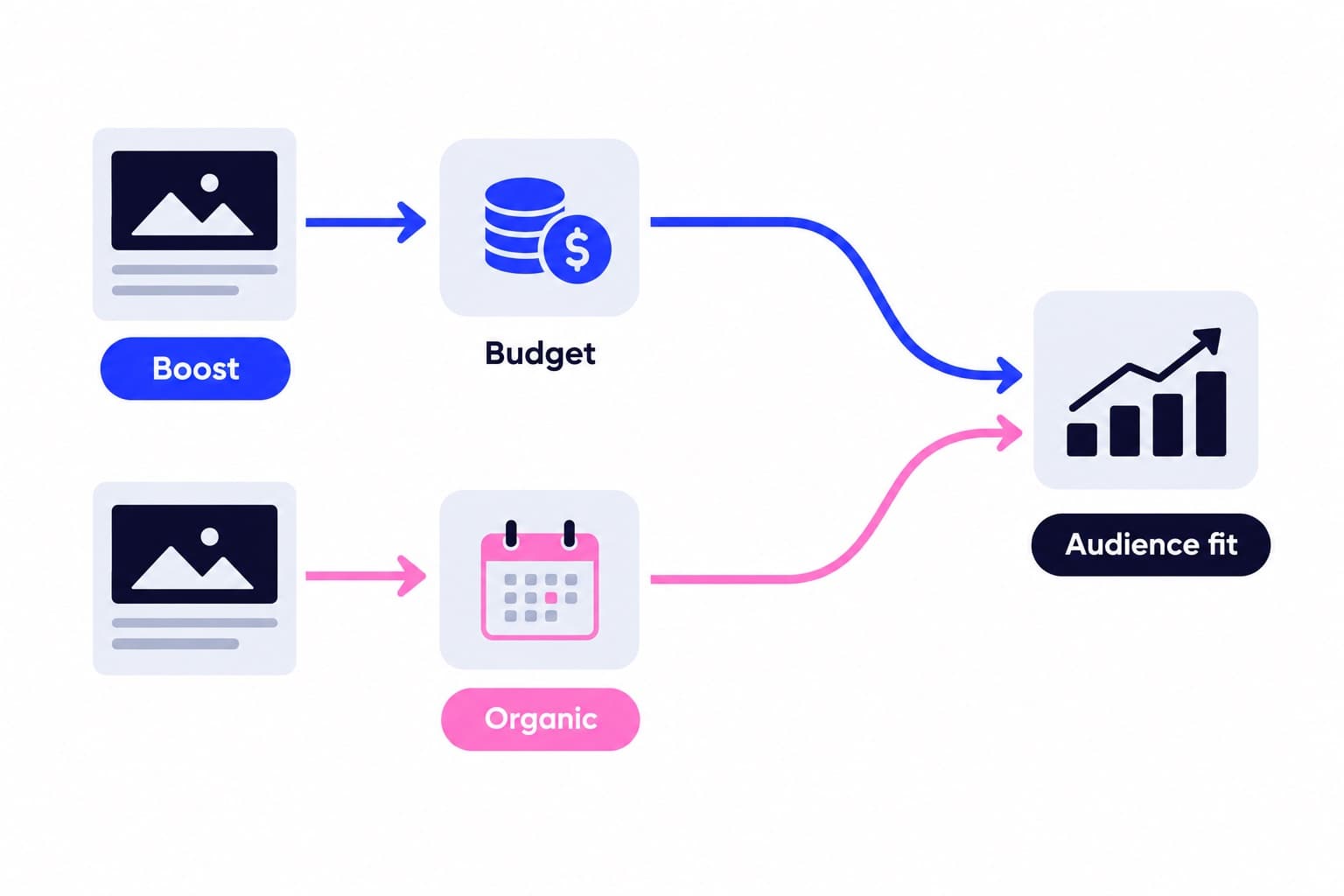
There's no subscription price for boosting. Budget is what you want to spend daily, Duration is how long it runs, and the total is the two multiplied, before taxes and fees. Three dollars a day for ten days is thirty dollars. That's the entire pricing model.
Give the delivery system room. Meta recommends at least seven days, and pausing early interrupts the learning phase. If you want to change something mid flight, you generally have to delete the ad and boost the post again.
Boost a post that already earns comments and saves from people who aren't your followers. That's the signal worth paying to widen.
If what you actually want is a steady monthly pace rather than a one week burst, our plan ranges and what each one covers are published by size, starting from the smallest monthly plan, so you can compare that against a boost budget on the same page.
Reading the results after it runs
Once the ad is live, boosted content unlocks ad insights on top of your normal numbers: ad goal results, cost per ad goal and spend. In the app, open Professional dashboard, go to Ad tools, then Past ads under Manage, and tap View insights on the promotion you want.
The two numbers I'd write down are cost per goal result and profile activity. If you spent sixty dollars and twelve people followed because of the ad, that's five dollars a follower, which can be fine for a service business and rough for a nine dollar product.
Keep your organic baseline separate from the ad's contribution. Our free Instagram engagement rate tool gives you a quick read on how your audience responds in general, which makes a useful before and after marker around a campaign.
- Results: how your chosen goal performed
- Reach: unique accounts that saw it
- Impressions: total times it was shown
- Profile activity: visits, follows, messages
Boosting versus a steady monthly pace
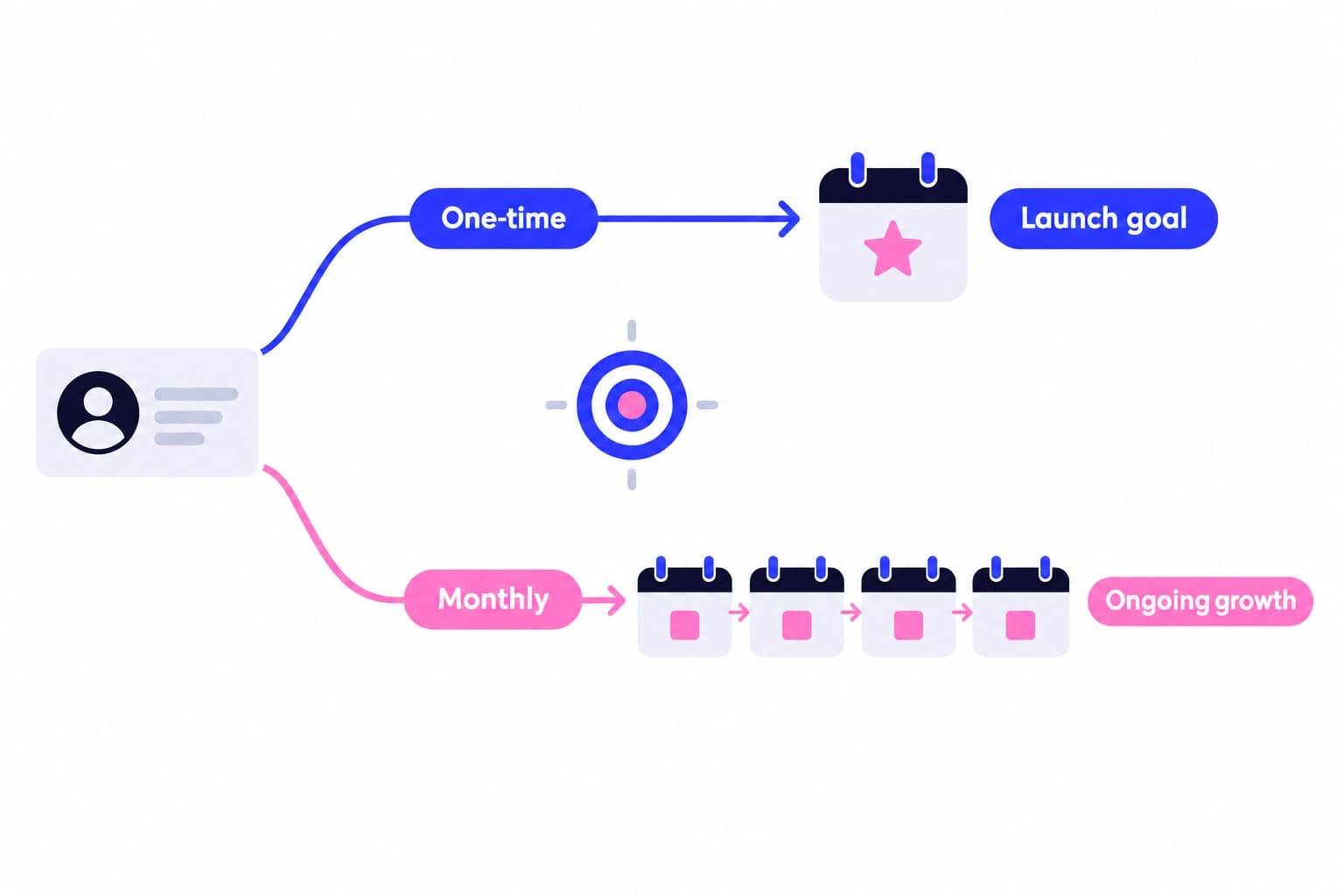
A boost is a burst. It runs, it spends, it stops, and the reach stops with it. That's genuinely good for anything with a date on it: a pop up on Saturday, a launch, a workshop with twelve seats.
What it isn't is a pace. If your profile looks quiet to the people a boost sends there, a seven day campaign doesn't change that on day eight. That's where a monthly plan does different work: Ganicly's Instagram growth plans promote your public profile to a targeted audience at a steady daily pace, and the mechanics are laid out on how it works, with no password involved at any point.
The combination is what I'd aim for. Paid reach puts your best post in front of new people this week; a steady plan keeps promoting your profile to your chosen audience between campaigns, so there's no gap when the boost ends.
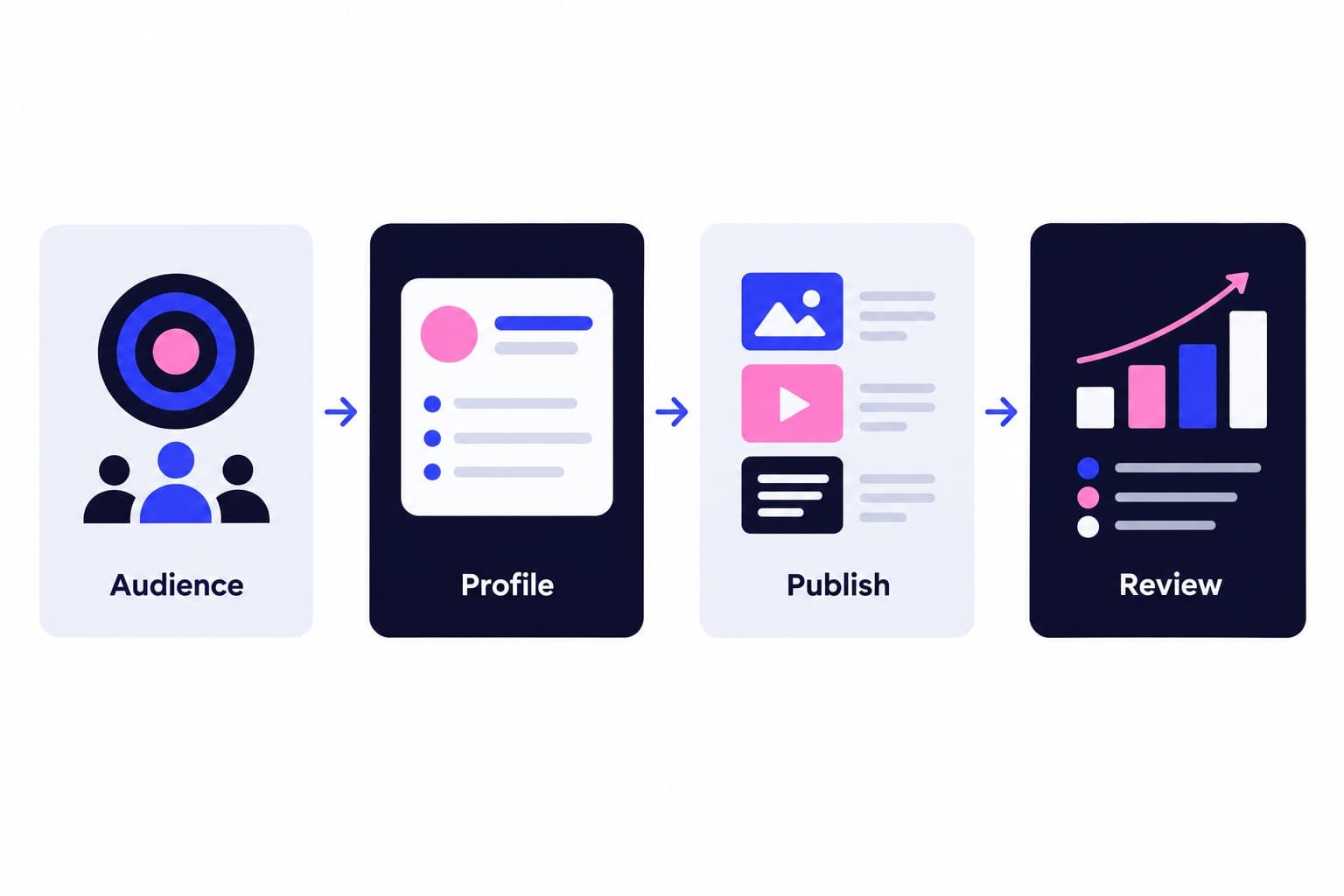
The sequence for a small account is usually: make the profile legible in three seconds, publish on a rhythm you can hold, then put money behind the posts that already proved themselves. A free profile scan shows you what a cold visitor sees before you spend anything on reach.
Pick a pace
Questions
Is boosting a post on Instagram worth it?
It's worth it when you have a post that already performs with non followers, a specific audience and a goal you can count. A dated offer, a local service or a clear demo of what you sell are strong candidates. Pair it with a profile that answers who you are quickly, so the people the ad sends have a reason to follow or message you.
Can you boost an Instagram post after posting it?
Yes. Boosting exists precisely to turn an existing post into an ad. Go to your profile, tap the post, and tap Boost below the post's image, then set Goal, Audience, Budget and Duration. Nothing forces you to boost immediately, though a post tied to a specific date obviously loses value once that date has passed.
How to get 1000 likes per post on Instagram?
Start with a post that already beat your average organically, because that's proof the content lands, then boost it to people who resemble your best followers. A monthly growth plan covers the time between campaigns by promoting your profile to a targeted audience at a steady daily pace.
How much does it cost to boost a post on Instagram?
You choose it. Budget is your daily spend and Duration is how many days it runs, so the total is one multiplied by the other, before taxes and local fees. Five dollars a day across seven days is thirty five dollars. Fund the ad account through instagram.com rather than the iOS app to avoid the 30% Apple service fee.
Why is the Boost button not showing on my post?
Usually eligibility. You need a professional account and to be over 16 to create ads on Instagram, and some content isn't boostable: reels with tappable elements and videos whose resolution is too low both get blocked. Ad account connection problems cause the same symptom. If the app keeps failing, run the ad from instagram.com or Ads Manager instead.
Where do boosted Instagram posts appear?
Boosted posts appear in Explore, Home feed, Explore feed, profile feed and Stories. You can see the exact placements before you commit by tapping Preview ad in the setup flow, which is also where you control Advantage+ creative. Instagram reformats the post automatically so it fits vertical slots like Stories and Explore.
How do I check how my boosted post performed?
Open your profile, tap Professional dashboard, go to Ad tools, then Past ads under the Manage section. Find the promotion and tap View insights. You'll see results for your chosen goal, reach, impressions, engagement and profile activity, plus ad specific numbers like cost per ad goal and total spend.