Creator vs Business Account Instagram: Which Fits?
The creator vs business account Instagram decision starts with the job your profile does: attracting people to your work, or helping customers act. I'd choose around that job rather than the label that sounds more professional. Plenty of the tools you'll use every week are shared.
NL Nora Lindell, Growth editor · Updated Oct 6, 2026 · 7 min read
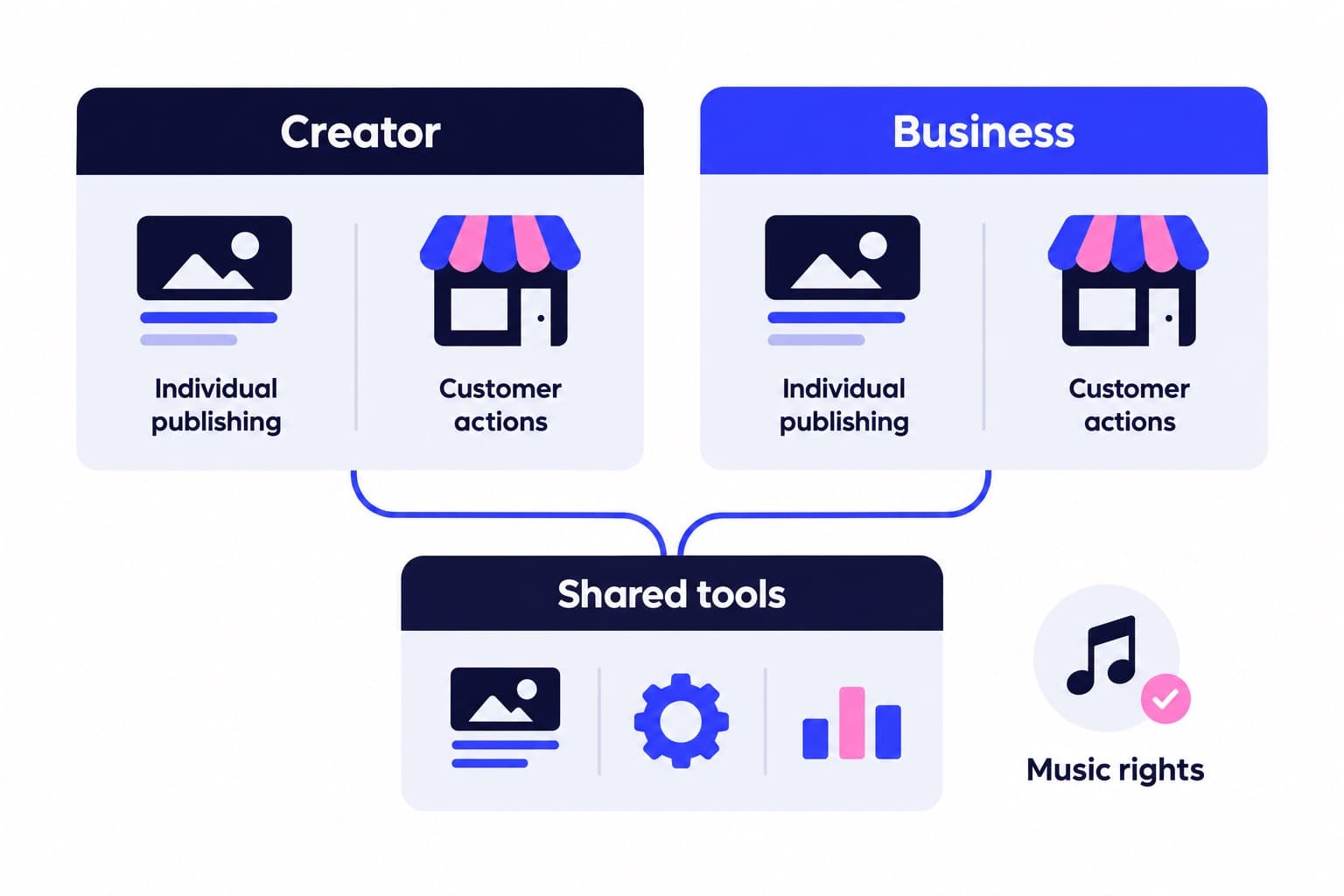
Short answer
Choose Creator for your expertise, personality or creative work, and Business for a shop, brand or customer facing service. Both are free, public professional accounts with Insights, ads and organized messages. The practical differences are music access and business action buttons.
Creator vs business account Instagram: the practical differences
Choose Creator when the audience follows a person and their content. Choose Business when the profile represents a retailer, local business, brand or service business. That's also how Instagram divides its recommendations: Creator for public figures, content producers, artists and influencers; Business for customer-facing organizations.
Both are professional accounts, and both are free. You get Insights, advertising tools, contact information and message management with either choice. Neither professional type can be private.
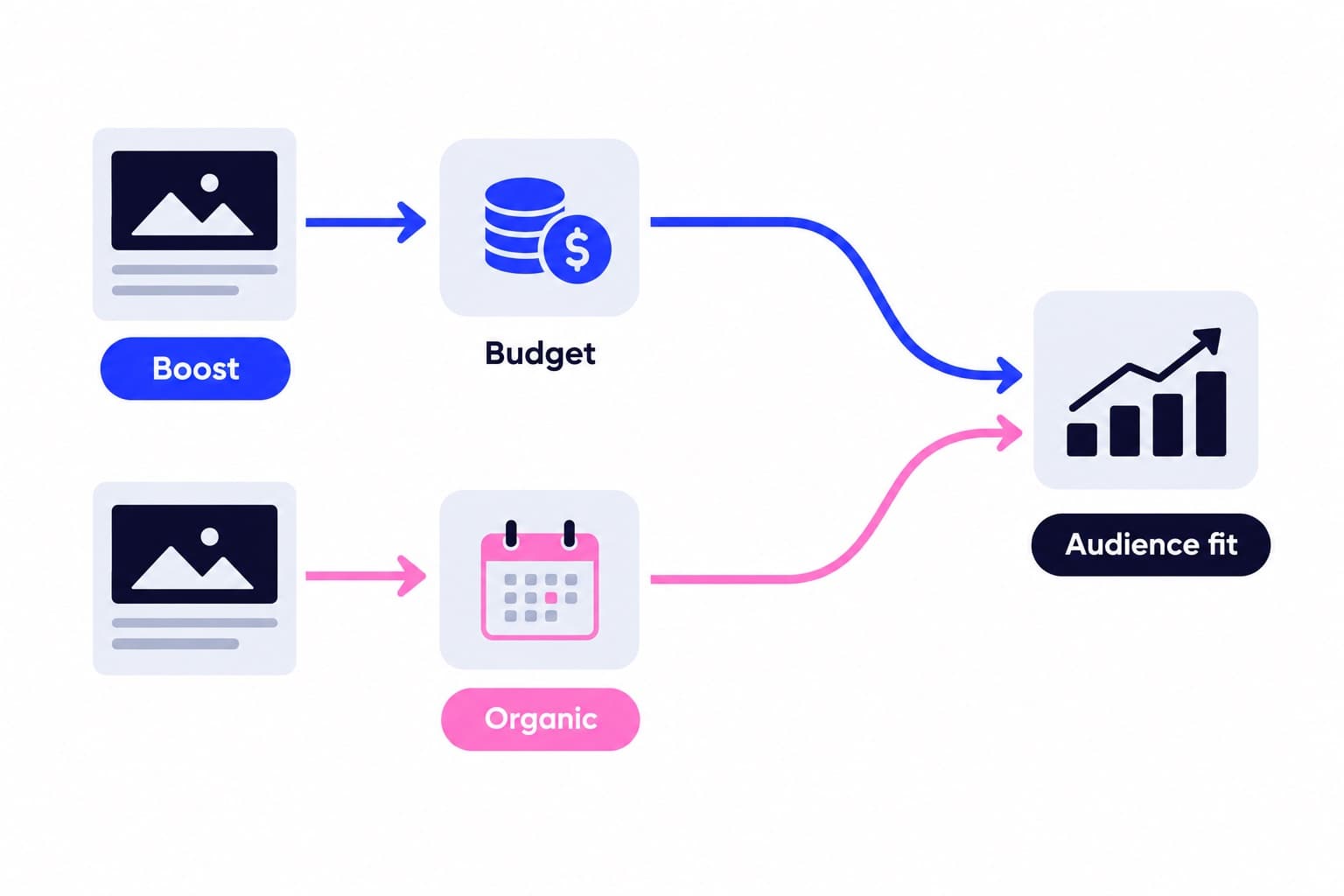
The useful comparison isn't a long checklist suggesting one gets analytics and the other gets ads. Those tools are shared. Start with the account's purpose, then look closely at music access and any customer action button your workflow needs.
| Feature | Creator | Business |
|---|---|---|
| Best fit | People and personal brands | Shops, brands and services |
| Account cost | Free | Free |
| Insights | Account and content data | Account and content data |
| Advertising | Supported | Supported |
| Contact information | Email, phone, directions | Email, phone, directions |
| Category label | Show or hide | Show or hide |
| Professional inbox | Primary, General, Requests | Primary, General, Requests |
| Profile privacy | Public | Public |
Choose for the profile's main job, not your job title
Selling something doesn't automatically make Creator the wrong choice. An artist can sell commissions while building an audience around their work. A founder can publish under their own name without making that profile the company's storefront.
Say you're a landscape photographer posting field tutorials, editing breakdowns and occasional print releases. I'd start with Creator because people are following your perspective. If you also run a separate photography studio profile where customers compare packages and arrange sessions, Business is the more natural starting point for that account.
I'd skip choosing Business simply because it sounds more established. A clear portfolio, useful contact route and consistent content do more to explain your work than the account-type label. The deciding question is what someone should do after landing on the profile.
- Audience follows your voice, work or expertise: start with Creator.
- Customers visit to find a company, location or service: start with Business.
- One profile does both: choose around its main visitor action.
How is your account doing?
Enter a username. The free scan reads your public numbers and compares them with accounts your size. No login.
Music access and commercial use are different questions
Music is a meaningful difference, but the popular claim that Creator means unrestricted music is too broad. Instagram says certain business accounts and certain post types don't have access to its licensed library; availability also varies by country or region.
The more important distinction is usage. Instagram's licensed music library is intended for personal, non-commercial use. A song appearing in your picker doesn't establish permission for a promotional video, and choosing Creator doesn't change that rule.
For commercial content, Meta's Sound Collection provides over 14,000 songs and sounds that can be used commercially, including in ads. Instagram identifies them as royalty free and safe for Reels and Stories.
I'd select the audio before building a promotional edit around it. In the Reels camera, tap Audio; in Stories, swipe up and select the music sticker. Choose a commercially cleared track for a product launch, then time your cuts to that track rather than rebuilding the video later.
How to set up Creator or Business from Personal
Use this route if you currently have a personal account. The category selection and the account-type selection are separate: Instagram explicitly says your category doesn't determine whether you set up Creator or Business.
After the selection flow, you'll have access to Professional dashboard. Creator setup includes optional profile steps, which you can leave by tapping X in the top-right corner.
For the business setup steps, add contact details and tap Next, or choose Don't use my contact info. Connecting a Facebook Page is optional during setup: choose Log in to Facebook to connect one, or Skip to continue without it. Instagram recommends connecting a Page to get more from its business tools.
Here's the app sequence, using Instagram's current labels:
- Tap Profile or your profile picture in the bottom right.
- Tap More to open Settings and activity.
- Below For professionals, tap Account type and tools.
- Select Switch to professional account.
- Select your category, then tap Switch to professional account.
- Choose Creator or Business, then tap Next.
How to check and change an existing professional account
Check your own settings rather than guessing from a public category such as Artist or Consultant. On instagram.com, click More, then Settings. Instagram's switching instructions show Creator tools and controls for Creator accounts and Business tools and controls for Business accounts.
From that desktop section, click Switch account type, choose the destination type and click Switch. The app route is below.
Returning to Personal is a different change from moving between Creator and Business. Instagram says a return to Personal removes advertising access and disconnects the linked Facebook Page. Its personal-account guidance also names Meta Business Suite and Meta Ads Manager among the business tools you'll lose.
Don't assume that means every Insight disappears. The current guidance says public personal accounts still have dashboard and Insights access. After any change, check your profile display and the tools you actually use instead of relying on an old feature comparison.
- Tap Profile or your profile picture in the bottom right.
- Tap More to open Settings and activity.
- Tap Account type and tools, then Account type.
- Tap Switch account type and choose the type you want.
- Tap Switch to confirm.
Make the chosen profile ready for new visitors
Once you've chosen the type, look at the profile as someone arriving from a Reel would. Can they tell what you do, who it's for and where to go next? For the photographer example, that could mean a clear specialty in the bio, a pinned tutorial and a visible route to print releases or session information.
Use Ganicly's free profile scan to review your profile and identify improvements alongside the performance data in Insights. I'd fix an unclear bio or missing next step before adding more audience exposure.
When you're ready to bring that public profile to more relevant people, Ganicly's monthly Instagram growth plans promote it to a targeted audience at a steady daily pace, starting from the smallest monthly plan. Ganicly never asks for your password.
Pick a pace
Questions
What happens if I switch to a creator account on Instagram?
Your profile becomes a Creator professional account with access to Insights, ads, contact options and an organized inbox. Switching from Business changes your professional account type rather than creating a new profile. If you're switching from a private personal account, Instagram makes it public and automatically accepts pending follow requests. Review your category and contact display during setup.
How to tell if someone has a creator or business account on Instagram?
You can't reliably identify someone's account type from their category label or Contact button alone. Both professional types support those features, and the category doesn't determine the account type. For your own account, check settings: on instagram.com, Creator tools and controls or Business tools and controls identifies the professional type.
Is creator account on Instagram free?
Yes, an Instagram Creator account is free, as is a Business account. There's no account-type subscription required to access their professional tools or switch between them. Advertising and third-party services are separate spending choices. Pick the account type that fits your work, then decide independently what promotion or other services you want.
Can creator and business accounts both run ads?
Yes, both Creator and Business accounts can run ads. Instagram lists advertising among the shared professional-account features, including access to Meta tools for ads across Instagram and Facebook. You don't need Business just to promote content. Choose Business when its customer-facing workflow fits your profile, not because you assume Creator lacks advertising.
Can I switch between creator and business accounts?
Yes, Instagram lets you change your professional account type at any time, keeping your existing profile, posts and followers. In the app, open Account type and tools, then Account type and Switch account type. Choose your destination type and confirm. Afterward, review your displayed information, audio choices and connected publishing or customer tools.
Will I lose Insights if I switch back to a personal account?
Not necessarily: Instagram's current guidance says public personal accounts still have dashboard and Insights access. Returning to Personal does change other tools, however. Instagram says ads become unavailable, the connected Facebook Page is disconnected, and access to some business tools such as Meta Business Suite and Meta Ads Manager is lost.