How to Change Your Instagram Username (and How Often You Can)
How to change Instagram username, in short: open Edit profile, tap Username, type a handle nobody else has, and save. It's the same account afterward, with the same posts and followers. Below I've put the steps first, then the part most guides blur: how often you can do it, and whether you can switch back.
NL Nora Lindell, Growth editor · Updated Oct 6, 2026 · 6 min read
Short answer
Open your profile, tap Edit profile, tap Username, type an available handle and tap Done (checkmark on Android, Submit on desktop). You keep your followers and posts. Instagram publishes no fixed cap on username changes; the twice-in-14-days limit applies to your display name.
How to change Instagram username on iPhone and Android
The steps are the same on both phones. Only the save button looks different.
- Tap your profile picture in the bottom right to open your profile.
- Tap Edit profile, just below your bio.
- Tap Username. This is your @handle, not the bold Name above it.
- Type the new handle. Instagram checks it as you type and flags it if it's taken.
- Tap Done on iPhone, or the checkmark in the top right on Android.
- Go back to your profile and read the new @handle once, letter by letter.
On a computer, or when Username isn't in Edit profile
On a laptop or PC you don't need an app. Sign in at instagram.com, click your profile picture on the left, click Edit profile, change Username and click Submit. That's the whole desktop route.
Some accounts have been moved to Accounts Center, so the field lives there instead. On the website, click More in the bottom left, then Settings, then See more in Accounts Center, then Profiles. Pick the right Instagram profile, click Username, edit it and click Done. In the app the path is the same: Settings, Accounts Center, Profiles. Meta is rolling out Meta Account settings too, so you may see that label instead of Accounts Center.
If you run a personal and a business account on one phone, check the profile picture at the top before you save. Renaming the wrong account is fixable, but it's an annoying extra round of edits.
How is your account doing?
Enter a username. The free scan reads your public numbers and compares them with accounts your size. No login.
How often can you change your Instagram username?
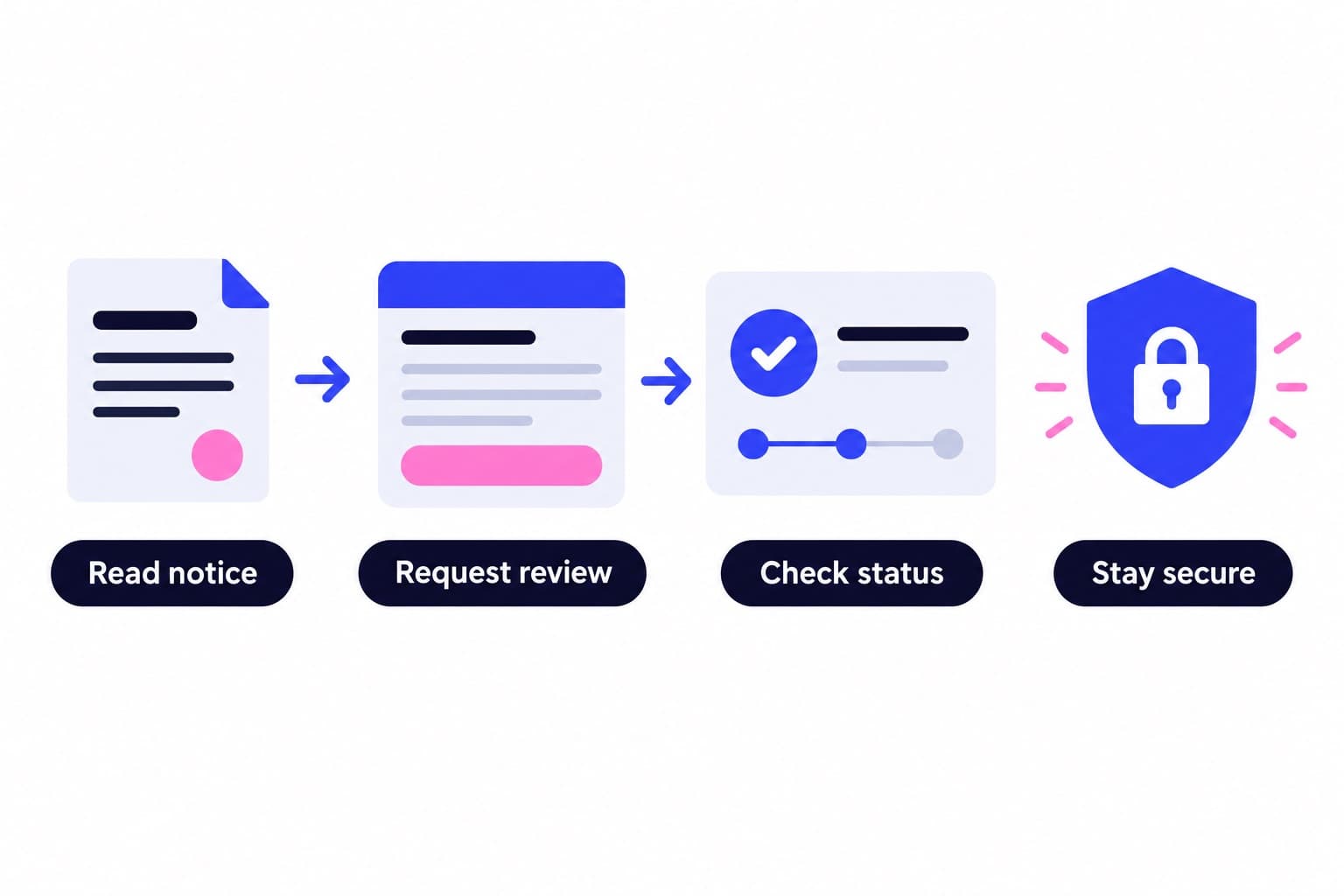
Instagram doesn't publish a fixed number of username changes. Its help page says an available username changes immediately, unless your account reaches a lot of people, in which case the change may be reviewed first and you'll get a notification when it's done.
The hard limit people bump into belongs to Name, your display name. Instagram allows two Name changes within 14 days and tells you so in Edit profile when you hit it. Meta's help page for verified profiles states the same rule: twice every 14 days on Instagram.
Switching back is where most articles say "you have 14 days." Instagram's own page doesn't give a time window. It says that in most cases you can return to a previous username if nobody new has taken it and it hasn't recently been removed from an active account you don't own. So if you regret the change, switch back quickly, while the old handle is most likely still free.
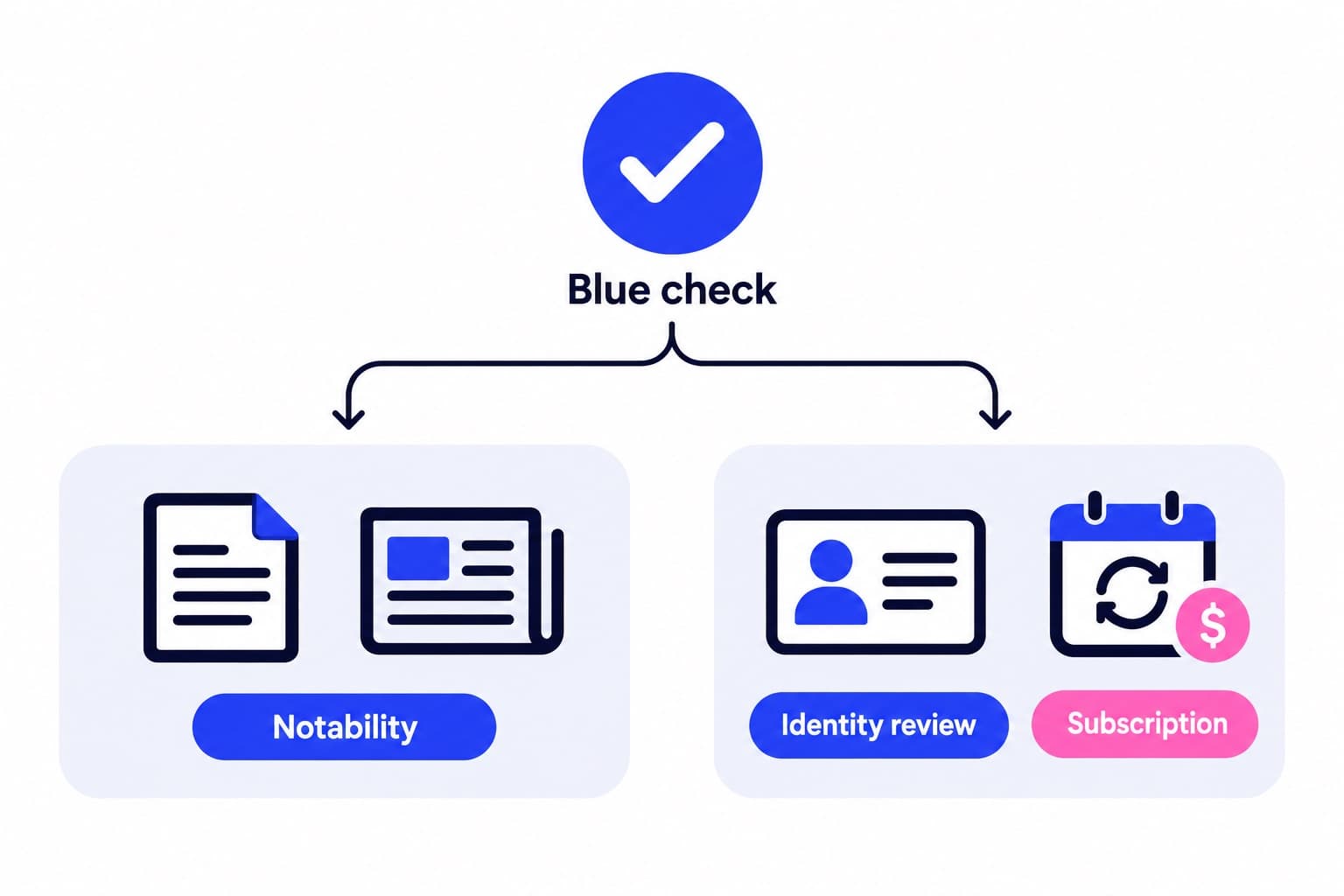
Two more cases. Accounts with a notability verified badge can't change the username once verified. And if you plan to subscribe to Meta Verified, Meta lists too many recent changes to name, username or profile picture as a reason you may not qualify yet.
| What you change | How often | What decides it |
|---|---|---|
| Username (@handle) | No published cap | Availability, review if large |
| Name (display name) | Twice in 14 days | Instagram's Name limit |
| Back to an old username | Usually, if still free | Not taken, not recently removed |
| Username after notability badge | Locked | Verified badge rules |
Display name vs username: which one do you actually want?
Your username is the unique @handle. It sits in your profile link, in tags and in search, and only one account can hold it. It allows letters, numbers, periods and underscores, with no spaces.
Your Name is the bold line under your photo. It doesn't have to be unique, it can include spaces, and it's what people often search for. If you only want to add a surname or your job ("Maya Ortiz | Ceramics"), change Name and leave the handle alone. That keeps every link you've shared working.
If you're renaming a brand, you'll usually change both. Do the username first, since availability is the real constraint, then set the Name to match.
Will you lose followers if you change your username?
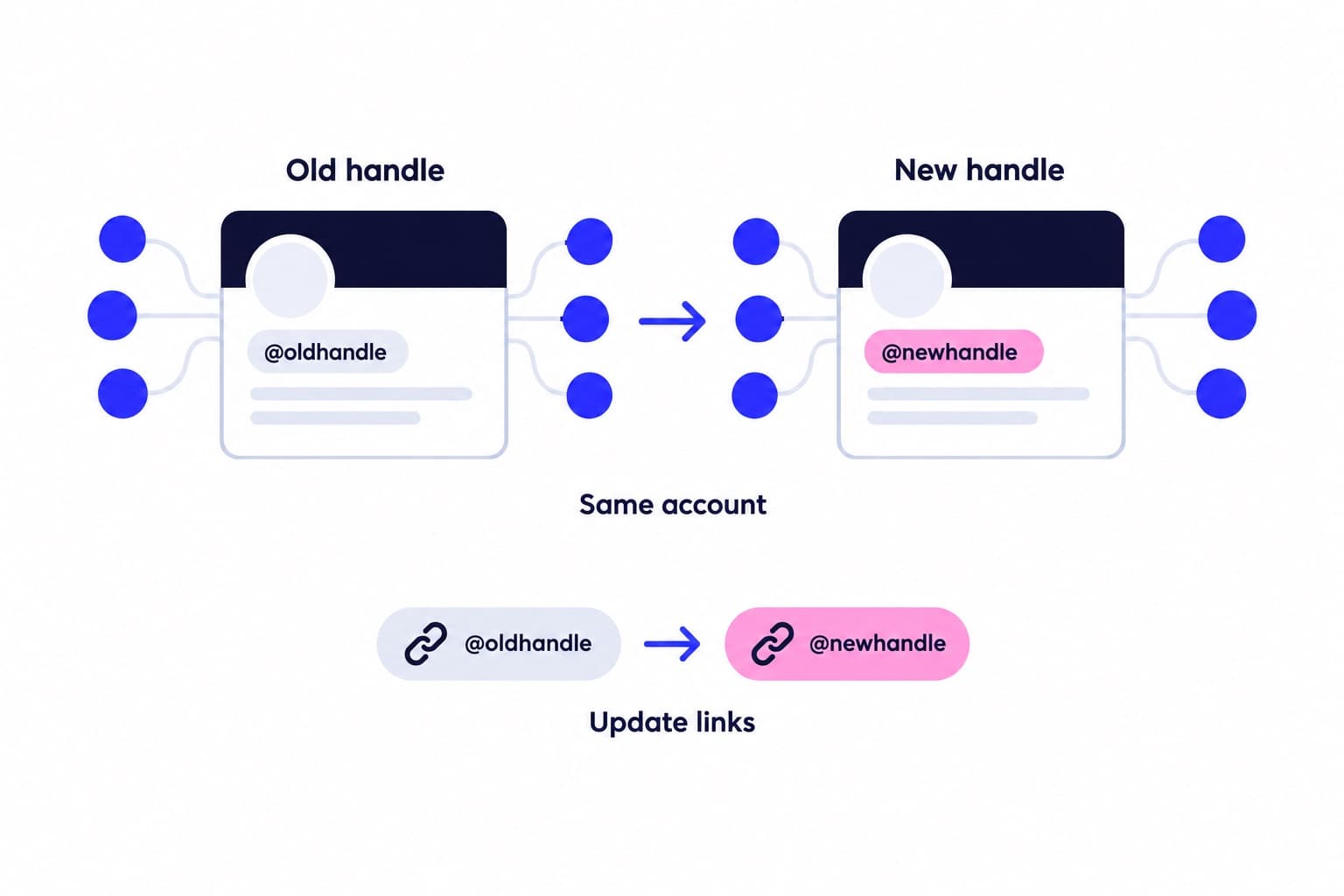
No. You keep your followers, posts, comments, likes and DMs, because nothing about the account itself changes. Nobody has to follow you again.
Instagram says your followers may be notified of the change, so some people will see it either way. I'd still post a short note like "Same account, new name: @newhandle" and keep it as a Story highlight for a few weeks.
Three things don't move on their own:
- Your profile link. It contains the old handle, so update your website, link in bio tools, email signature and other social profiles.
- Typed @mentions in old captions and comments. They're plain text with your old handle; tap one to see where it goes now, and ask partners to edit the important ones.
- Photo and video tags. Instagram describes tags as links to profiles, but open one or two key tagged posts and tap the tag to confirm it lands on your account.
Why can't I change my Instagram username?
It's usually one of four things, and the message on screen points to which.
- "This username isn't available": someone has it. Add a period, an underscore, a number or a short word like your city or trade, which is what Instagram itself suggests.
- The handle looks abandoned: you still can't claim it. Instagram's answer for inactive accounts is to pick an available version.
- Your change is under review: that happens to accounts that reach a lot of people. Wait for the notification instead of saving again.
- Username isn't in Edit profile: open Accounts Center, then Profiles, choose the Instagram profile and edit Username there. A verified notability account can't change its username.
Pick a handle people can find, then let them find it
Say the new handle out loud once. If you'd need to spell it for someone, it's too clever. Keep one recognizable piece of the old identity, like your surname or brand word, and match your other platforms where you can.
Before you save, run a free Ganicly profile scan and note today's follower count, so you have a clean before and after. The follower count tool is handy for checking the number again a week later.
A rename is also a good moment to grow on purpose, since the bio, the name and the link are freshly sorted. Our Instagram growth plans promote your public profile to people who match your audience at a steady daily pace, and you see each day's numbers in your dashboard. Nothing changes inside your account, and we never ask for your password.
Pick a pace
Questions
Why can't I change my Instagram username?
Usually the handle is taken, your change is waiting for review, or the Username field has moved to Accounts Center. Read the message on screen. If it says the username isn't available, add a period, underscore or short word. If your account reaches a lot of people, Instagram may review the change and notify you when it's done.
Can I change my Instagram username anytime?
Yes, as long as the new handle is available and your account isn't verified for notability. Instagram doesn't publish a fixed number of username changes. The well-known limit of two changes in 14 days applies to your display name, not your @handle. Frequent switching still confuses followers, so pick one you'll keep.
How do I reset my Instagram username to my old one?
Edit Username again and type your previous handle. Instagram says this works in most cases if nobody new has taken the name and it hasn't recently been removed from an active account you don't own. Its help page doesn't promise a time window, so switch back as soon as you know you want the old one.
How do I change the name that appears on Instagram?
Tap Edit profile, tap Name, type the new display name and tap Done. Name is the bold line under your photo; it can include spaces and doesn't need to be unique. You can change it twice within 14 days. Changing Name leaves your @handle and profile link untouched.
Will I lose followers if I change my Instagram username?
No, you keep every follower, post and message, because it's the same account with a new handle. What breaks is the old profile link and typed @mentions that still show your previous handle. Update the links you control and post a short note so people recognize you.
Does Instagram notify followers when you change your username?
It may. Instagram's help page says your followers may be notified of your username change, but it doesn't promise that everyone sees it. That's why a short post or Story saying "same account, new handle" is worth the minute it takes, especially if people tag you often.