Instagram Trial Reels: How They Work and Who Qualifies
Instagram trial reels give you a way to test a Reel idea on people who don't already follow you, then decide later whether it's worth sharing with your own audience. If you can't find the option, the fix usually starts with your account type and the publishing screen, not a workaround.
NL Nora Lindell, Growth editor · Updated Oct 6, 2026 · 5 min read
Short answer
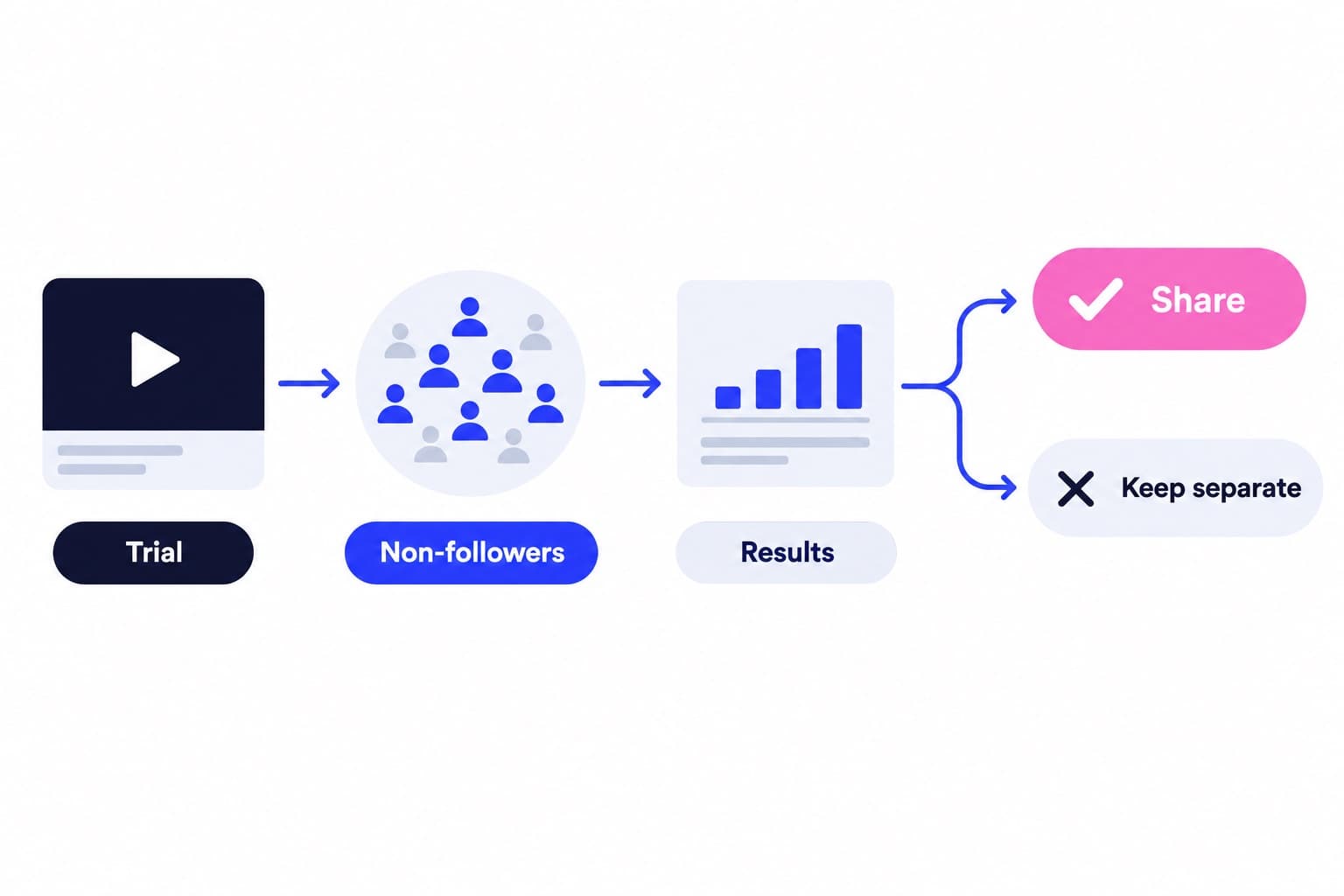
Instagram trial reels let you show a new Reel to non-followers before deciding whether to share it with your followers. You need a professional account, then switch on the Trial toggle before tapping Share. Insights arrive within 24 hours, and you can share to everyone anytime after that.
What are Instagram trial reels, exactly
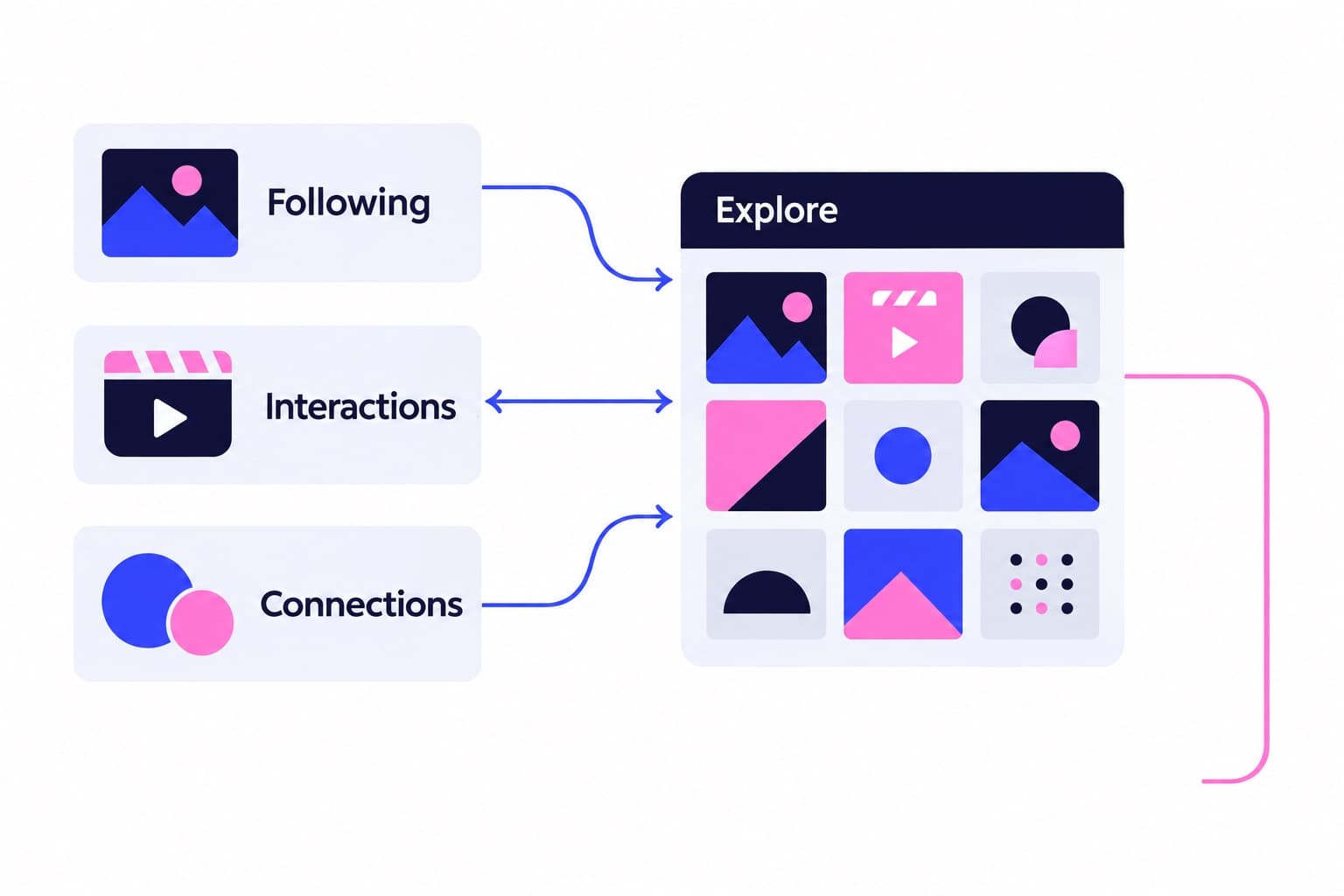
A trial reel is a normal Reel with one difference: Instagram holds it back from your followers' Feed and Reels tab at first, and keeps it off your main grid. Instead it gets shown to accounts that don't follow you, so you can gauge interest before committing to a wider audience.
This isn't a private draft. Instagram's Help Center notes that followers can still stumble onto your trial through a direct message share, or through a page that groups Reels by the same audio, location, or filter. So treat it as limited-visibility, not hidden.
Once you've reviewed how it performed, you choose whether to share it with everyone. At that point it moves onto your grid and Reels tab, and becomes eligible to show up in followers' Feed.
How to get trial reels on Instagram: the setup steps
The Trial control lives on the Reel publishing screen, right where you'd expect a sharing setting to sit. I've walked through this flow enough times that I can tell you exactly where each tap lands.
- Create a Reel and continue through editing until you reach the share screen.
- Use fresh footage. Instagram says a trial can get limited reach if it detects you've already shared the same content before.
- Tap the toggle to turn on Trial before you hit Share.
- Tap Share to publish. Your followers won't see it in Feed or the Reels tab yet.
- Open the reels viewer afterward and tap View trial insights to check performance.
- If it's doing well, tap Share to everyone to move it onto your grid and Reels tab.
How is your account doing?
Enter a username. The free scan reads your public numbers and compares them with accounts your size. No login.
Who is eligible for Instagram trial reels
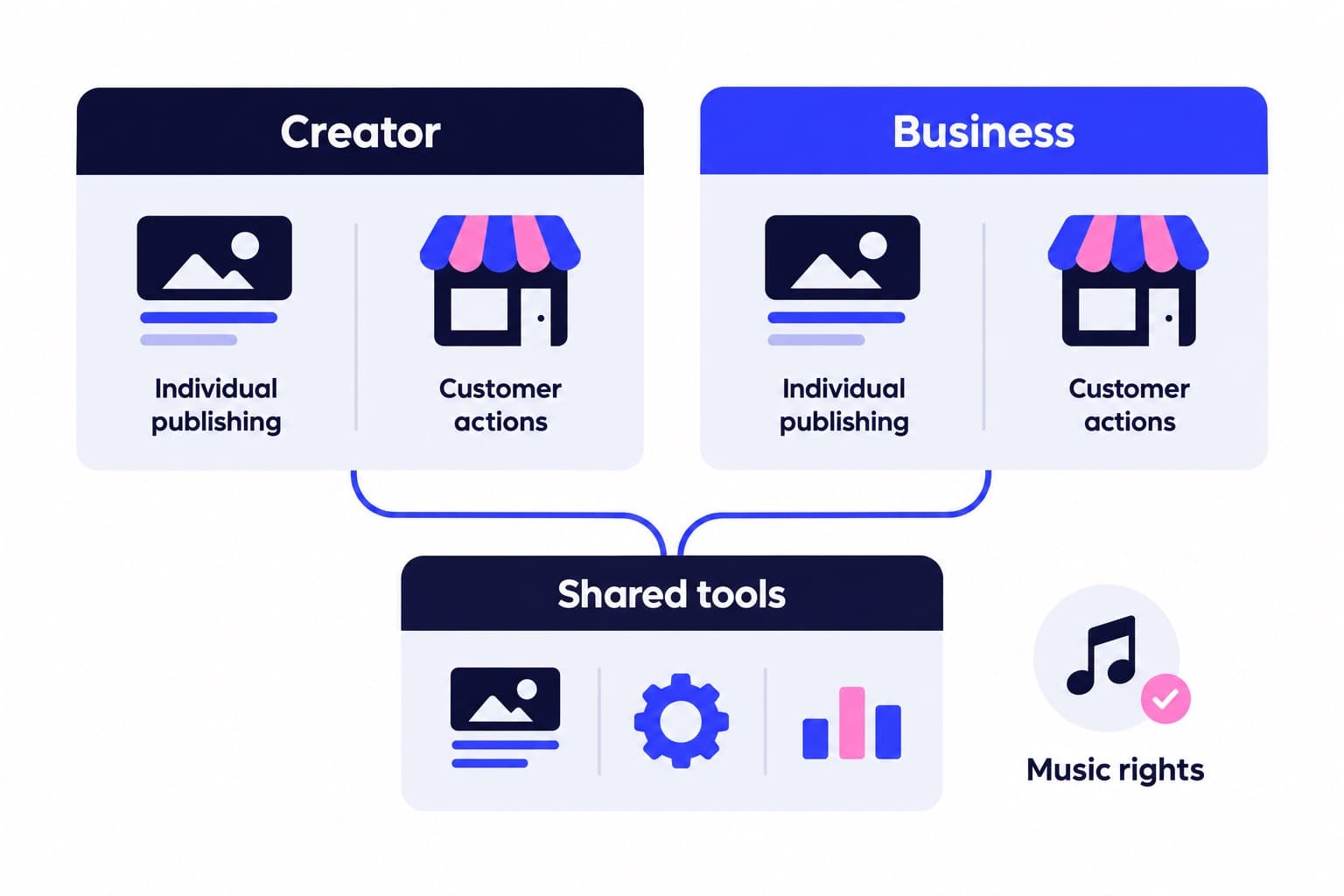
You need a professional account. Instagram's Help Center adds that select creators without a professional account may get access as part of ongoing testing.
If the Trial toggle isn't showing up and you're on a personal account, switch to professional first, since that's the documented requirement.
Why trial reels aren't showing up for you
This question usually means one of two different problems, and they need different fixes.
| Symptom | Likely cause | What to check |
|---|---|---|
| No Trial toggle on publish screen | Account type or rollout stage | Check account type |
| Trial published but no views | Normal early pattern | Wait 24 hours for insights |
| Trial missing from profile grid | Expected behavior | Off grid until shared |
| Low reach on a reused idea | Repeated content detected | Post fresh content |
Are trial reels worth it
Yes, if you're testing something your regular audience hasn't seen before: a new topic, a different hook, an unfamiliar format. The point of a trial is feedback from people with no prior relationship to your account, which tells you more about whether an idea travels than another post to your existing followers would.
Say you run a small skincare shop and you want to try a before-and-after format you've never posted. A trial lets you see how that format lands with people who've never seen your usual content, before you decide whether it belongs on your main grid alongside your regular posts.
I'd skip trials for content you're already confident about. If a format has worked for you a dozen times, you don't need Instagram's non-follower test group to validate it again, just post it normally. Save the trial toggle for the genuinely uncertain ideas.
When a trial does well, run a second one on the same idea before you rebuild your grid around it.
Before you start testing ideas, it's worth running your account through Ganicly's free profile scan so you know what your baseline engagement and posting pattern look like. And if you want a quick read on how your Reels stack up against your other content, the Instagram Reels share tool breaks down what portion of your output is actually Reels versus photos or carousels.
Pick a pace
Questions
How to get Instagram trial reels?
Confirm you have a professional account, then create a Reel and look for the Trial toggle on the publish screen before tapping Share. Instagram notes select creators without professional accounts may get access through ongoing testing, so account type is the main gate, not a separate signup or application.
Are trial reels worth it?
Yes, for ideas you're genuinely unsure about. Trial reels show your content to non-followers first, giving you a read on whether an unfamiliar topic or format lands before you commit it to your followers. For content you're already confident in, I'd just post normally rather than routing it through a trial.
Who is eligible for Instagram reels trials?
Instagram requires a professional account to use trial reels, though select creators without one may get access as part of ongoing testing. This is separate from recommendation eligibility, which controls whether your content can be shown to non-followers at all and is checked through Account Status.
Why are my Instagram trial reels not showing up?
First figure out which problem you have. A missing Trial toggle usually points to account type or feature rollout. A published trial missing from your grid is expected behavior, it stays off your grid until you tap Share to everyone. Slow early views are normal too, since Instagram is still finding interested non-followers.
How long does it take to see trial reel results?
Insights become available within 24 hours after you share a trial. Instagram also notes trials can take longer than regular Reels to pick up views because it's finding non-followers likely to enjoy the content, so I'd give a trial a day or two before judging it.
Can I share a trial reel to everyone automatically?
Yes. On the publish screen, tap How it works under the Trials toggle, then turn on Share to everyone automatically. Instagram can share the Reel on its own if it gets a lot of views within the first 72 hours, and this setting carries over to future trials until you switch it off.