Instagram Algorithm: Ranking, Reach and Reels in 2026
The Instagram algorithm is easier to work with when you separate what Instagram recommends, what viewers do and what your profile turns that attention into. I'd start with eligibility, then inspect one format at a time.
TB Tomas Brandt, Analytics writer · Updated Oct 6, 2026 · 7 min read
Short answer
The Instagram algorithm uses different ranking systems for Feed, Stories, Reels and Explore. It predicts relevance from your activity, connections, post details and account interactions. To improve reach, check eligibility, match content to its surface and compare each post's Insights.
What the Instagram algorithm uses to rank content
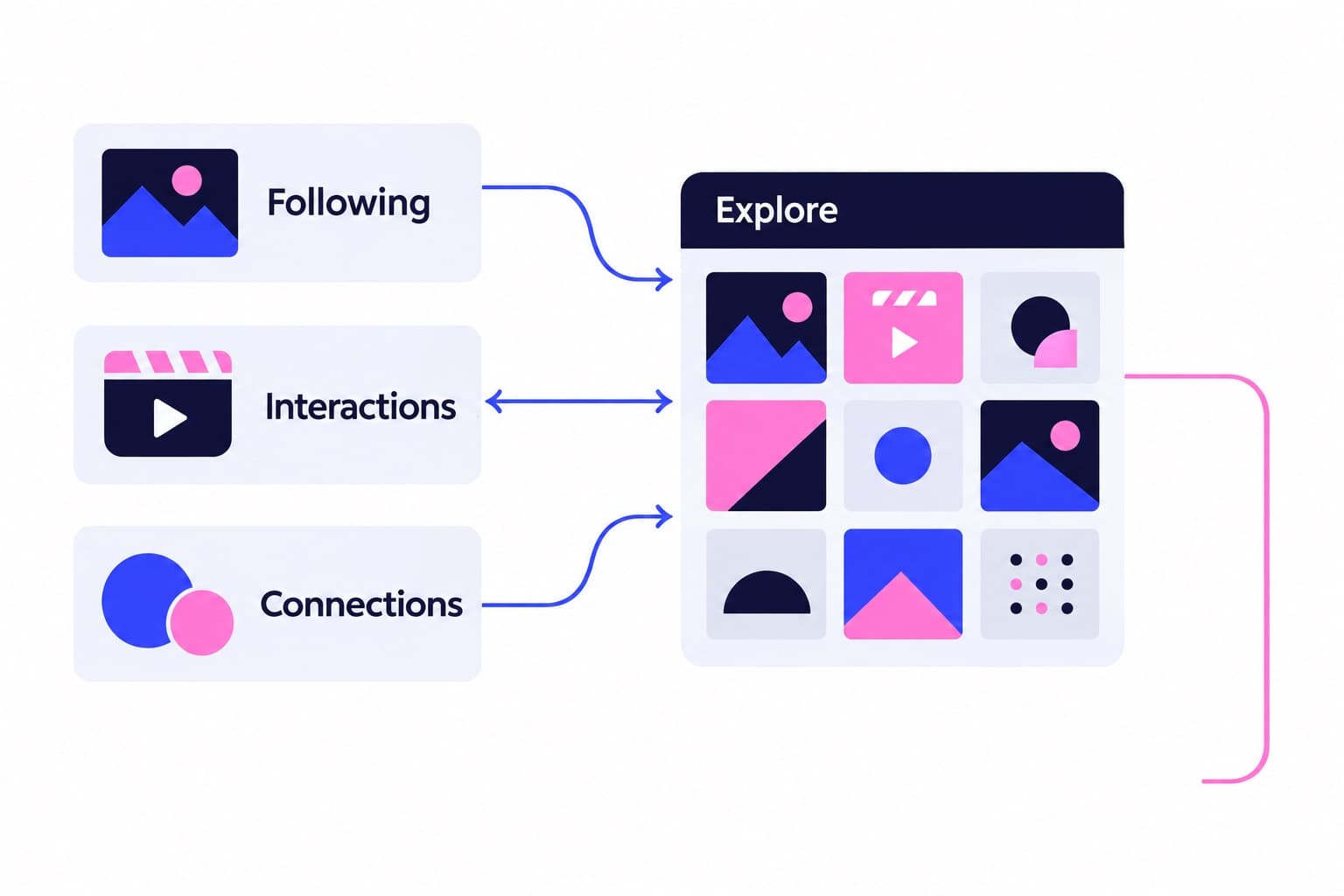
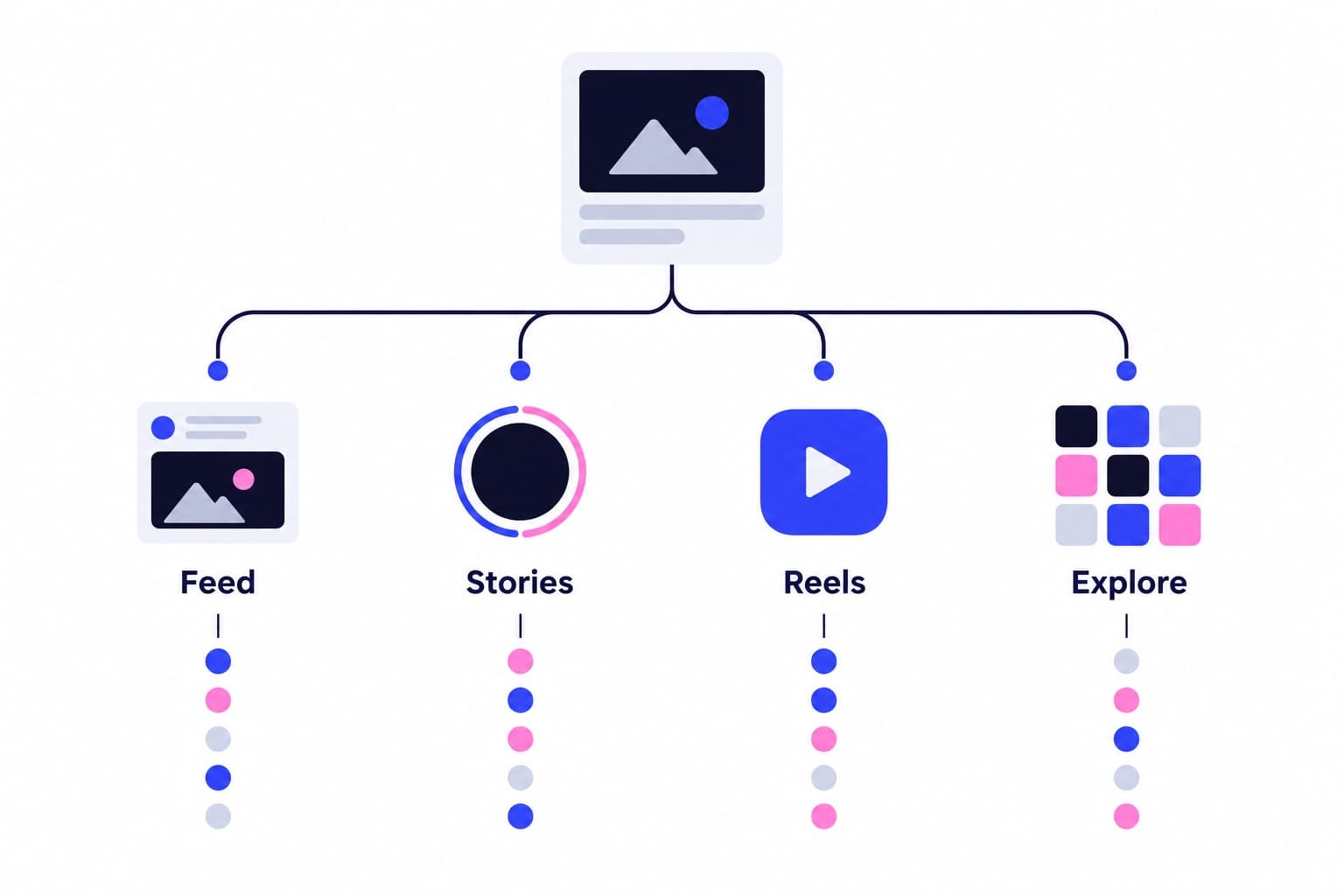
Instagram uses several ranking systems, not one formula that treats every post alike. These systems predict what a particular person will find relevant. Suggested posts can appear in Feed, Reels and Explore, drawing on activity, connections, post details and account interactions.
That makes relevance personal. Someone who saves bike repair tutorials gives Instagram different information from someone who comments on restaurant openings.
Instagram's suggested-posts documentation identifies four especially useful signal categories:
Use these categories to choose what to test. A clear subject helps viewers recognize relevance; useful content gives them a reason to respond. The table translates each surface's purpose into a practical publishing decision, rather than a universal format preference.
- Your activity: accounts followed and posts liked, saved, reposted or commented on.
- Your connections: previous interactions with an account or similar accounts.
- Post information: popularity, other people's interactions, and when or where it was posted.
- Account information: how often people have interacted with that account recently.
| Surface | Typical purpose | Your editorial focus |
|---|---|---|
| Feed | Familiar posts and discovery | Useful posts and conversation |
| Stories | Updates from familiar accounts | Replies and return visits |
| Reels | Video viewing and discovery | A clear opening and payoff |
| Explore | Discovering relevant content | A recognizable subject |
| Search | Finding topics or accounts | Clear profile descriptions |
Check recommendation eligibility before changing your content
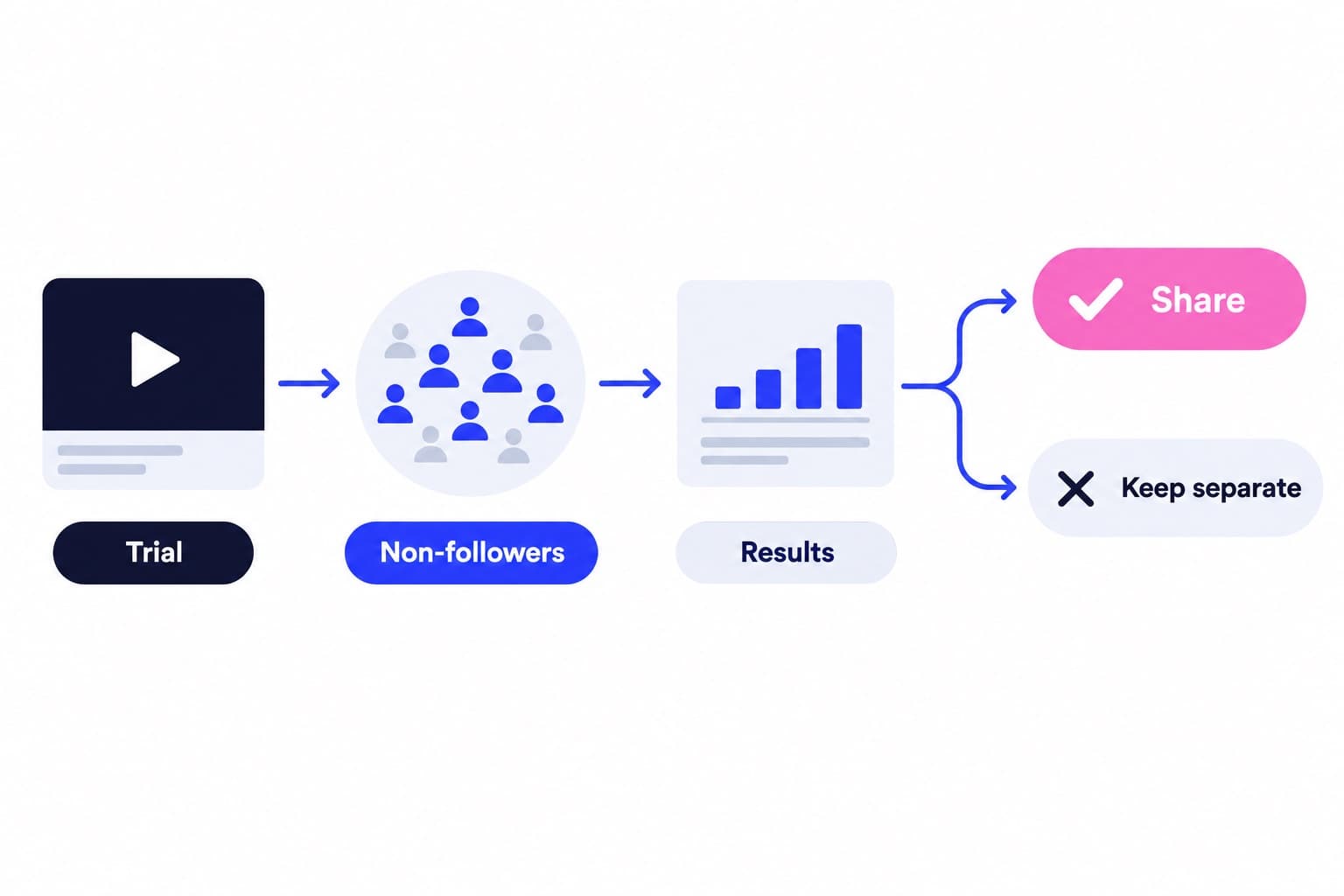
I'd check Account Status before rewriting captions or moving your posting schedule. Recommendation eligibility determines whether public-account content can be recommended to people who don't already follow you.
Eligible means Instagram may recommend your content, not that every post will receive that distribution.
An account-level restriction affects recommendations across your content, even when an individual post isn't the problem. Your profile photo or bio can also be involved. Followers can still see your content, which explains why follower activity and discovery can move differently.
- On a professional account, open your profile, tap Menu and select Account Status.
- Check whether your account and content are eligible for recommendations.
- Open flagged profile items or posts to inspect the applicable guideline.
- Use the available edit, removal or review option for the item.
Feed and Stories need different reasons to respond
Feed combines followed-account content with recommendations. Activity, connections and post information help shape suggested posts. I’d make the subject understandable before asking for engagement: a specific question about a product, process or decision gives someone more to answer than a generic request to comment.
Stories lean toward familiar accounts and established viewing habits. Give those viewers something worth returning for: progress on a project, an answer to a recurring question, or a choice they can help you make.
Measure that purpose. Instagram lists Story interactions such as replies, shares, sticker taps and link taps. Profile activity includes visits, follows and website clicks. A Story designed to send people to a booking page should be judged by that action, not just replies.
For Instagram's documented web flow, open your Story, click Options at the top right, then View insights. For past Stories, open View insights on your profile and find the Story under Top content based on engagement. Compare updates that asked viewers to do similar things.
How is your account doing?
Enter a username. The free scan reads your public numbers and compares them with accounts your size. No login.
Reels: inspect viewing behavior before chasing more views
Reels can introduce your work to unfamiliar viewers, so the opening needs to establish the subject quickly. Show the problem, result or interesting moment before a lengthy introduction. Watch time and sharing are useful measures to inspect alongside likes.
Start with the viewing metrics Instagram documents. Views count starts and replays. Watch time includes time spent replaying. Average watch time divides total watch time by initial views, not by every start or replay in the Views total.
That denominator matters. Dividing Watch time by Views yourself can produce a different figure from Instagram's Average watch time.
Then look at Follows. A video that earns viewing without follows may need a clearer connection to what the account regularly offers. I’d inspect both the Reel's promise and the profile it sends people to before deciding that the next video needs a completely different topic.
- Go to the Reels tab on your Instagram profile.
- Select the Reel you want to inspect.
- Tap View insights.
| Metric | What it measures |
|---|---|
| Views | Starts and replays |
| Viewers | Unique accounts, estimated |
| Watch time | Playback, including replays |
| Average watch time | Watch time / initial views |
| Follows | Follows resulting from Reel |
Run a content comparison you can actually interpret
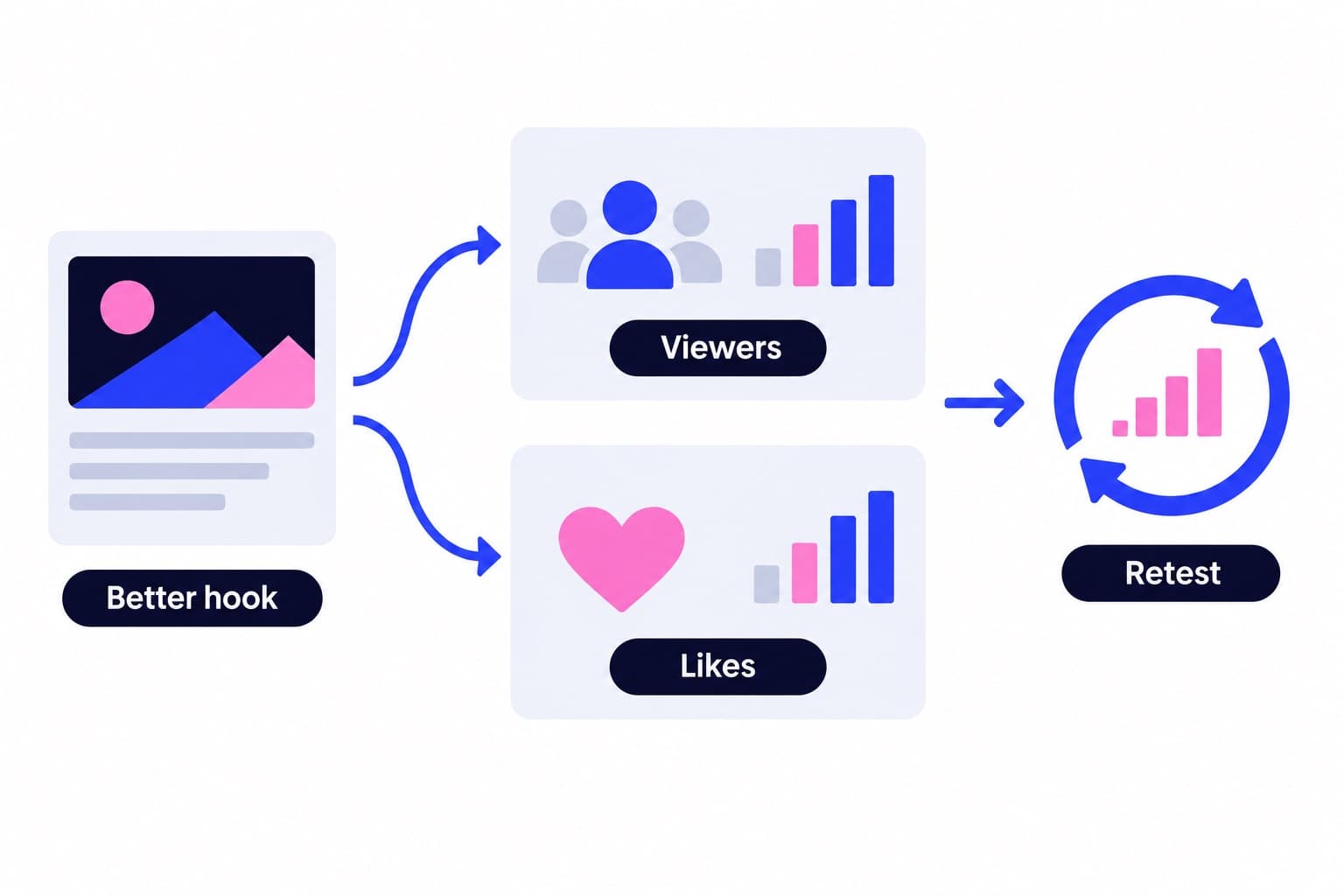
Say you run a bike repair shop and your puncture tutorial opens with a logo and greeting. For the next comparable tutorial, start with the flat tire and the first repair step. Keep the topic, approximate length and publishing window similar so the opening is the main change.
Compare the posts at the same age, such as 48 hours after publication. Record Viewers, Average watch time and Follows. Add sharing results where they're available.
Use rates to keep audience size in perspective. In a hypothetical comparison, six follows from 300 viewers equals 20 follows per 1,000 viewers. Twelve follows from 1,200 viewers equals 10 per 1,000. The second post produces more follows overall; the first turns a larger share of its viewers into followers.
Those results answer different business questions. Keep absolute follows when evaluating total contribution, and the normalized figure when comparing audience response. Write down what changed before choosing the next edit.
Treat posting time as a testable choice
Instagram names when a post was published among suggested-post information. Timing also affects whether your intended audience is around to respond. That makes it worth testing against your own results.
Use our free Instagram best time to post tool to choose posting windows for a comparison. Keep the content category similar, then review each post after the same amount of time.
I'd skip changing the posting hour, opening, topic and caption together. You won't have a clear basis for deciding which change to keep.
Keep a simple log: publication time, topic, opening, viewing results and follows. The point is a repeatable comparison, not a spreadsheet full of unrelated posts.
Your Algorithm and resets control what you see
Personal recommendation controls answer a different question from content performance. They help shape your viewing experience. Treat them as audience-side preferences, while using Insights to evaluate your published work.
To manage suggested content on iPhone or Android, tap Profile or your profile picture at the bottom right, tap Menu at the top right, then tap Content preferences. That's the path documented in Instagram's suggested-posts guidance.
The Reels topic controls provide another route:
Instagram also offers Reset your suggested content. Its reset and tuning help pages identify these as mobile features, with Android and iPhone options.
Your activity continues to supply recommendation signals too. Accounts you follow and posts you like, save, repost or comment on all contribute information. A shop owner can therefore use personal preferences to build a more relevant research feed without confusing that feed with the shop's publishing results.
- Open Reels and tap the slider icon at the top right.
- Open Your Algorithm to inspect your interests.
- Add or remove topics to adjust your Reels preferences.
Make the profile worth following when discovery works
A viewer can enjoy a Reel without understanding why they should follow its creator. Make your bio explain who the account serves, what you publish and what someone should do next. Put strong examples of that promise where a new visitor can find them quickly.
A free profile scan gives you a starting point for reviewing your public profile before widening its audience.
Once that destination is clear, Ganicly's Instagram growth plans promote your public profile to a targeted audience at a steady daily pace. Keep publishing and measuring alongside that distribution, with a clear reason for new visitors to become regular viewers.
Pick a pace
Questions
How does Instagram work?
Instagram uses different ranking systems to organize content across Feed, Stories, Reels and Explore. It predicts relevance using activity, connections and information about posts and accounts. Followed accounts supply some content, while recommendations introduce unfamiliar creators. For publishing, choose the format that fits your objective, then measure the response that matters to that objective.
How do I change my Instagram algorithm?
You can influence your recommendations through your activity and Instagram's content controls. On mobile, open Profile, Menu, then Content preferences to manage suggestions. In Reels, Your Algorithm lets you adjust interests, and Instagram also offers Reset your suggested content. These actions shape what you see, while your publishing results depend on how viewers respond to your content.
What does the Instagram algorithm look for?
Instagram looks at activity, connections, post information and account information to predict interest. Its suggested-posts documentation names follows, likes, saves, reposts, comments, post popularity and recent account interactions. It also includes device type and Threads activity. For a creator, those categories point toward useful questions: is the subject relevant, and do people respond to it?
Why isn't Instagram recommending my posts?
Recommendation ineligibility is one reason your posts may not reach people who don't follow you. Professional accounts can inspect Account Status for profile or content issues and available review options. If your account is eligible, compare similar posts using viewing behavior, interactions and follows. That gives you a more useful next move than changing every part of your strategy.
Can a personal account see Instagram Reels insights?
Yes, a public personal or professional account can view Reels insights, according to Instagram's current documentation. Go to your profile's Reels tab, select a Reel, then tap View insights. Available measures include Views, Watch time, Viewers, Average watch time and Follows. I'd start with those together so repeated plays don't distract from audience size and follower response.
Why are my Instagram Reel views higher than viewers?
Views include starts and replays, while Viewers counts unique accounts that saw the Reel on screen. One person can therefore contribute multiple views. Use Viewers to understand audience size, then inspect Watch time and Follows to understand the response. A replay can be useful viewing behavior, but it doesn't represent an additional person discovering your account.