How to Get More Likes on TikTok: Edit, Measure, Grow
Here's how to get more likes on TikTok: show the useful result early, cut the setup, and compare [likes against views](/blog/how-to-get-more-likes-on-instagram), not just your profile total. I'd start with one video you can improve today rather than a posting schedule you can't sustain.
NL Nora Lindell, Growth editor · Updated Oct 6, 2026 · 7 min read
Short answer
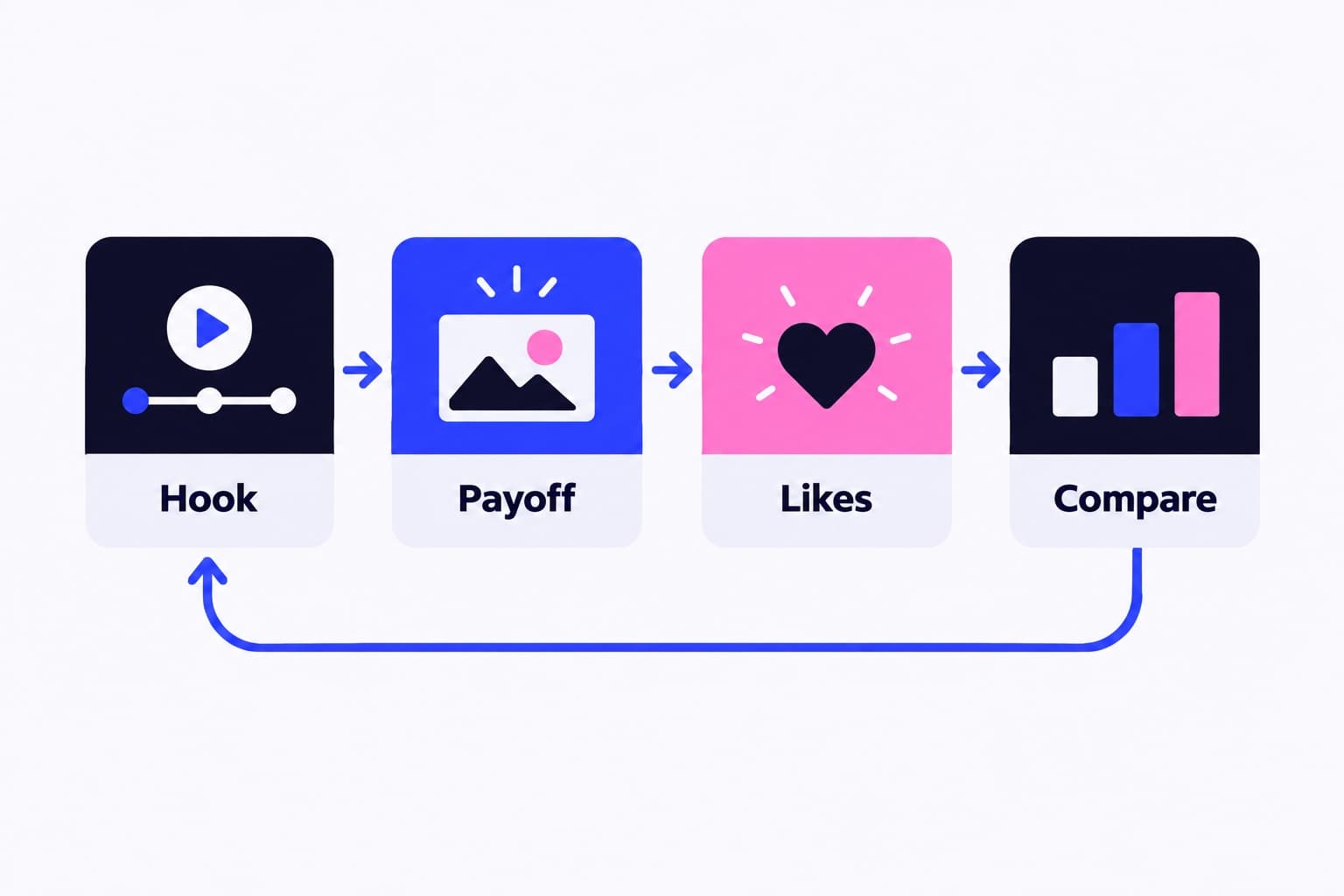
Open with a clear result or problem, trim repeated footage and deliver the promised payoff. Then compare likes and views on similar posts in TikTok Studio, answer useful comments and repeat your strongest topics. For faster reach, use Promote on a post that already earns a strong response.
How to get more likes on TikTok: the edit-and-check steps
Get more likes by making your point visible sooner, removing repeated footage, and delivering a payoff viewers appreciate. Here's the edit-and-check loop I'd use before changing your entire content calendar.
For a video already published, tap More insights at the bottom of the post on your profile. Write down its views and likes before making your next version. You'll have something concrete to compare instead of relying on how successful the post felt.
- Open the footage: tap Add post +, then Upload. Select your video, tap Next, then tap Edit on the side menu.
- Move the strongest visual forward: press and hold its clip, then drag it earlier in the track. Start where the useful action begins.
- Remove the setup: tap a clip and drag the arrow at either end to shorten it. For an internal cut, position the timeline line and tap Split.
- Add a readable promise: tap Text, enter your opening line, then tap Continue ✓. Drag the text's timeline edges to control how long it appears.
- Preview before publishing: check that the opening makes sense, the text is readable, and the video delivers what it promises.
- Check the response: open Profile, tap Menu ☰, select TikTok Studio, then open Analytics and tap View all for individual-post details.
Make the heart tap feel earned
A viewer needs a reason to watch and a reason to appreciate what they watched. Those aren't quite the same thing. An intriguing opening gets attention; the useful answer, satisfying reveal, or recognizable joke gives that attention somewhere to land.
Say you sell hand-carved wooden spoons. A video beginning with you walking into the workshop makes people wait for the point. Start with the finished spoon lifting a serving of soup, add “Why this handle doesn't slip,” then demonstrate the shape and carving process. The opening names a benefit, and the footage proves it.
I'd skip “wait for it” when you can show something specific immediately. It spends your opening asking for patience instead of earning interest.
If you ask for a like, connect the request to the payoff: “Like this if you'd use the wider handle.” Put it after the demonstration, not before viewers know what they're responding to.
Choose length by the job the video needs to do
TikTok's audience-growth guidance recommends creating content longer than one minute. That's a useful correction to the idea that every video needs to be as short as possible. A detailed demonstration and a quick reveal have different jobs.
Cut repetition, not explanation. If viewers need to see how you position a tool, keep that shot. If you explain the same positioning twice, remove one version. In the editor, use Split to isolate the repeated section, then adjust the remaining clips so the action still makes sense.
I review an edit once with sound and once muted. The sound-on pass catches awkward pauses and unclear narration. The muted pass shows whether the opening text and visuals communicate the subject. Use these three questions before deciding that a video needs another cut:
- Does this shot add information, emotion, or a useful visual?
- Can viewers understand the transition between these two steps?
- Does the ending answer the opening's promise?
How is your account doing?
Enter a username. The free scan reads your public numbers and compares them with accounts your size. No login.
Read likes per view before chasing a bigger total
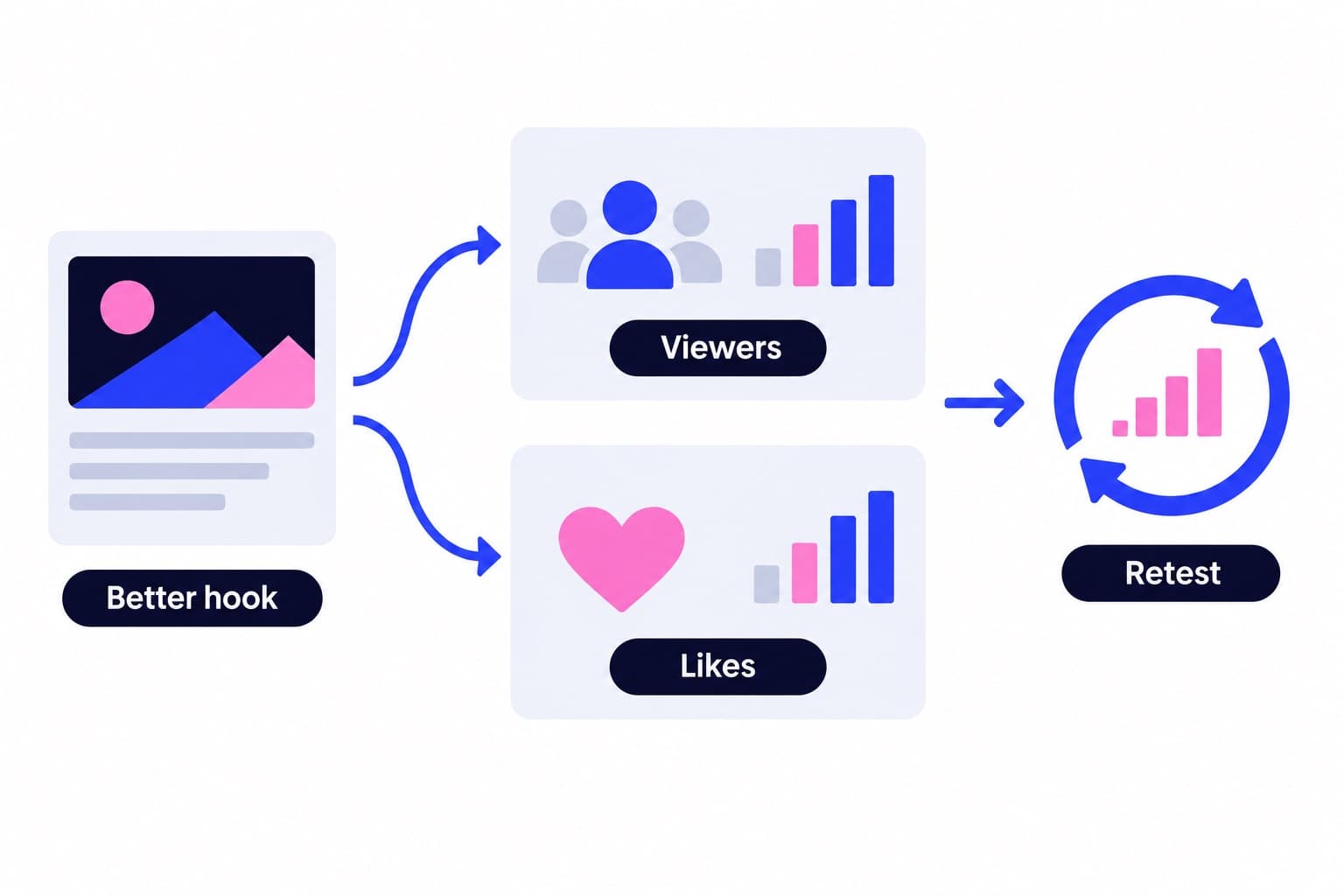
A like count mixes two things: how many people saw the post and how many chose to respond. Separate them with a simple calculation: likes ÷ views × 100. Call it likes per view, not your overall engagement rate, because it doesn't include comments or shares.
The examples below both reach 100 likes, but they tell different stories. Video A earns more likes relative to its exposure. Video B reaches more viewers. Which result matters more depends on whether you're improving the content's response or expanding its audience.
Use the same observation window for each post. If you record one after a day and another after a week, you're comparing different amounts of opportunity.
On TikTok's website, click Upload, then Analytics in the sidebar. The Content category shows individual-video metrics. For an account-level starting point, Ganicly's free TikTok average likes tool gives you a likes baseline to use when choosing posts worth examining.
Keep promoted posts in a separate comparison group so the additional distribution stays visible.
| Example | Views | Likes | Likes per view |
|---|---|---|---|
| Video A | 1,000 | 100 | 10% |
| Video B | 10,000 | 100 | 1% |
Let comments shape a series people recognize
Don't just count comments. Read them for the missing piece in your video. “Which material is that?” calls for a material comparison. “Would this work in a small kitchen?” suggests a demonstration in a smaller space. These are specific ideas from people already interested in your subject.
Answer directly when a sentence is enough. Make another video when the answer needs showing. TikTok Studio lets you manage and reply to comments, so checking them can sit alongside your regular analytics review.
TikTok also recommends uploading high-quality content regularly and collaborating with similar creators through Duet, Stitch, and other formats. I'd choose a collaborator whose audience would understand your subject, rather than someone whose content is unrelated but attracts bigger numbers.
Build the next post around a recognizable promise. For the spoon maker, that might be a series explaining one design choice at a time. Viewers can understand what they'll get from another visit.
Use Promote when a strong post needs more reach
Promote is TikTok's advertising tool for expanding a post's visibility. I'd choose a video that already earns a useful response relative to your other posts, so you're putting distribution behind a clear opening and a proven topic.
To use Promote, you must be at least 18, be a creator or have a Business account, and use public content with original sound or sound permitted for commercial use. Here's the setup:
If you want a specific audience, use the custom option rather than accepting a promotion pack without reviewing it. Choose the people most likely to care about the actual subject of the video.
Promotion-pack results are estimates, not guaranteed like counts.
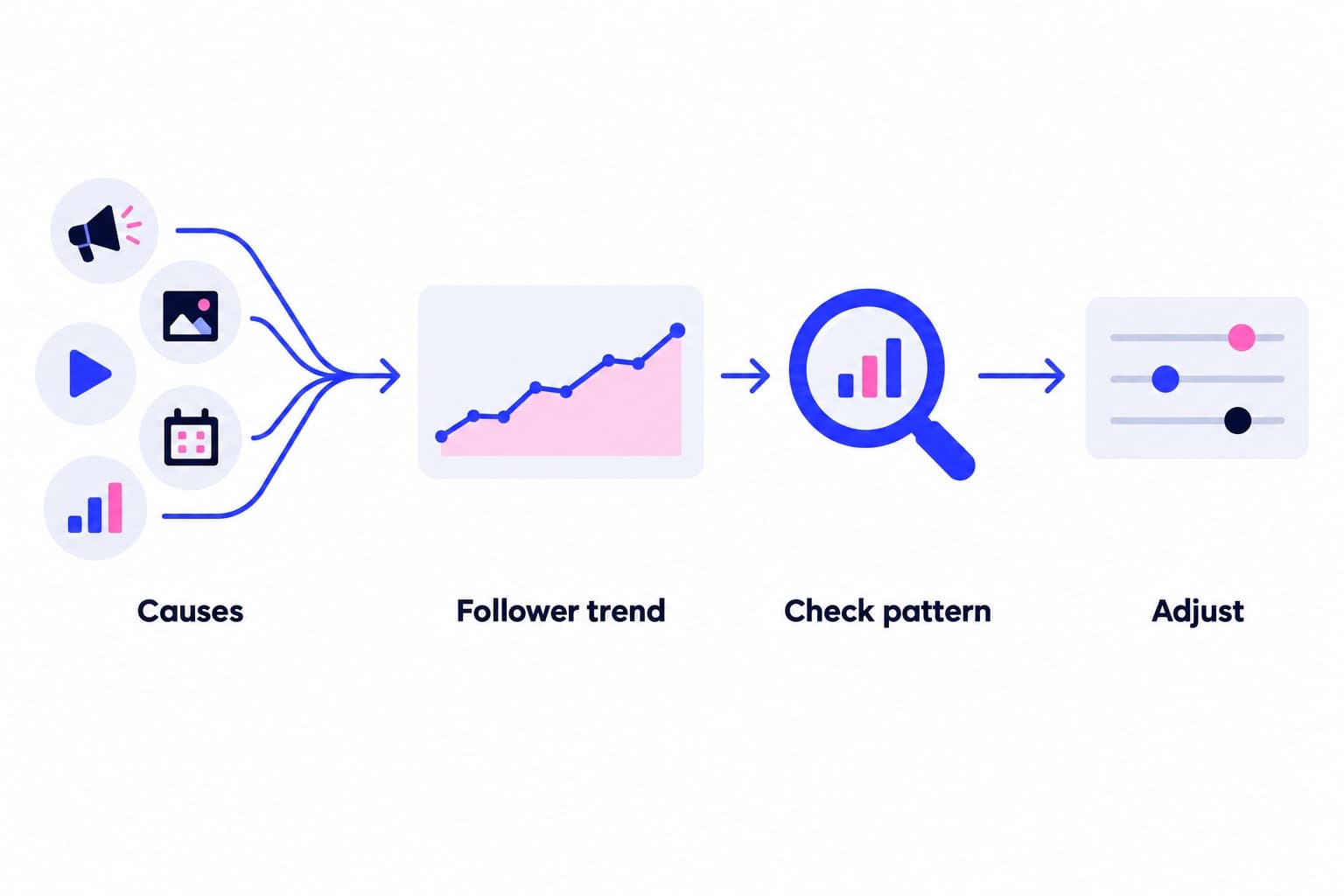
To review the campaign, open Profile, tap Menu ☰, select TikTok Studio or Business suite, then tap Promote and Dashboard. TikTok provides campaign information including post views, likes, comments, new followers, audience details, and spend. Compare campaign likes with campaign views, and note whether the visitors also follow or comment.
- On your chosen post, tap More options ..., then tap Promote.
- Choose a promotion goal.
- Select a promotion pack, or choose a custom promotion to set your duration, budget, and audience.
- Tap Pay, then check the campaign status. TikTok notifies you after approval.
Give new visitors a clear reason to come back
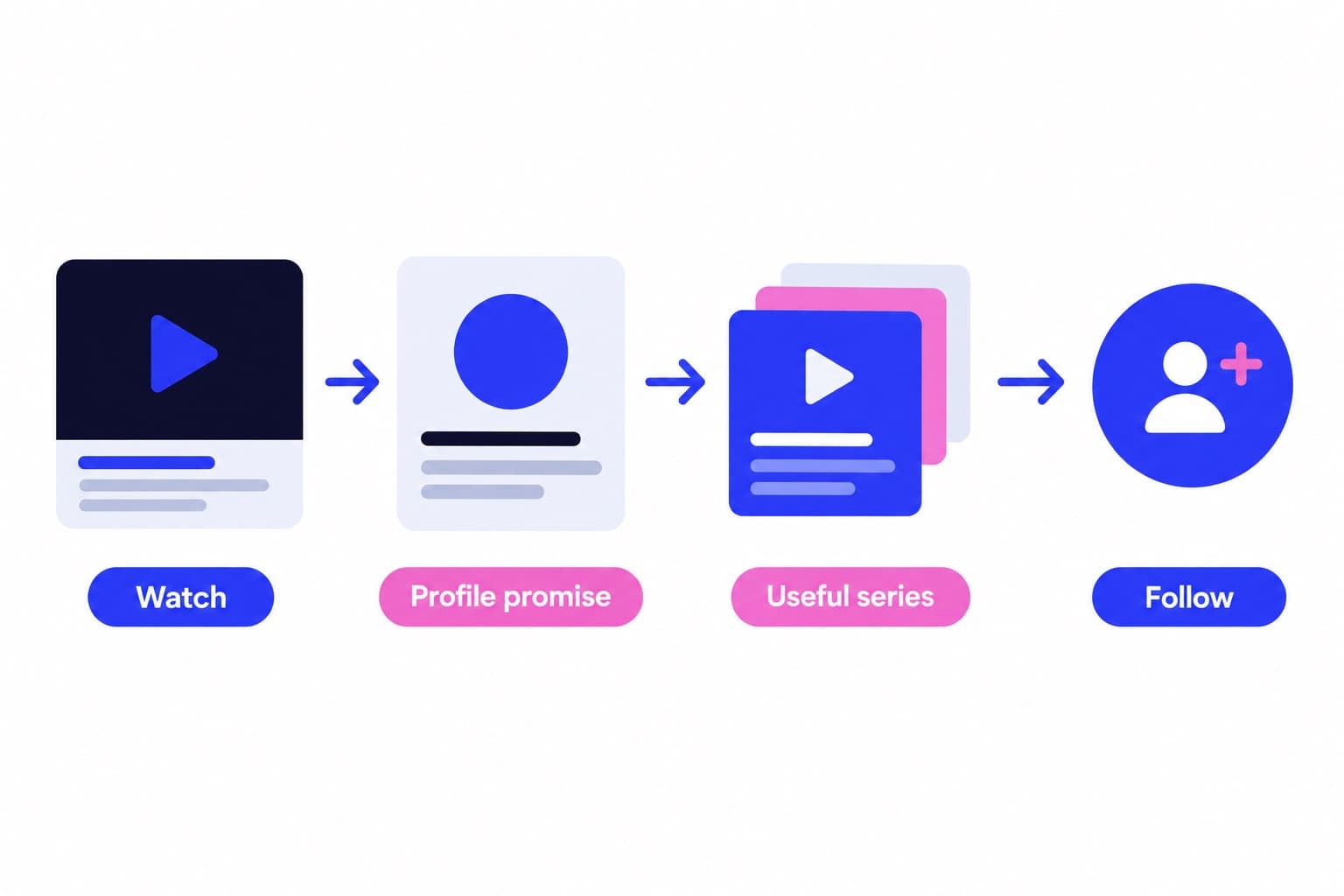
A successful video can send someone to a profile that feels unrelated to what they just watched. Make that next step easy: a clear bio, recognizable subjects, and covers that help visitors find another relevant post.
Before publishing through TikTok Studio on the web, review Who can watch this video and Allow comments. Those choices belong in your publishing check, especially when your goal is public discovery and conversation.
Use our free profile scan to review your public profile before directing more visitors toward it.
For steady audience discovery between posts, Ganicly's TikTok growth plans promote your public profile to a targeted audience at a steady daily pace. Pair that ongoing promotion with a recognizable content series, so newcomers have more than one useful video to explore.
Test one opening without changing everything else
Choose two comparable ideas from the same series. Open one with the finished result and the other with the problem it solves. Keep the production style, explanation depth, and posting conditions as similar as practical.
Pick your review checkpoints in advance, such as one day and three days after publication. These are your testing windows, not TikTok distribution deadlines.
Record the opening, views, likes, likes per view, and the questions people ask. A single comparison is a starting point; repeat the approach on another related topic before rebuilding your entire series around it.
If the result-first opening attracts more views but fewer likes per view, inspect the promise. Did it draw the right people, and did the explanation deliver what they expected?
Pick a pace
Questions
How to get TikTok likes fast?
For faster exposure, use TikTok Promote on a public post that already gets a strong response. Choose a promotion goal, select a pack or customize your audience, budget, and duration, then tap Pay. For an existing post, also answer useful comments and share it with people who are interested in its subject.
How to get 1000 likes in TikTok?
Work toward 1,000 likes by repeating a video format that already earns a stronger response than your usual posts, then expanding its reach. Use your observed likes-per-view rate to estimate the exposure needed: divide 1,000 by that rate expressed as a decimal. Improve the opening and payoff before putting more distribution behind the format.
Is 100 likes in 1 hour good on TikTok?
It can be good if it beats your normal first-hour result at a comparable view count. Say, 100 likes from 1,000 views is 10%, while 100 likes from 10,000 views is 1%. The same like count can represent very different responses, so compare exposure as well as speed.
How do I get more likes on TikTok after posting?
Answer relevant comments, share the video with an interested audience, and open More insights to review its views and likes. Questions in the comments can also give you a strong follow-up topic. Save changes to the opening, clip order, and pacing for your next edit, using the current post as your comparison.
How do I get more likes on TikTok for free?
Use TikTok's native editor and analytics to make a clearer video, then compare its response with similar posts. Bring the useful result forward, remove repeated explanations, and add readable text where it helps. Viewer questions provide free topic ideas, while relevant Duets and Stitches can introduce your work to another creator's audience.
Why are my TikTok likes not updating?
TikTok says delays or a weak internet connection can slow like-count updates. Compare individual post counts with your profile total, then try switching between Wi-Fi and mobile data or restarting the app. Your profile total includes likes from posts currently on your profile, so deleting a post can also change that total.