How to Know if Someone Blocked You on Instagram
Working out how to know if someone blocked you on Instagram takes a few minutes once you know where to look, because the app never sends an alert, but a block leaves a clear set of signs. I'll walk you through the seven signs, how to confirm them from a second device, and how to tell a block apart from a deactivated or renamed account.
IC Iris Calloway, Content and account safety editor · Updated Oct 6, 2026 · 6 min read
Short answer
Instagram won't notify you, but a block leaves clear signs: their username disappears from search, their profile shows “User not found” or “No posts yet”, your old DM thread reads “Instagram User,” and you can't tag them. If the profile loads normally from another account but not from yours, you're blocked.
Seven signs someone blocked you
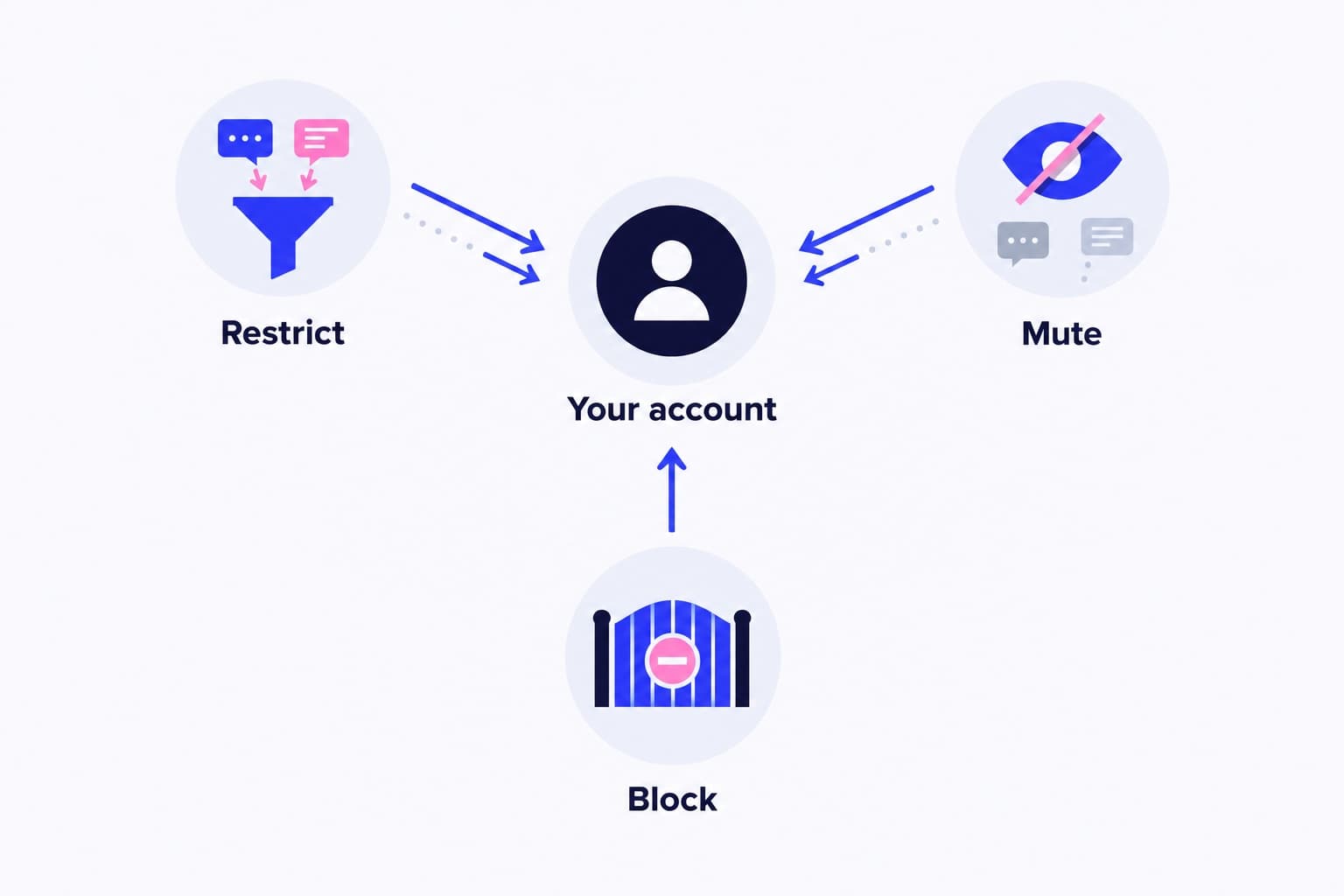
Instagram doesn't notify you when you're blocked. What you get instead is a profile that suddenly behaves like it belongs to a stranger. Here's what that looks like on your screen:
- Search comes up empty. You type their exact username in Search and they don't appear, even though you spelled it right.
- Their profile says “User not found.” You open a saved link or an old tag and get that message in the app, or “Sorry, this page isn't available.” on the web.
- The profile opens but looks empty. You see “No posts yet” with 0 posts, 0 followers and 0 following, from someone you know posts regularly.
- Your DM thread turns into “Instagram User.” The conversation is still in your inbox, but the name reads Instagram User, the photo is a gray outline, and tapping the header doesn't open a profile.
- You can't tag or mention them. When you type @ and their username in a comment, caption or Story, they don't show up in the suggestions.
- The follow link is gone both ways. They've dropped out of your Followers and Following lists at the same time, and you can't follow them again.
- Your old likes and comments on their posts disappear. Ask a friend to open one of their posts you liked; your name won't be there.
How to know if someone blocked you on Instagram for sure
Every sign above can also come from a deactivated or renamed account. The way to settle it is to look at the same profile from somewhere their block doesn't reach. I'd do these in order.
First, rule out your own block. On the website, click More, then Settings, then Blocked below Who can see your content. In the app, it's under Settings and activity, then Blocked. If their name is on your list, unblock them before testing anything, because your block hides them from you too.
Then use one of these three checks:
- Private browser window: open an incognito or private window, go to instagram.com/ followed by their username, and look at what loads. If you see their photo, name, bio and post count, even behind a login pop-up, the account is live, so a blank view on your account means you're blocked. “Sorry, this page isn't available.” means the account is gone or renamed for everyone.
- A friend's phone: ask someone who follows them to search the username. A normal profile for your friend plus “User not found” for you is the clearest confirmation you'll get.
- Your second account: search them from another account you own. If it sees a full profile, you're blocked on your main one. If it can't, that's not proof of anything, because Instagram lets people block your other existing accounts and any new ones you create in one step.
Blocked, deactivated or renamed
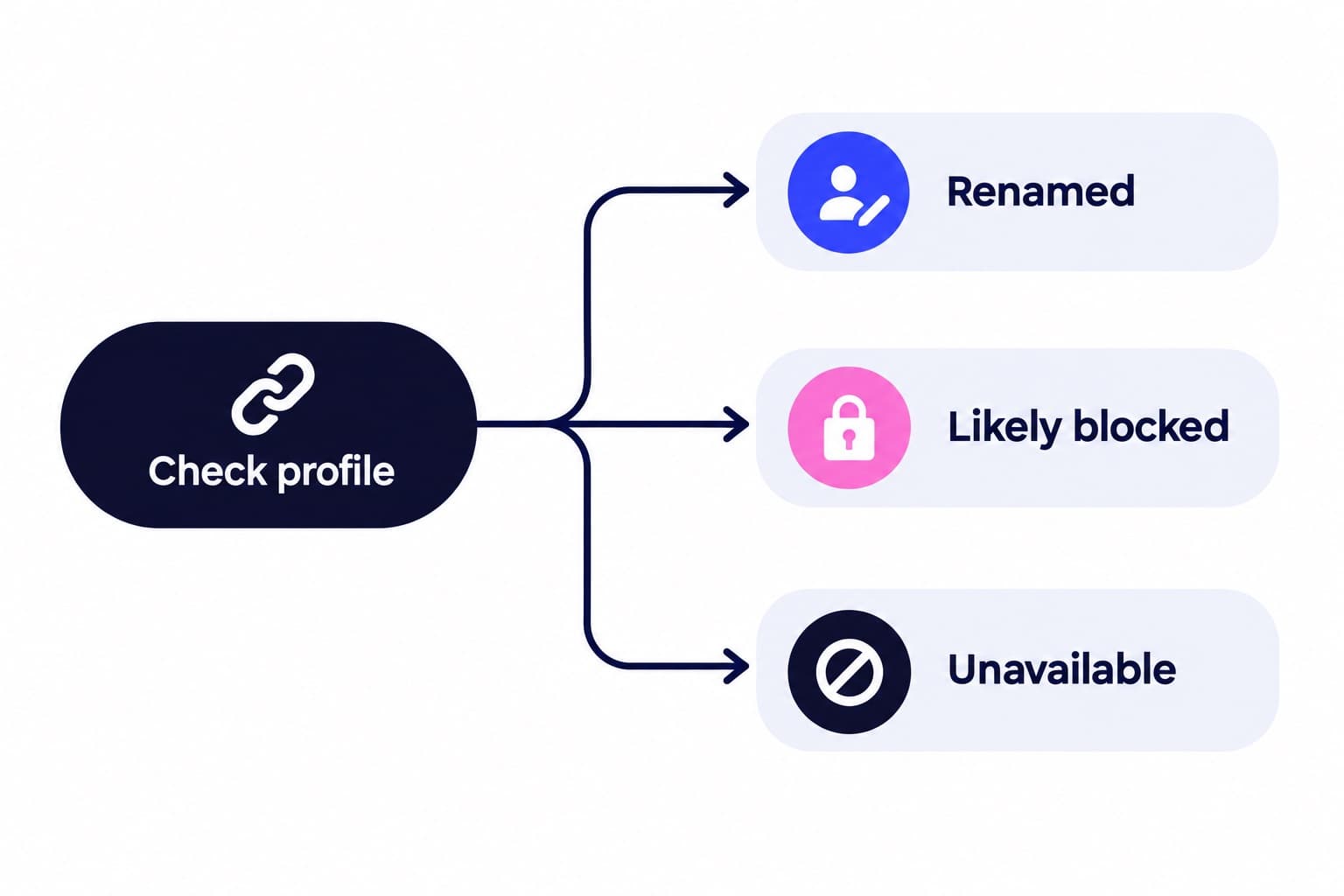
The DM label and the search result look identical for a block and a deactivation, so don't decide on those alone. The private window and the friend's phone are what split the three apart.
- To catch a rename, open your old DM thread and tap the name at the top. If a new handle appears with their usual photo and posts, they just changed usernames, and their followers may even have been notified.
- If the profile is missing everywhere, including your friend's phone, it's a deactivation, a deletion or a username change, not a block. Check back in a few weeks; deactivated accounts can come back.
| What you check | Blocked | Deactivated | Renamed |
|---|---|---|---|
| Search by old username | No result | No result | No result |
| Saved profile link | User not found or 0 posts | User not found | Old link breaks |
| DM thread name | Instagram User | Instagram User | Shows the new username |
| Private browser window | Profile loads normally | Page isn't available | Loads at the new link |
| Friend's phone | Profile loads normally | Not found for anyone | Found under the new name |
| Tag with @ | They don't appear | They don't appear | Works with the new name |
What to do once you know
There's no Instagram tool that lists who blocked you, and no block date to look up, so the checks above are as precise as it gets. Skip the “who blocked me” apps; they can't see anyone's block list, and the ones that ask for your login put your account at risk.
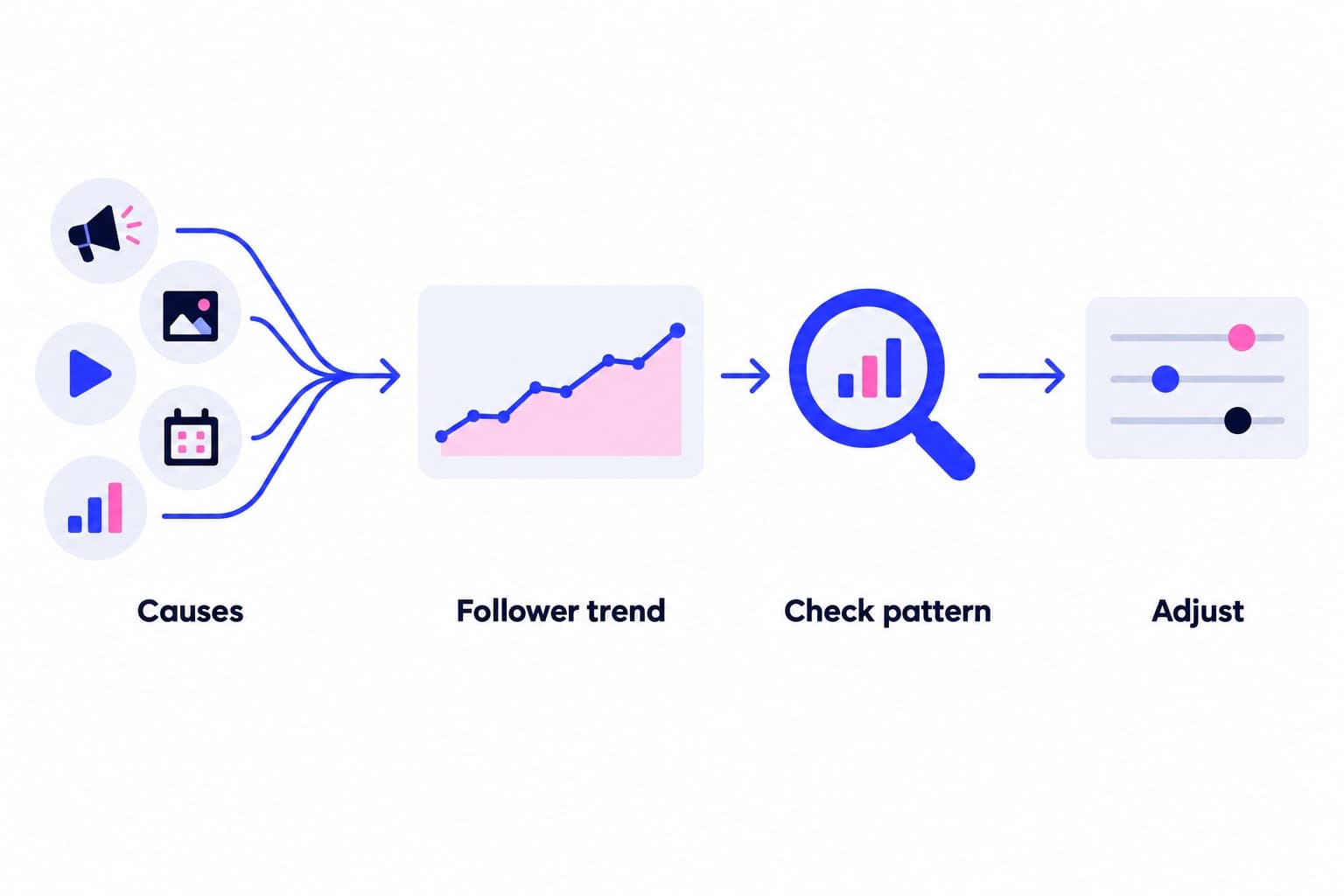
If a sudden drop in followers or reach is what started you checking, run a free profile scan. It measures your engagement rate against accounts your size, your posting rhythm and your audience quality, then tells you what to fix first.
When you're ready to grow on purpose, our Instagram growth plans promote your public profile to a targeted audience at a steady pace each month. Our safety page shows exactly what that involves.
Questions
What does it look like if someone blocked you on Instagram?
Their profile usually shows “User not found,” or it opens with “No posts yet” and 0 followers and following. Their username won't come up in search, your old DM thread shows “Instagram User” with a blank photo, and they won't appear when you type @ to tag them. Seeing several of these at once, while a friend can still view them, points to a block.
Did they block me or deactivate Instagram?
Check the profile from somewhere else to find out. Open instagram.com/ plus their username in a private browser window, or ask a friend to search it. If the profile loads there but not for you, they blocked you. If it shows “Sorry, this page isn't available.” for everyone, the account is deactivated, deleted or renamed. The DM label alone can't tell the two apart.
How do I check when someone blocked me on Instagram?
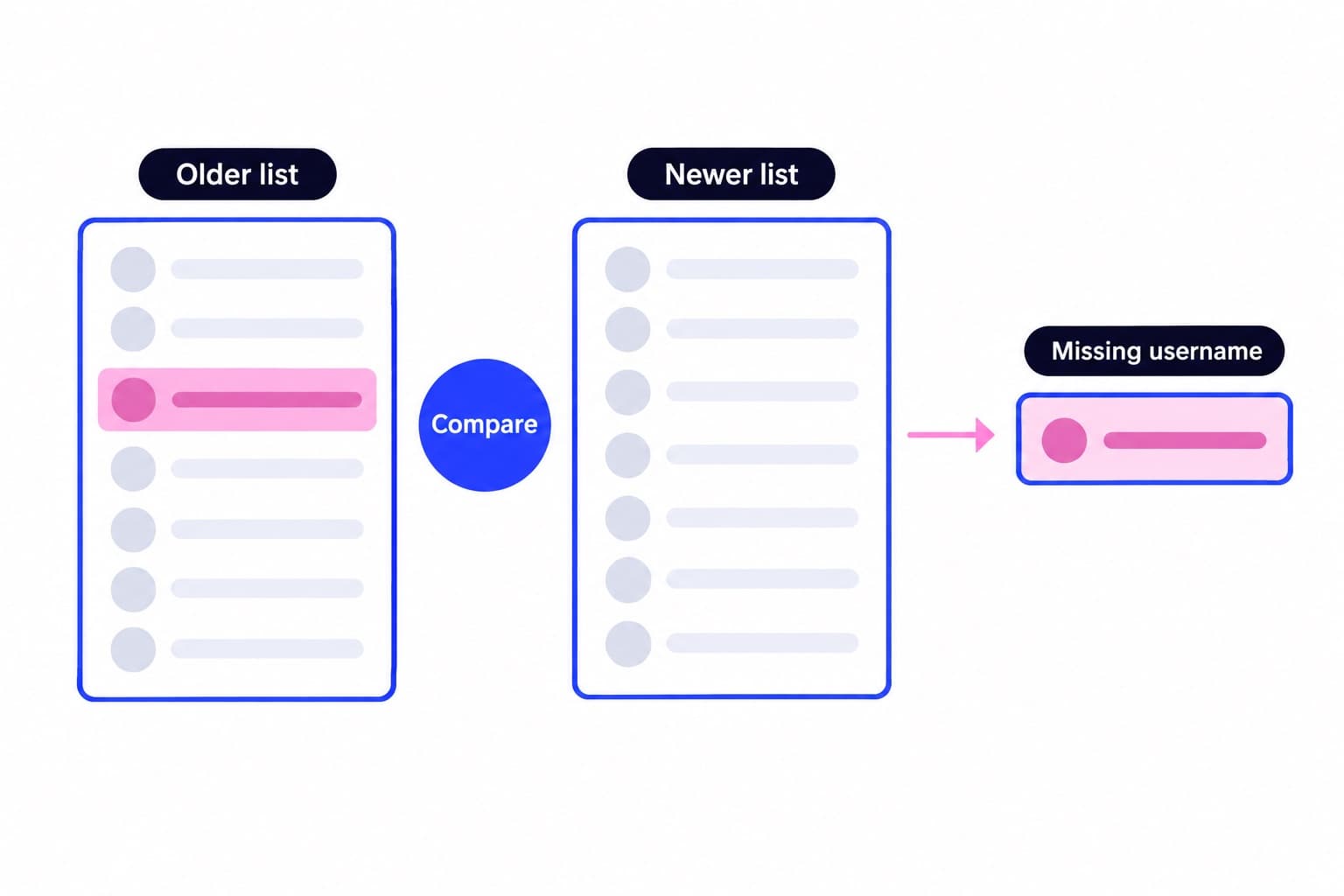
You can't, because Instagram doesn't show a block date anywhere. The closest you'll get is the last time you saw their activity: an old DM, a Story you viewed, or a like on your post. If you checked your followers list on a known date, comparing it with today's narrows the window, but nothing in the app records the exact moment.
What is soft blocking on Instagram?
Soft blocking means someone blocks you and then quickly unblocks you, which removes you as a follower without keeping you blocked. Afterward their profile loads again, but you're no longer following them, and any likes or comments of yours that the block removed from their posts stay gone. It's a quiet way to drop a follower.
Can you tell from a DM if someone blocked you on Instagram?
Partly. The old thread stays in your inbox, but after a block the name often changes to “Instagram User” and tapping it won't open their profile. Messages you send may look delivered, yet they never arrive. A deactivated account shows the same “Instagram User” label, so confirm with a private browser window or a friend's phone.
Does Instagram notify you when someone blocks you?
No, Instagram doesn't send any alert when someone blocks you, and the person who blocked you isn't told when you check their profile either. You'll only notice the effects: a missing profile, an empty grid, an “Instagram User” label in your DMs, or a tag that won't work. That's why the private window test is so useful.