How to See Who Unfollowed You on Instagram
If you want to know how to see who unfollowed you on Instagram, there's no built-in list to open, but two free manual methods get you the answer. I use the first one for a single name I'm curious about and the second one, a comparison of two follower exports, when I want the full picture of who left over a month.
NL Nora Lindell, Growth editor · Updated Oct 6, 2026 · 6 min read
Short answer
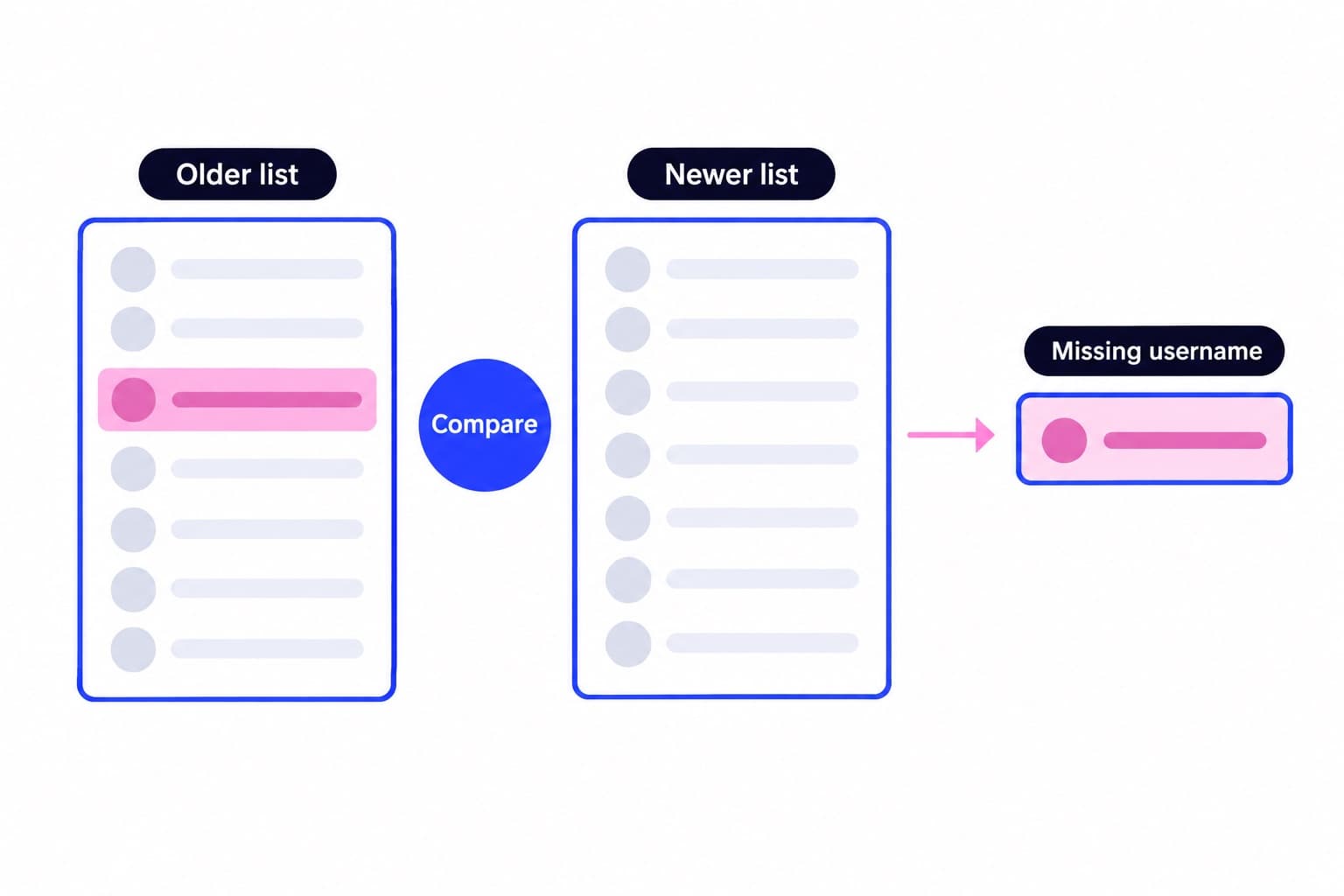
Instagram doesn't show an unfollower list or send unfollow alerts. To check one person, open your profile, tap Followers and search their username. To find everyone who left, export your followers list twice with Export your information; names missing from the newer file show who left.
Check one person: search your Followers list
This is the fastest route when you have a specific account in mind. In the app:
- Tap your profile picture in the bottom right.
- Tap the number above Followers.
- Tap the Search bar at the top and type their exact username, not their display name.
- If they show up, they still follow you. If nothing comes up, they're not in your followers right now.
Check from a computer or from their profile
On a computer it works the same way: go to instagram.com, click your profile picture on the left, click Followers at the top and search the username.
You can also check from their side. Open their profile, tap Following and search your own username. If you're missing from a public account's Following list, they've unfollowed you or never followed you in the first place.
That last part matters. Someone missing from your Followers only counts as an unfollow if you know they followed you before. An account in your Following list that never followed you back is a different thing, and comparing Followers against Following only finds those non-followers, not the people who left.
How is your account doing?
Enter a username. The free scan reads your public numbers and compares them with accounts your size. No login.
How to see who unfollowed you on Instagram with two exports
To catch every account that left, you need two copies of your follower list from different dates. Instagram's official export gives you that list for free. Here are the steps in Accounts Center, which you reach in the app through your profile menu or on the web through More, then Settings:
- Open Accounts Center, then Your information and permissions, then Export your information.
- Tap Create export, pick your Instagram profile and tap Next.
- Choose Export to device.
- Under Customize information, untick everything except Followers and following.
- Set Date range to All time and Format to JSON (or HTML if you'd rather read it in a browser), then tap Start export.
- When the email arrives, go back to Export your information and download the file from Available downloads. You have four days before the link expires.
- Unzip it and open connections, then followers_and_following. Your followers sit in followers_1.json (or followers_1.html), with followers_2 and onward for bigger accounts.
Save a baseline before you need it
Rename the file with today's date and keep it. Then run the same export again in a week or a month. Instagram says an export link can take up to 30 days to arrive, so request it a little before you need it.
One honest limit: the first export is only a baseline. It can't tell you who left before you made it, because Instagram doesn't keep a record of who unfollowed you. While you're in that folder, you'll also see recently_unfollowed_profiles.json, which lists accounts you unfollowed, not accounts that unfollowed you.
Compare the two lists in a spreadsheet
The HTML version is the easiest to copy. Open each followers file in your browser, select all the usernames and paste them into Google Sheets or Excel: the older list in column A, the newer list in column B. In C2, enter =COUNTIF(B:B,A2)=0 and drag it down. Every TRUE is an account that was on your old list and isn't on the new one.
Here's a tiny example with four followers on September 1 and four on October 1:
- jon_runs is the only TRUE, so that's the account to look into.
- Flip it to find new followers: in D2, enter =COUNTIF(A:A,B2)=0. Here new.follower comes back TRUE.
- Prefer not to use formulas? Paste both lists into an AI chatbot and ask for usernames that appear in the first list but not the second. Share only the usernames, never the full export.
| A: Sept 1 list | B: Oct 1 list | C: =COUNTIF(B:B,A2)=0 |
|---|---|---|
| maya.bakes | maya.bakes | FALSE |
| jon_runs | lena.design | TRUE |
| lena.design | tk_studio | FALSE |
| tk_studio | new.follower | FALSE |
What a missing username can mean
A TRUE in column C tells you the name is gone, not why. Before you read anything into it, check which of these fits:
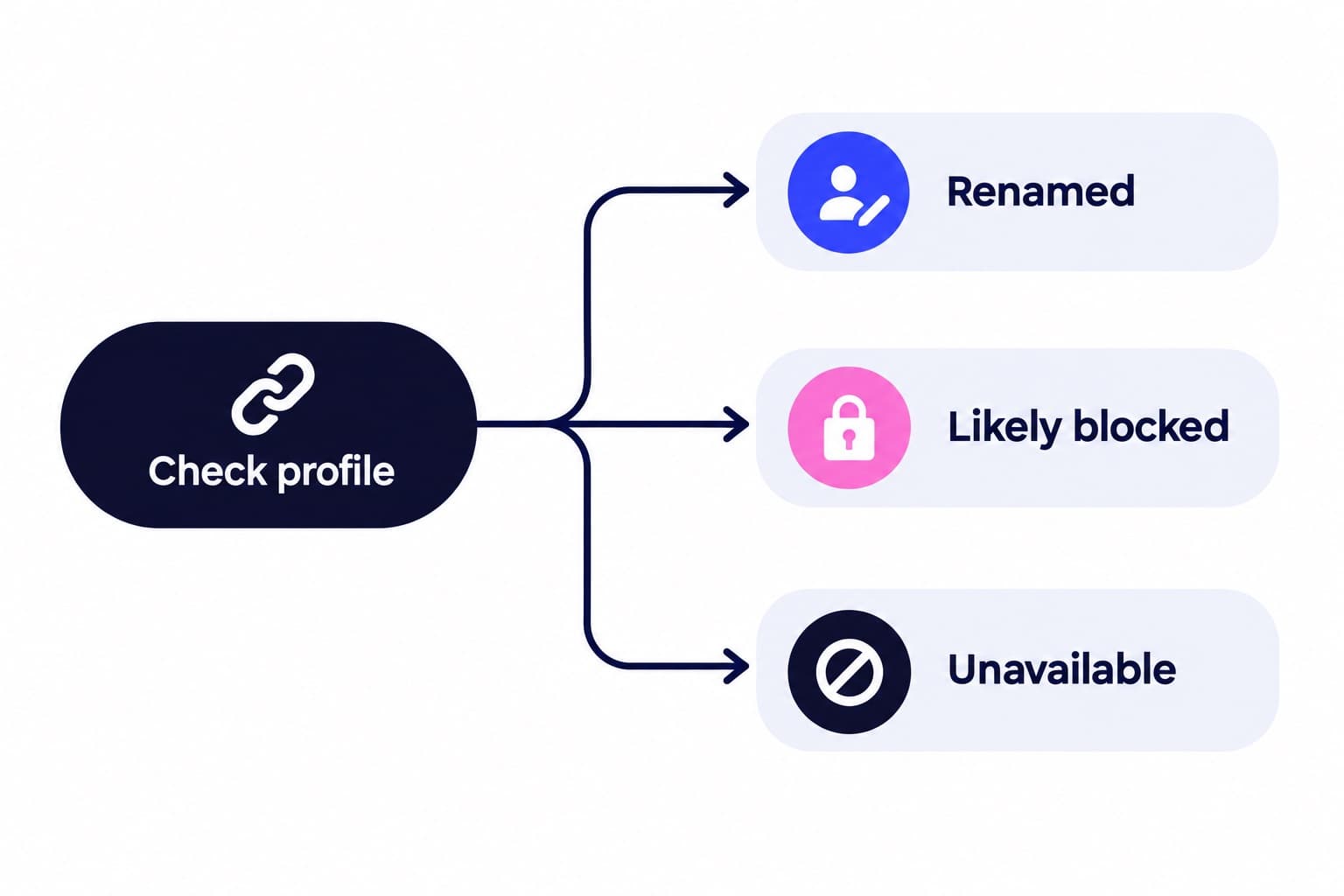
- Renames are the most common false alarm in a spreadsheet: one old name turns TRUE and a new one appears in column D, but it's the same person. Click both to compare.
- Instagram may flag followers as spam, bots or irrelevant. Once flagged followers are removed, they also leave your follower count and follower list, so a sudden drop of several accounts after a cleanup is normal.
| What happened | How to tell |
|---|---|
| They unfollowed you | Profile opens normally |
| They changed username | A new name appears in list B |
| They deactivated | Profile not found for anyone |
| They blocked you | Profile hidden only from you |
| You removed them | You'll remember tapping Remove |
| Instagram removed a flagged account | Spam or bot accounts cleared |
Track the count, then outpace normal churn
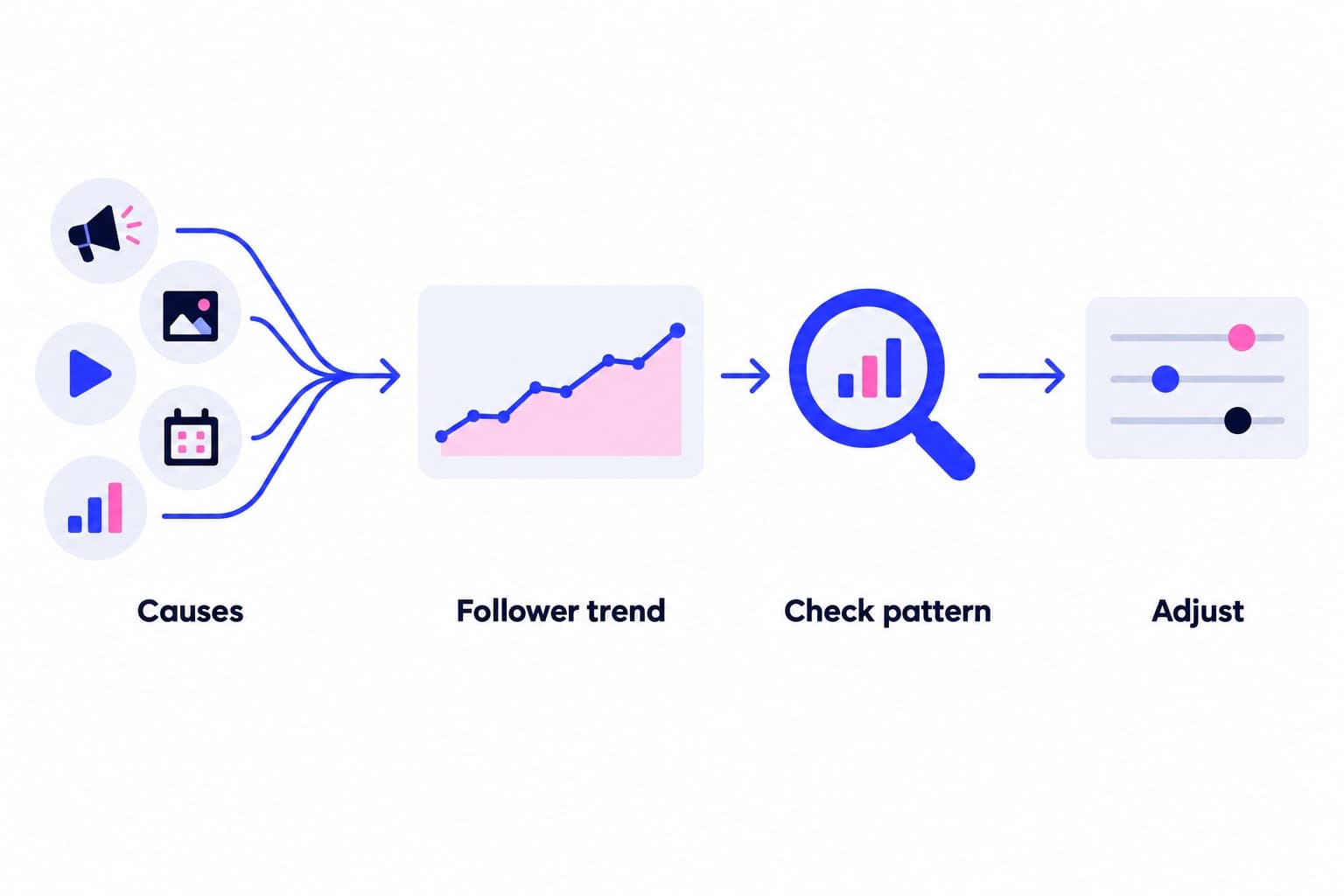
Almost every account loses some followers each month, even ones that are growing fast. The number to watch is net growth: new followers minus the ones who left. Our free Instagram follower count tool shows your current follower, following and post counts with the time they were read, so you can log the total on the same day as each export and see the trend between snapshots.
If you'd like a fuller read on your account, the free profile scan measures your engagement rate against accounts your size, your posting rhythm and your recurring hashtags, and shows what worked and what didn't in your recent posts. When you want more of the right people to find your profile, our Instagram growth plans promote your public profile to a targeted audience every day. How it works walks through targeting, pacing and the daily numbers you see in your dashboard, and we never ask for your password.
As for third-party unfollower apps, any that ask for your Instagram login put your account at risk, while the export method above gives you the same answer for free.
Pick a pace
Questions
Is there a free Instagram unfollow tracker?
Yes, Instagram's own data export works as a free tracker. Export your Followers and following list, save it, export again a few weeks later and compare the two files in a spreadsheet with =COUNTIF(B:B,A2)=0. Each comparison takes a few minutes once the files arrive, costs nothing, and you never hand your login to anyone. For a single name, searching your Followers list is even quicker.
Why won't Instagram tell you who unfollowed you?
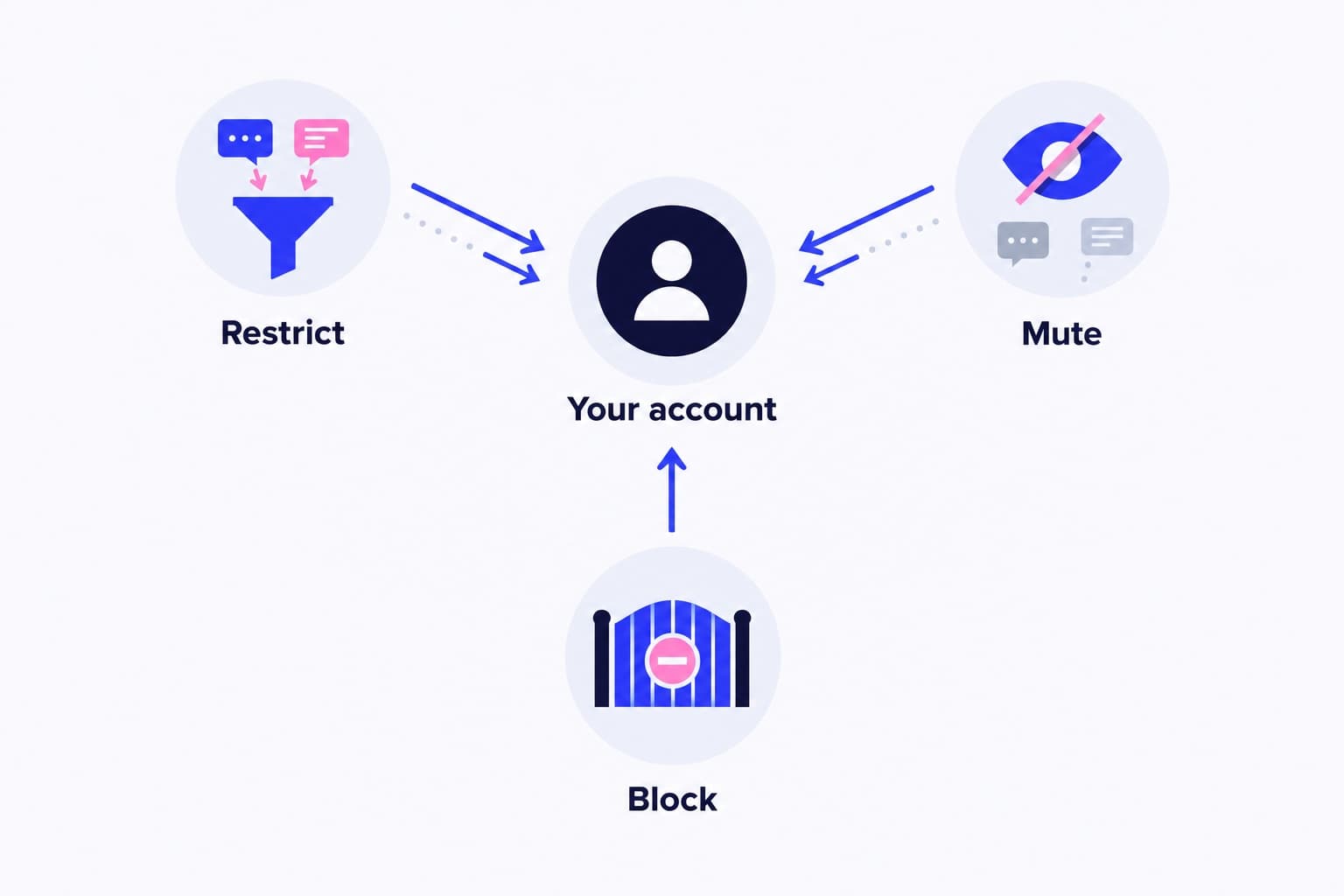
Instagram doesn't send unfollow notifications, and it hasn't said why. It treats other quiet actions the same way: removing a follower or blocking someone sends no alert either. What Instagram does give you is your full follower list in the data export, and two dated exports are enough to work out who left on your own.
How do I check who I unfollowed?
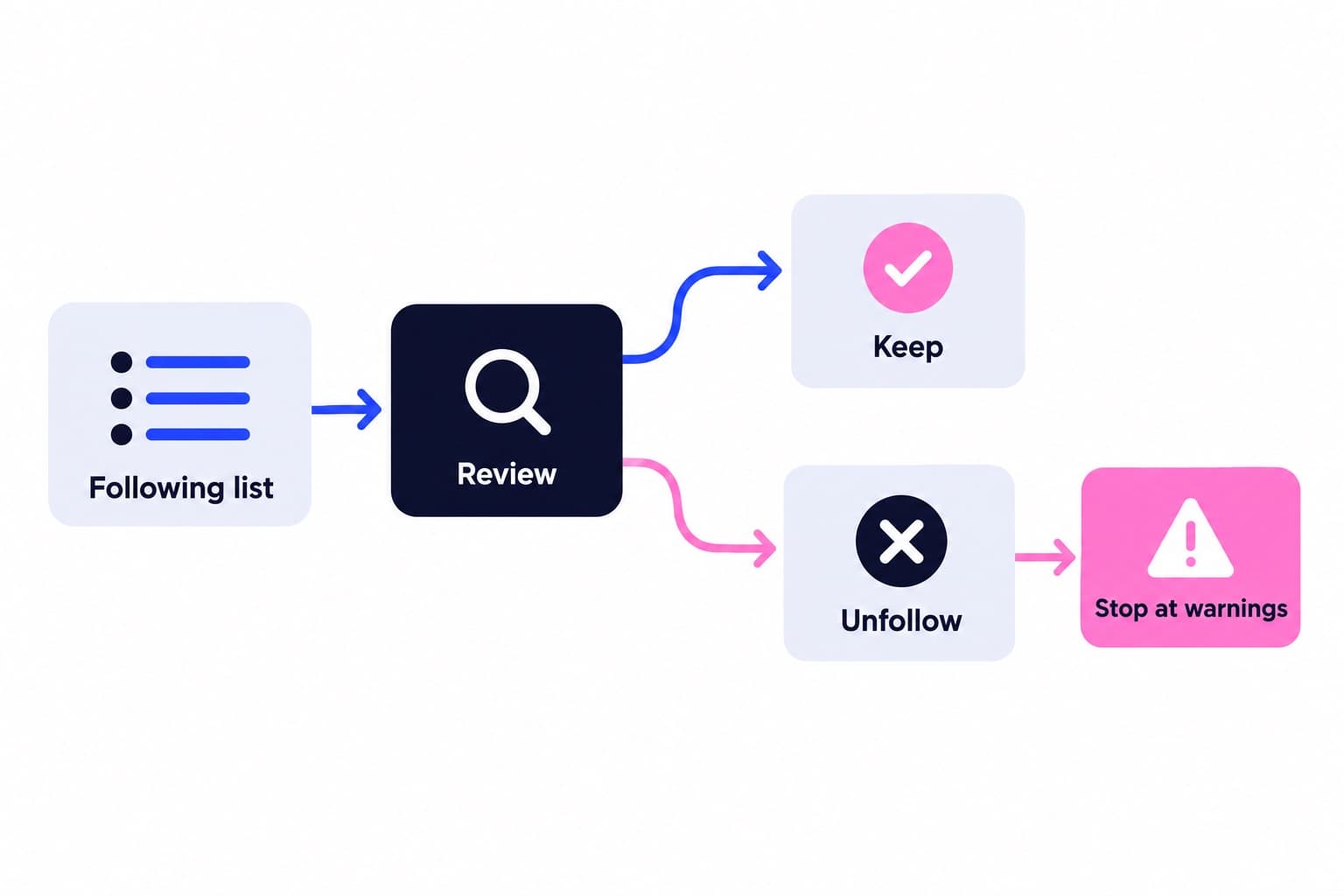
Look in your data export. In the connections, then followers_and_following folder, the file recently_unfollowed_profiles lists accounts you recently unfollowed. For a longer view, compare an older following.json with a newer one; names on the old list but not the new one are accounts you stopped following. Your current Following list alone only shows who you follow today.
Is there an unfollow history on Instagram?
No, Instagram doesn't keep a history of who unfollowed you, and Account history only shows changes you made to your own account. You build your own history by saving dated follower exports. Once you have two, the spreadsheet comparison shows everyone who left between those dates, though not the exact day each person unfollowed.
Can you see who unfollowed you on Instagram without an app?
Yes, both reliable methods work without any extra app. Search your Followers list in the Instagram app or on instagram.com to check one person, or download two copies of your follower list through Accounts Center and compare them in Google Sheets or Excel. The second method shows the accounts that left between your two downloads.
Why did my follower count drop suddenly?
A sudden drop usually comes from several accounts leaving at once rather than people unfollowing one by one. Instagram can flag spam, bot or irrelevant followers, and removed flagged accounts leave both your count and your follower list. Deactivated accounts also drop out until they return. Compare two exports to see whether the missing names were real, active people.