Instagram Mass Unfollow: Steps and Real Limits
Instagram mass unfollow is easiest when you separate choosing accounts from removing them. I'd build a short username queue, work through it inside Instagram, and verify each completed change on the account's profile. For a business, useful vendors and collaborators belong in that review alongside the accounts you're ready to remove.
IC Iris Calloway, Content and account safety editor · Updated Oct 6, 2026 · 7 min read
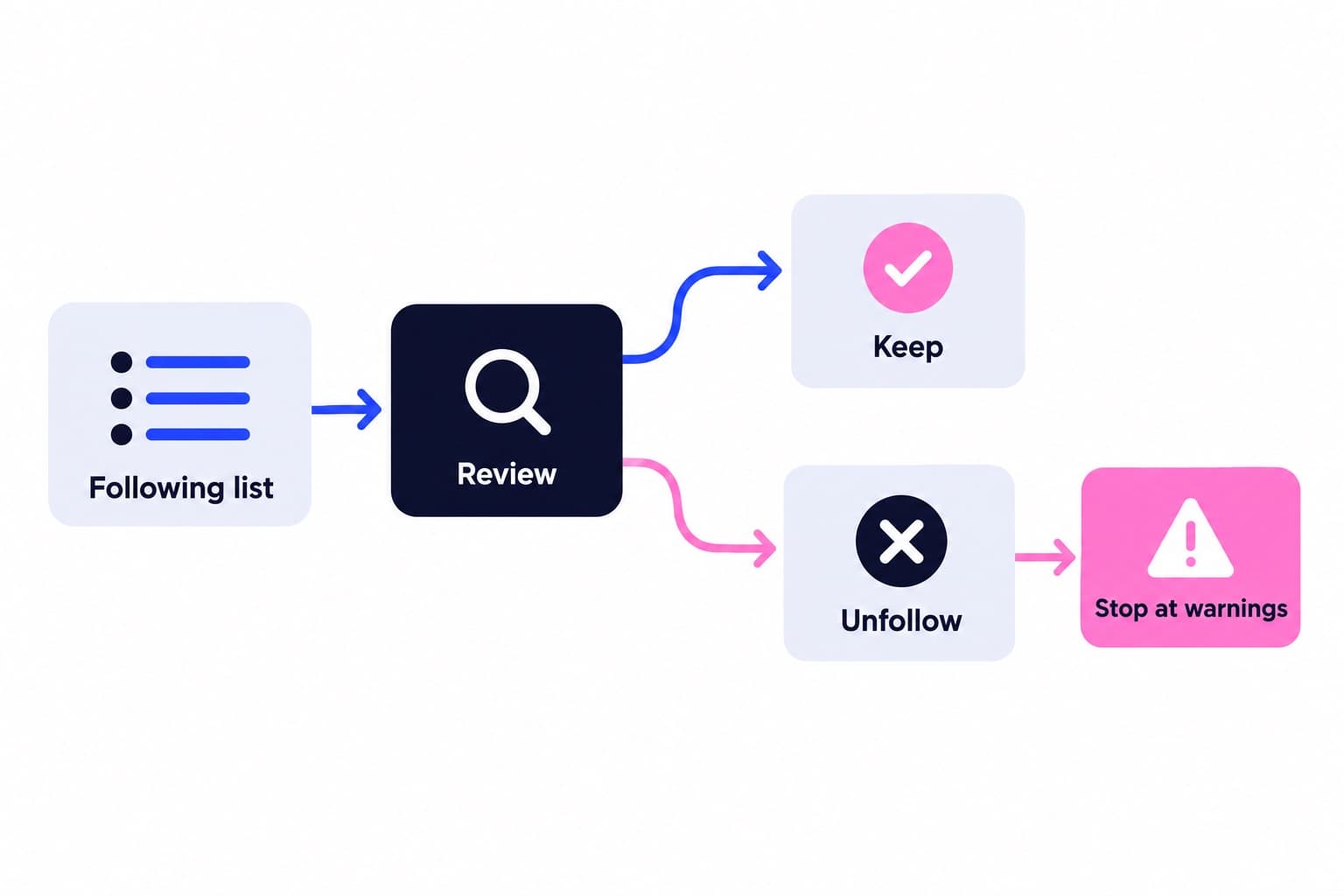
Short answer
For an Instagram mass unfollow, open your profile, tap Following and tap Following beside each account you want to drop, then Unfollow if prompted. Open a few profiles afterwards to check the button reads Follow. Instagram's 7,500-account following cap is a total, not a daily removal limit.
Instagram mass unfollow: the exact taps
To unfollow multiple accounts, work through your Following list and remove each selected account individually. I'd decide which accounts belong in the removal queue before starting the taps. That keeps the job moving without repeatedly opening the same profiles to reconsider them.
The button state is your completion check: Following means the follow remains; Follow means you can follow that account again. If you dismiss a confirmation without selecting Unfollow, revisit the profile before marking the task complete.
Make sure you're editing Following, not Followers. Removing someone from Followers changes whether they follow you. It doesn't remove your follow of their account.
- Open Instagram and go to your profile.
- Tap Following to open the accounts you follow.
- Use the search field to find the exact username, or scroll to the account.
- Tap Following beside the account. Select Unfollow if a confirmation appears.
- Open the matching account's profile and check that the follow button now reads Follow.
- Mark that username complete in your cleanup queue, then move to the next account.
Work a cleanup queue from decision to completion
Say you run a neighborhood plant shop. Your Following list mixes wholesalers, local gardening groups, old travel interests, and makers you might stock.
For the first removal, copy old_trip_example into the search field in Following. Open the matching profile and verify the username. Check the handle, not just the display name, before changing the follow.
Tap Following, select Unfollow when prompted, and check for Follow on that profile. In your note, change the entry from Remove to Done: Follow shown. Then repeat the same process for old_event_example.
Leave vendor_example and local_club_example untouched. For quiet_maker_example, write the missing decision beside the username: Do we still want to stock this maker? That gives your next review a specific question instead of another vague scroll.
| Example username | Decision | Reason |
|---|---|---|
| @vendor_example | Keep | Current stock vendor |
| @old_trip_example | Remove | Past travel interest |
| @local_club_example | Keep | Local event partner |
| @quiet_maker_example | Review later | Check current relevance |
| @old_event_example | Remove | Past event; no ongoing use |
How is your account doing?
Enter a username. The free scan reads your public numbers and compares them with accounts your size. No login.
How to unfollow inactive Instagram accounts
Start with relevance, then inspect visible activity. A profile's latest grid post tells you when that post appeared, not when the person last used Instagram.
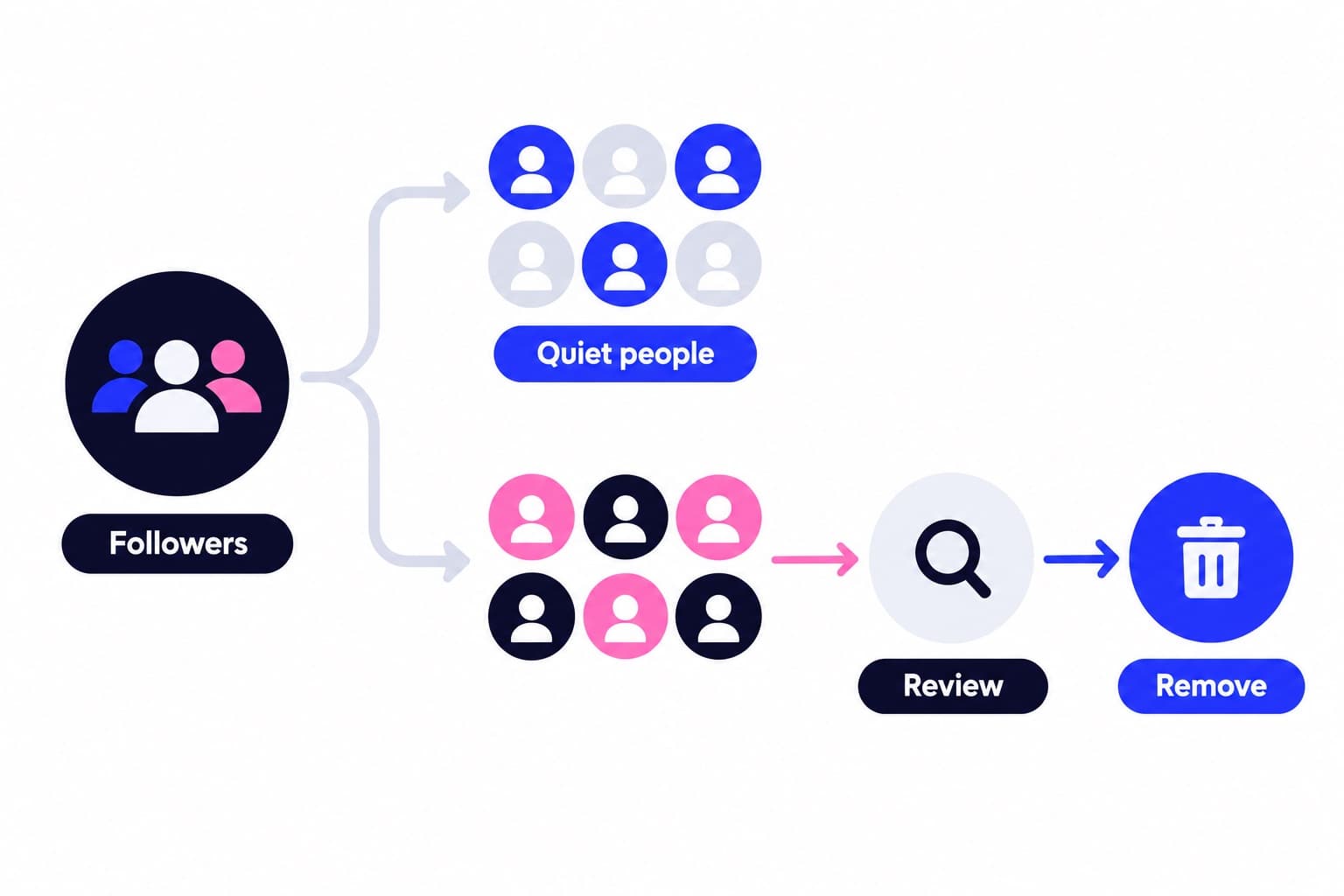
If your Following screen includes Least interacted with, open it as a review shortlist. Low interaction isn't the same as inactivity. You may rarely engage with a wholesaler's posts but still need its seasonal availability updates.
For the plant shop, I'd keep a quiet care-reference account whose tutorials the team still uses. I'd remove an old event account after confirming that its content has no ongoing use for the shop. Those are decisions you can explain, rather than guesses about who has stopped logging in.
- Look at recent visible posts and any Stories available during your review.
- Check whether the account still supports an interest, purchase, partnership, or reference need.
- Keep useful accounts even when you rarely like or comment on their posts.
- Put unresolved business connections in Review later with a specific question.
The 7,500 cap and daily unfollow limits
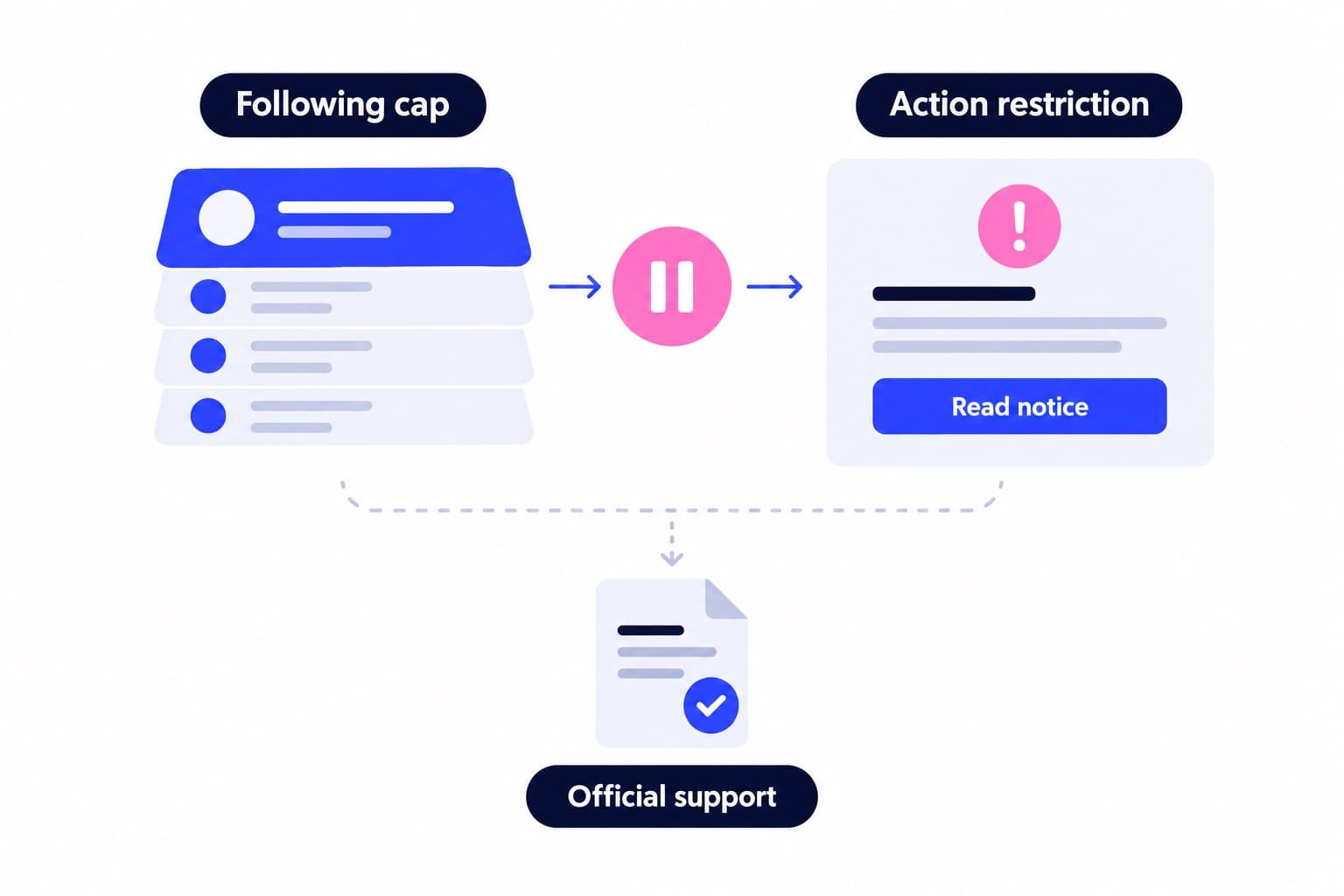
Instagram limits the number of people you can follow to 7,500. That is the size of your Following list, not a removal target or a batch allowance.
Instagram doesn't publish a daily unfollow quota, but unfollowing very fast can still trigger a temporary action block. If a warning appears, stop for the day and pick the queue up again later.
I'd organize the cleanup around completed decisions rather than a claimed safe number. Finish the usernames you've reviewed, verify their button states, and leave undecided accounts in the queue. A timer or numerical target doesn't help you decide whether a vendor still belongs.
| Situation | Published rule | Meaning |
|---|---|---|
| Total following cap | 7,500 people | Maximum accounts followed |
| New follow beyond cap | Error message | Applies at any follower count |
| Older accounts above cap | May exceed 7,500 | Followed before the change |
Use the cleanup to improve your public profile
Before your first removal, record your follower and Following totals separately. Unfollowing changes the second count; it doesn't add followers. Our free Instagram follower ratio tool helps you compare those totals without confusing a smaller Following list with a larger audience.
Next, inspect the profile that a prospective customer lands on. For the plant shop, I'd make the city, product range, and ordering route easy to find, then pin a current shop introduction or useful care demonstration.
Start that review with a free profile scan, which shows your engagement rate against accounts your size, your posting rhythm and which recent posts worked. For audience growth alongside the cleanup, Ganicly's Instagram growth plans promote your public profile to a targeted audience at a steady daily pace, and the account safety overview explains why we never ask for your password.
Disconnect an old unfollow app
If you've previously connected an unfollow app, review that connection before your next cleanup. Instagram organizes connected apps and websites into Active, Expired, and Removed states. Active connections can access information you've chosen to share with them.
I'd skip an unfollow-all script for this job because the hard part is deciding which accounts still help the business, not pressing the button. A username queue preserves those decisions and makes completion easy to check.
Removing a connection prevents continued access to your nonpublic information through Instagram; it doesn't erase information the app previously stored.
After disconnecting it, return to the pending usernames in your queue. Check their current profile states before making another change, especially if the app had already performed some removals.
- On Instagram's website, click More in the bottom left, then Settings.
- Under Your app and media, click Website permissions.
- Click Apps and websites, then Active.
- Click Remove beside the connection you want to disconnect.
- Remove any separately installed extension through your browser's extension manager.
When an unfollow doesn't complete
Reopen the account's profile and check its follow button first. If it still reads Following, leave that username pending. Read any message Instagram displays before deciding whether to retry.
When Instagram displays a restriction notice, pause the queued actions and follow the notice's instructions instead of repeatedly submitting the same change.
Account Status is the next place I'd inspect for restrictions Instagram displays there. For professional accounts, Features you can't use covers certain unavailable features, while Removed content shows content taken down from the account.
Keep a review request tied to the decision on screen. Request a review applies to removed-content decisions; it isn't a general-purpose unfollow reset. Record the affected username and the message you saw so your next session starts with a clear pending item.
- On Instagram's website, click More, then Settings.
- Under More info and support, click Account Status.
- For a professional account, inspect Features you can't use for displayed feature restrictions.
- Inspect Removed content when the issue concerns a content removal.
- Use Request a review for a removed-content decision when that option applies.
Pick a pace
Questions
How do I unfollow a bunch of people on Instagram?
Open your profile, tap Following, and use the Following button beside each account you want to remove. Select Unfollow when prompted. For a longer cleanup, prepare a username queue first, search each exact username, and check for Follow on the matching profile before marking that removal complete.
Can people see when I unfollow them?
Yes, someone can discover that you unfollowed them by checking their Followers list or your visible Following list, although Instagram doesn't send an unfollow notification. The absence of a notification doesn't hide the changed relationship. Treat the action as a visible list change rather than an anonymous way to edit your feed.
How do I unfollow inactive Instagram accounts?
Review each candidate's profile and remove it when it no longer serves your interests. An old grid post doesn't establish the person's last login or account activity. Least interacted with, when displayed in Following, is a useful starting point for review, but a quiet vendor or reference account may still belong in your list.
How do I unfollow people who don't follow me back?
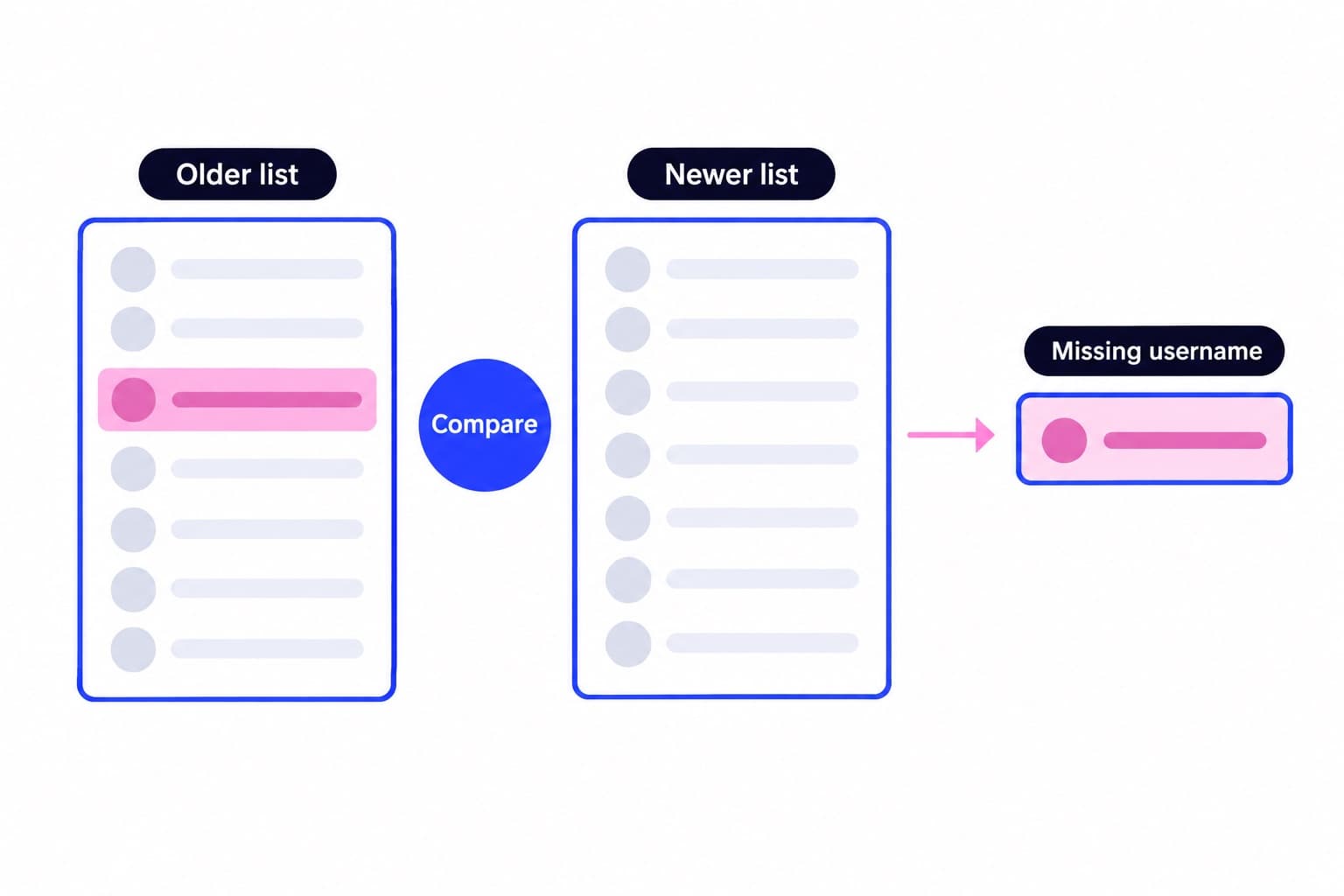
Instagram has no filter for accounts that don't follow you back, so check them one by one. Open an account from your Following list and look for the Follows you label under its name, or search the username in your Followers list. If it isn't there, add the account to your Remove queue and unfollow it with the same taps as the rest.
Can I unfollow everyone on Instagram at once?
Instagram's standard Following workflow uses individual unfollow actions rather than a Select all control. You can work through your list, but I'd prepare a removal queue before starting. For a business profile, that lets you keep customers, vendors, collaborators, and reference accounts while removing the follows that no longer have a purpose.
How many people can you follow on Instagram?
Instagram's published following limit is 7,500 people, regardless of how many followers you have. Trying to follow another account beyond that limit produces an error. Some older accounts already exceed the cap because they followed those accounts before the change. The number limits total follows, not the size of an unfollow session.
How do I remove an Instagram unfollow app?
On Instagram's website, click More, then Settings, Website permissions, Apps and websites, and Active; select Remove beside the app. Website permissions appears under Your app and media. If you installed a browser extension as well, remove that separately through the browser's extension manager, then reopen Instagram to continue your manual review.