Instagram Follow Limit: 7,500 Cap and Error Fixes
The Instagram follow limit is 7,500 accounts, but that total doesn't explain every failed follow. I'd start with the Following count on your profile, then read the exact error before touching settings. Iris Calloway, Content and account safety editor at Ganicly.
IC Iris Calloway, Content and account safety editor · Updated Oct 6, 2026 · 7 min read
Short answer
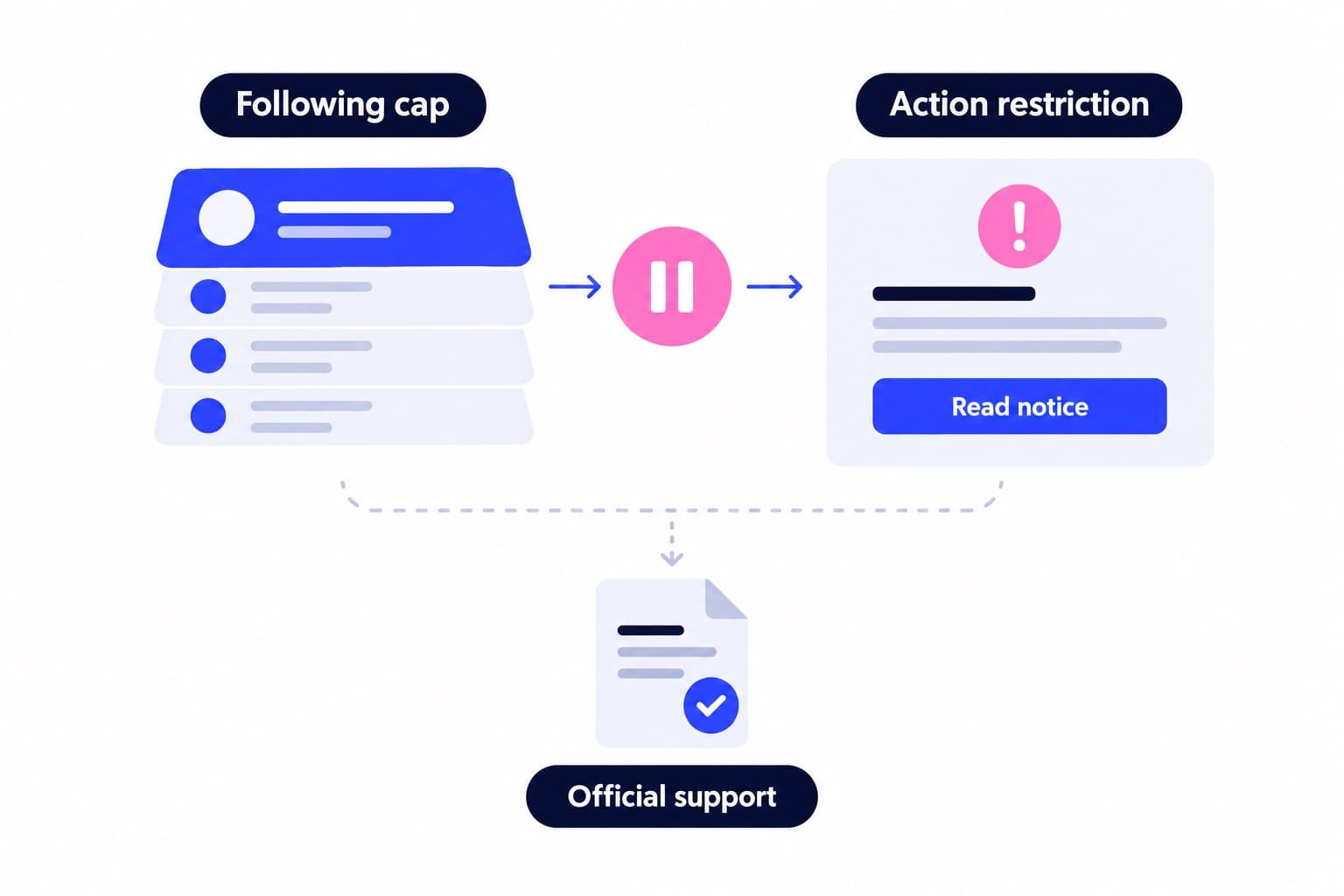
Instagram limits you to following 7,500 accounts, regardless of your follower count. Its official guidance lists no universal daily or hourly allowance. If following fails, check your Following count, then identify whether the cause is a full list, feature restriction or technical issue.
The Instagram follow limit is 7,500 accounts
You can follow up to 7,500 accounts on Instagram. That's the total size of your following list, not a daily allowance. Instagram applies the ceiling regardless of how many followers you have, and attempts to exceed it produce an error.
Open your profile and look at Following. If the total is 7,500, reviewing that list is the relevant fix. If it's lower, the ceiling alone doesn't explain the failed action.
Accounts already following more than 7,500 people are a historical exception: Instagram says they followed those accounts before the change. That isn't a setting you can enable.
| Limit type | What it covers | First check |
|---|---|---|
| Total following cap | 7,500 accounts | Make room in Following |
| Daily or hourly quota | No official figure provided | Don't assume an allowance |
| Feature restriction | An affected account action | Read notice; check status |
| Request approval limit | Incoming follow requests | Review privacy switching |
Is there an Instagram follow limit per day or hour?
The official guidance cited here gives no universal daily or hourly figure. It documents the total ceiling and specific reasons for account restrictions, rather than publishing a timetable of permitted follows.
I'd skip the daily-quota spreadsheet. Here's why: it turns an unsupported number into a target without identifying whether your problem is a full following list, a restricted feature, or a broken button.
Splitting a suggested daily number into hourly batches doesn't make it an official allowance. Neither does having plenty of space beneath 7,500.
A more useful note has three fields: your Following total, the action that failed, and the exact message. Those details help you choose the right support route instead of working backward from somebody else's schedule.
How to fix an Instagram follow limit error
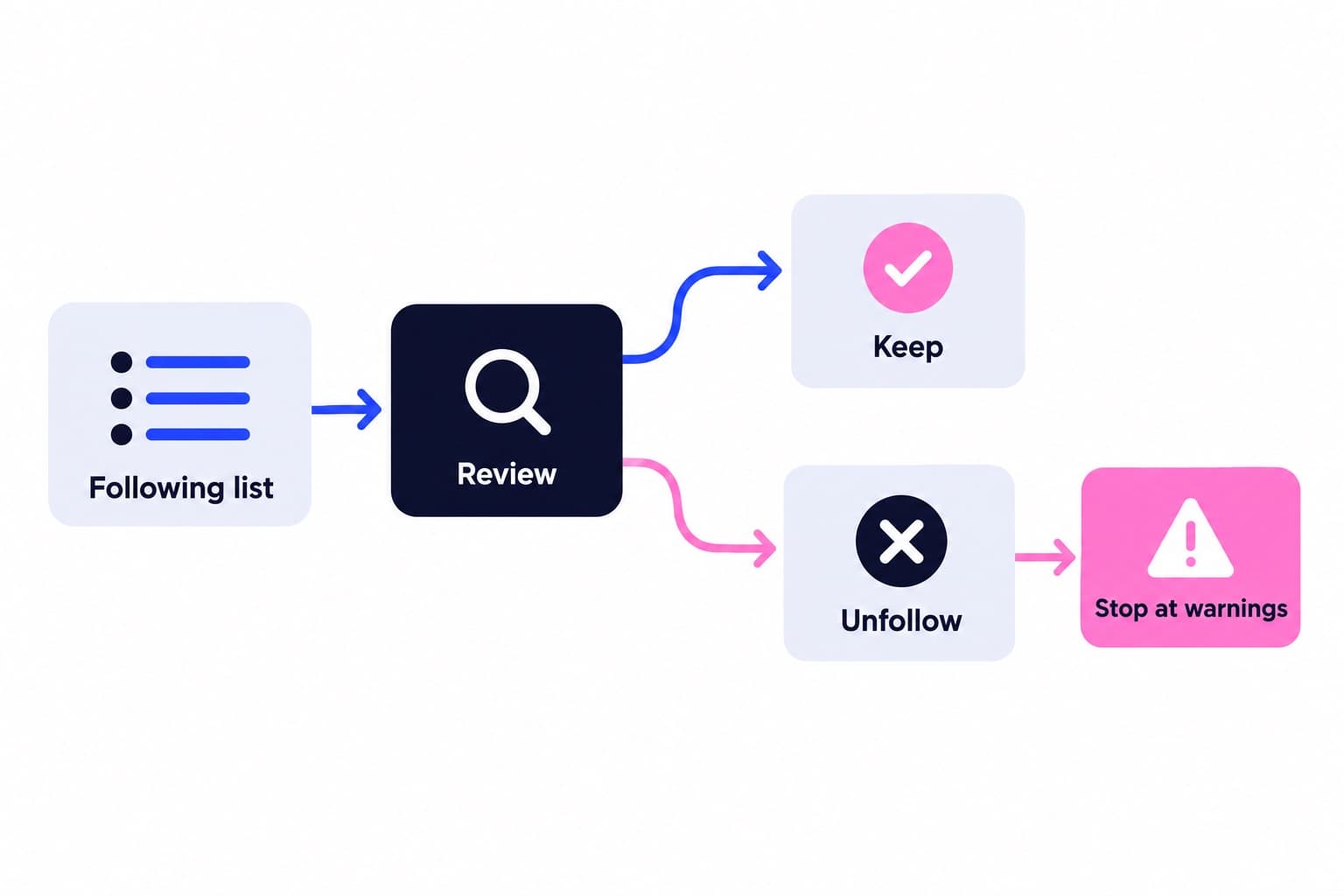
Match the fix to the situation. Making room addresses the total cap; reviewing a restriction addresses an affected feature; reporting a malfunction addresses a technical problem.
Say you run a bicycle repair shop and follow 7,500 accounts. You want to add a new neighborhood cycling club. Unfollowing one account you no longer read creates one available place. Following the club brings you back to 7,500, not to a fresh daily allowance.
If a notice names another action, record that too. A failure to approve an incoming request isn't the same as a failure to follow someone else's account.
- At 7,500: review Following and unfollow an account you no longer want before adding another.
- Below 7,500 with a restriction notice: follow its instructions and check Account Status.
- Below 7,500 with a malfunctioning feature: update the app, then report the problem if it persists.
How is your account doing?
Enter a username. The free scan reads your public numbers and compares them with accounts your size. No login.
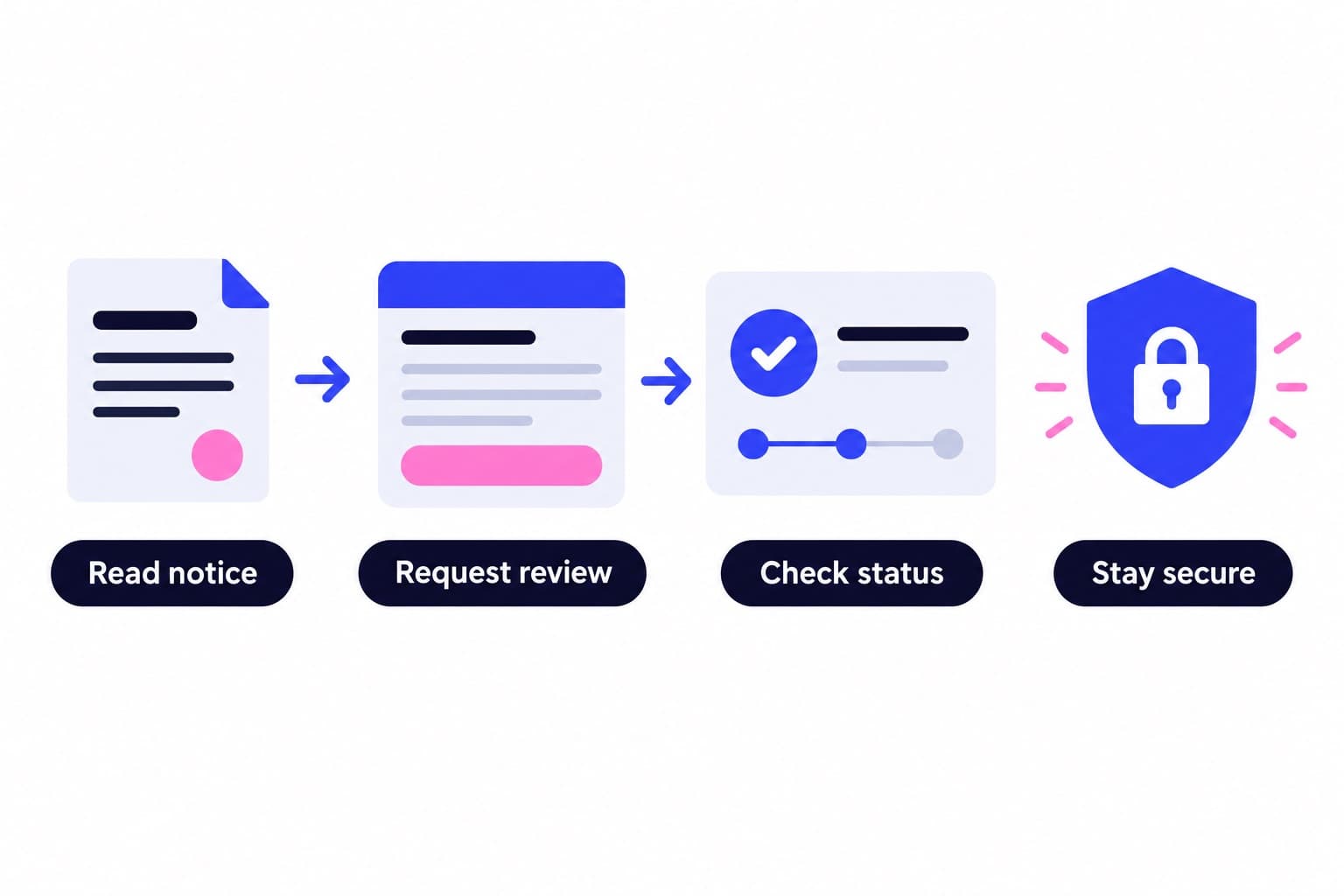
Check Account Status before changing settings
Use the website route below to inspect the information Instagram provides about restrictions. I'd check this before changing unrelated settings, because it gives you something specific to act on.
Account Status covers Community Standards issues and resulting account limitations. For professional accounts, Instagram names Removed content and Features you can't use as separate areas.
Keep those areas separate when choosing an action. Request a review concerns a content-removal decision; inspect the information attached to the issue you actually have rather than treating it as a reset button.
- On instagram.com, click More in the bottom left.
- Click Settings.
- Below More info and support, click Account Status.
- For a professional account, inspect Features you can't use for relevant limitations and available actions.
- Open Removed content when investigating a content-removal decision; use Request a review if you disagree with that removal.
Why approving follow requests can be restricted
Instagram specifically links repeated public-to-private switching with temporary limits on incoming request approvals. Its guidance says this can limit the number of requests you approve per day. Trying to switch from private to public again can also remove existing requests.
If approvals are the problem, leave the privacy setting unchanged while you work through the notice. Switching again is a poor troubleshooting move because Instagram identifies that behavior as part of the issue.
There's another incoming-request situation worth checking: flagged accounts. Even a public profile can receive their follows as requests. In the app, go to your profile, tap Followers, and open the Flagged folder to confirm or delete individual requests.
Requests from flagged accounts are automatically declined if you don't approve them within 30 days. That deadline concerns pending requests, not an outgoing-follow allowance.
How long does an Instagram follow block last?
The official sources cited here don't specify a universal recovery time. Use any end time or instructions displayed in your own notice rather than treating another person's countdown as your deadline.
A full following list has no recovery timer. It stays full until you make room.
For a feature restriction, save the notice and inspect Account Status. For a continuing technical problem, send the report with the original details. Keeping the first screenshot is useful: it preserves the wording even if a later attempt produces a different message.
Review connected access when the notice points there
A notice referring to unauthorized access or data scraping calls for an access review. Instagram identifies unauthorized automated access and data collection as reasons an account may be restricted.
Use the connected-app route below to review access. Instagram also recommends checking unfamiliar logins, changing your password when you see suspicious activity, and turning on two-factor authentication.
Ganicly never asks for your password. Our account safety guide explains the approach behind promoting a public profile.
- On instagram.com, click More, then Settings.
- Below Your app and media, click Website permissions.
- Click Apps and websites, then Active.
- Click Remove next to an app whose access you want to revoke.
Build discovery without filling your following list
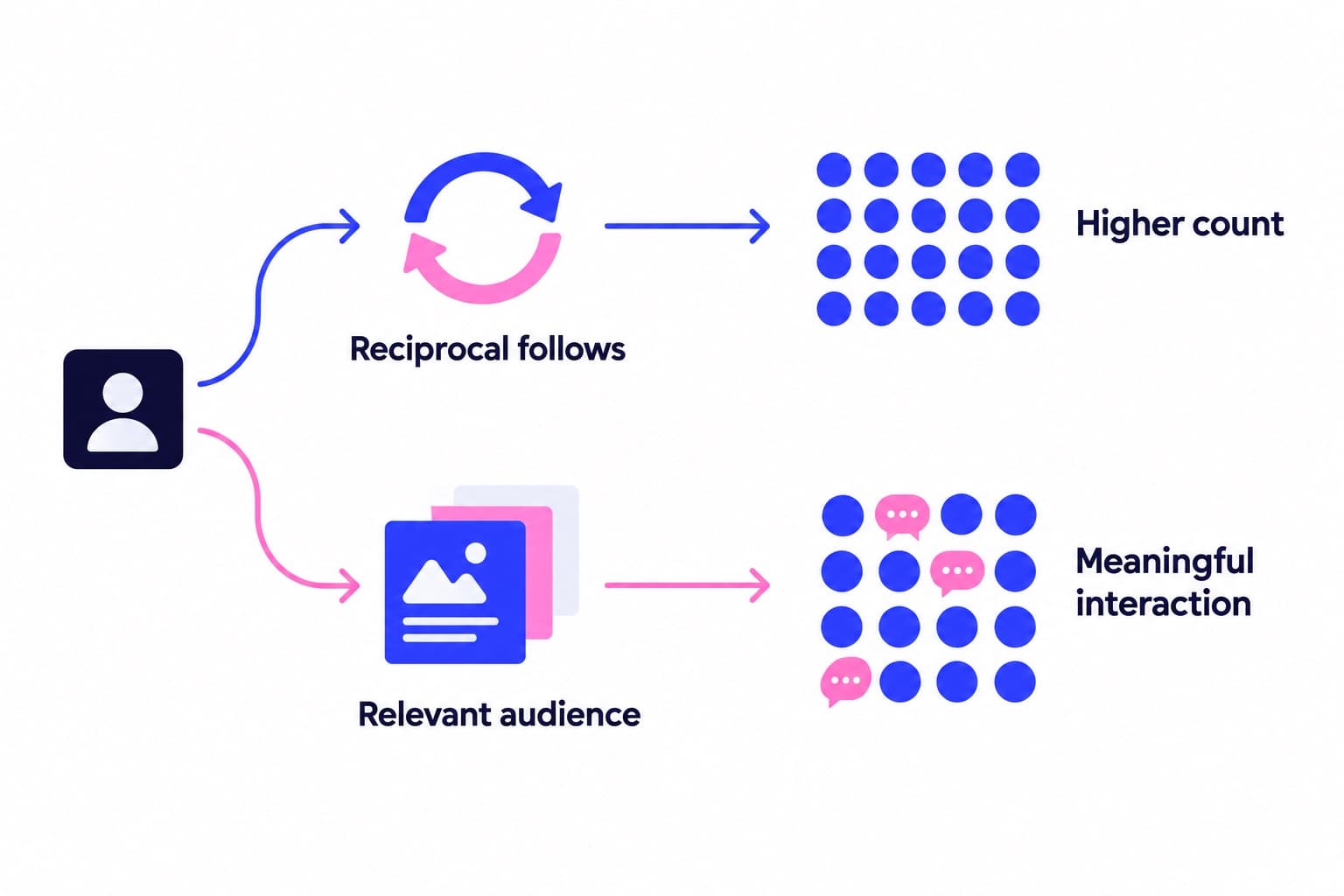
Following accounts you want to read and attracting visitors to your own profile are different jobs. The 7,500 ceiling concerns the first one. Your profile presentation and promotional activity deserve their own attention.
For the bicycle repair shop, I'd make the location, repair services, and booking route obvious before widening discovery. A visitor interested in a repair should find the answer without digging through unrelated posts.
Use a free profile scan to review the profile new visitors see. For ongoing promotion, see how Ganicly's monthly growth plans work: we promote a public profile to a targeted audience at a steady daily pace while you keep publishing.
Pick a pace
Questions
Is there a follow limit on Instagram per day?
Instagram's official guidance cited here doesn't publish a universal daily allowance. It documents a total cap of 7,500 accounts, which is different from how many follows you can send today. If an action fails below that total, use the displayed message and Account Status to investigate rather than calculating an assumed remaining quota.
How do I fix the follow limit on Instagram?
If you've reached 7,500 followed accounts, unfollow an account you no longer want before adding another. If you're below the cap, read the error and check Account Status for relevant restrictions. For a technical problem, update the app, then use Help and Report a problem to submit the affected action, device details, and screenshot.
Is there a way to follow more than 7500 on Instagram?
No, Instagram's current rule prevents new follows beyond 7,500 accounts. The Help Center explains that accounts already above that total followed those people before the rule changed. Having more followers doesn't lift the cap. To make room for another account, review your existing following list and remove an account you no longer need.
How long does an Instagram follow block last?
There isn't a universal recovery time stated in the official sources cited here. If your notice gives an end time, use that information. Otherwise, check Account Status for the affected feature and available actions. A full following list is different: waiting doesn't create room beneath the 7,500-account ceiling.
Does the Instagram follow limit apply to followers?
No, the 7,500 cap concerns accounts you follow, not accounts following you. Instagram also says your follower count doesn't change that ceiling. Keep the two profile numbers separate when diagnosing an error: Following helps you check the total cap, while Followers is where you manage incoming followers and certain flagged requests.
Why can't I approve follow requests on Instagram?
Repeatedly switching between public and private can trigger temporary limits on how many requests you approve per day. Instagram also says another private-to-public switch can remove existing requests. Separately, flagged incoming follows may require approval even on a public account, so check whether you're seeing an approval restriction or requests awaiting a decision.