Ghost Followers Instagram Users Can Review and Remove
You can review ghost followers on Instagram without treating every quiet person as fake. Learn which accounts are worth removing and what a cleaner follower count actually changes.
TB Tomas Brandt, Analytics writer · Updated Oct 6, 2026 · 6 min read
Short answer
Ghost followers follow you but show little or no visible engagement. Review suspicious accounts and remove clearly unwanted followers through Instagram's built-in controls. A smaller follower count can raise your engagement percentage without adding any likes or comments.
What are ghost followers on Instagram?
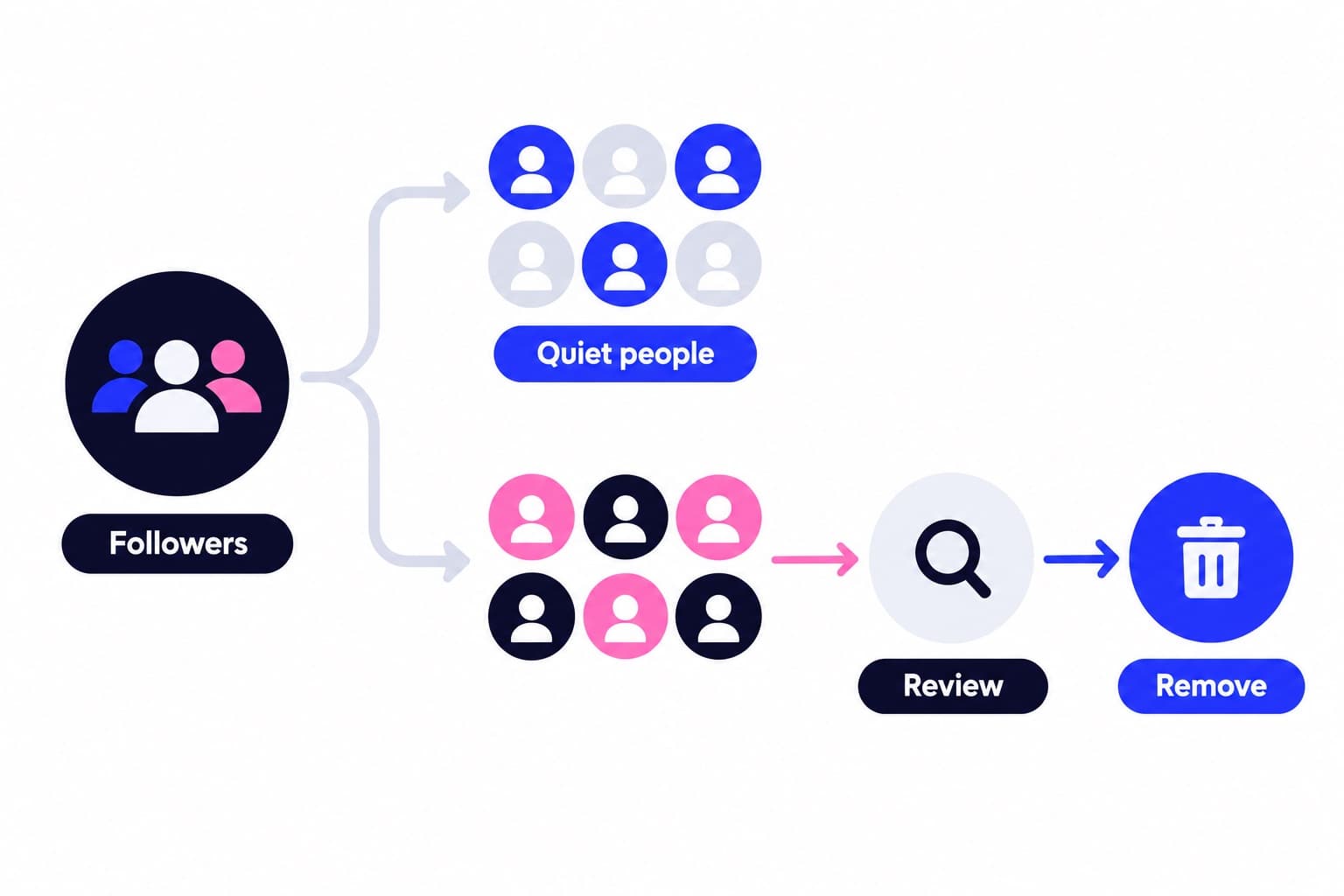
Ghost followers are accounts that follow you but show little or no observable engagement. I'd start with your follower list, not an automatic cleanup service.
The label covers different situations. Someone may have abandoned an account. Another profile may be spam or a bot. A genuine person may simply read your posts without liking or commenting.
Those groups deserve different treatment. Remove unwanted accounts because you don't want them in your audience, not because every follower should interact publicly.
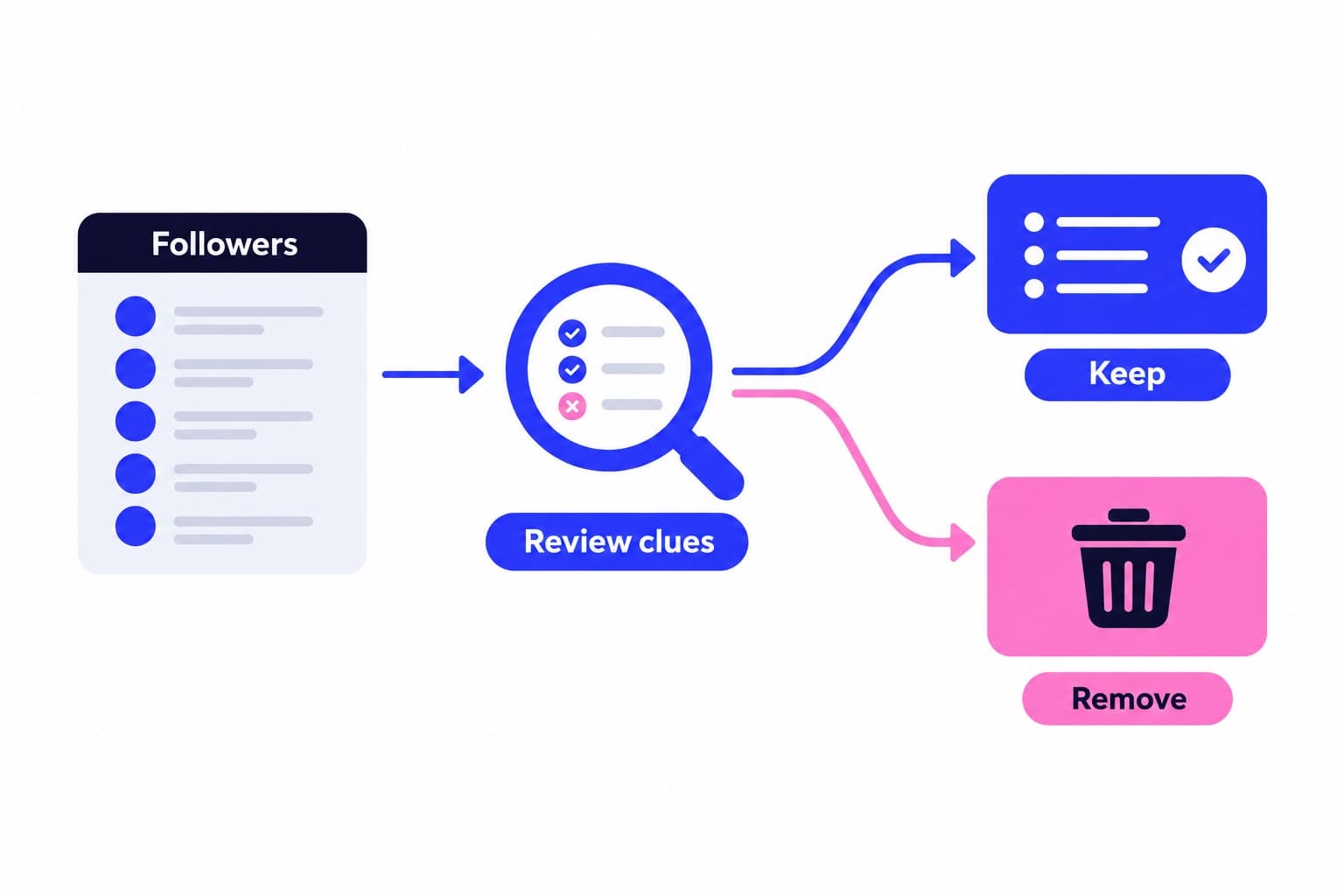
- Open your profile and select Followers.
- Review suspicious accounts alongside your recent likes and comments.
- Use Remove for clearly unwanted accounts, rather than deleting everyone who stays quiet.
Does removing ghost followers improve engagement rate?
Removing followers can improve a follower-based engagement percentage through arithmetic. Divide the interactions you're counting by your follower count, then multiply by 100. Keep the interaction definition and reporting period consistent.
For example, 50 interactions divided by 1,000 followers gives 5%. If you remove 200 followers and still count 50 interactions, the result becomes 6.25%. The percentage rose, but nobody added a like or comment.
At a small account size, each removal changes the denominator more than it would for a much larger account. Compare actual interaction totals before judging improvement. A cleaner percentage isn't the same as a busier comments section.
For a broader audience check, use Ganicly's free Instagram audience quality tool. Keep your engagement calculation separate from account-by-account decisions about whom to remove.
| Example | Followers | Interactions | Engagement rate |
|---|---|---|---|
| Before removal | 1,000 | 50 | 5% |
| After removal | 800 | 50 | 6.25% |
How is your account doing?
Enter a username. The free scan reads your public numbers and compares them with accounts your size. No login.
How to find likely ghost followers without guessing
Start with accounts that look suspicious, rather than working backward from everyone who hasn't liked a post. Profile appearance, old posts, and missing interactions are clues, not a definitive ghost-follower test. A quiet person can still see your content.
Activity Status doesn't solve that problem. Instagram's Help Center says people can turn it off, and its visibility depends on following and messaging relationships. When yours is off, you can't see anyone else's status either.
I'd leave recognizable, relevant people alone unless you have another reason to remove them. Spend your review time on obvious spam and accounts you genuinely don't want following you.
- Open the follower's profile and review its bio, content, and posting history.
- Check your recent posts for visible likes or comments from that account.
- Consider those clues together with whether the account looks relevant or clearly unwanted.
How to get rid of ghost followers on Instagram safely
You can remove unwanted followers for free through the native follower list. Review the profile before confirming, so you're making an intentional choice.
Instagram's Help Center documents individual removal for private accounts. On the web, click your profile picture, click Followers, then click Remove beside the account and confirm. The same help page says the person won't receive a removal notification.
Removal ends that follow relationship; it doesn't make a public profile private. On a public account, the person can follow again. On a private account, following again requires an approved request.
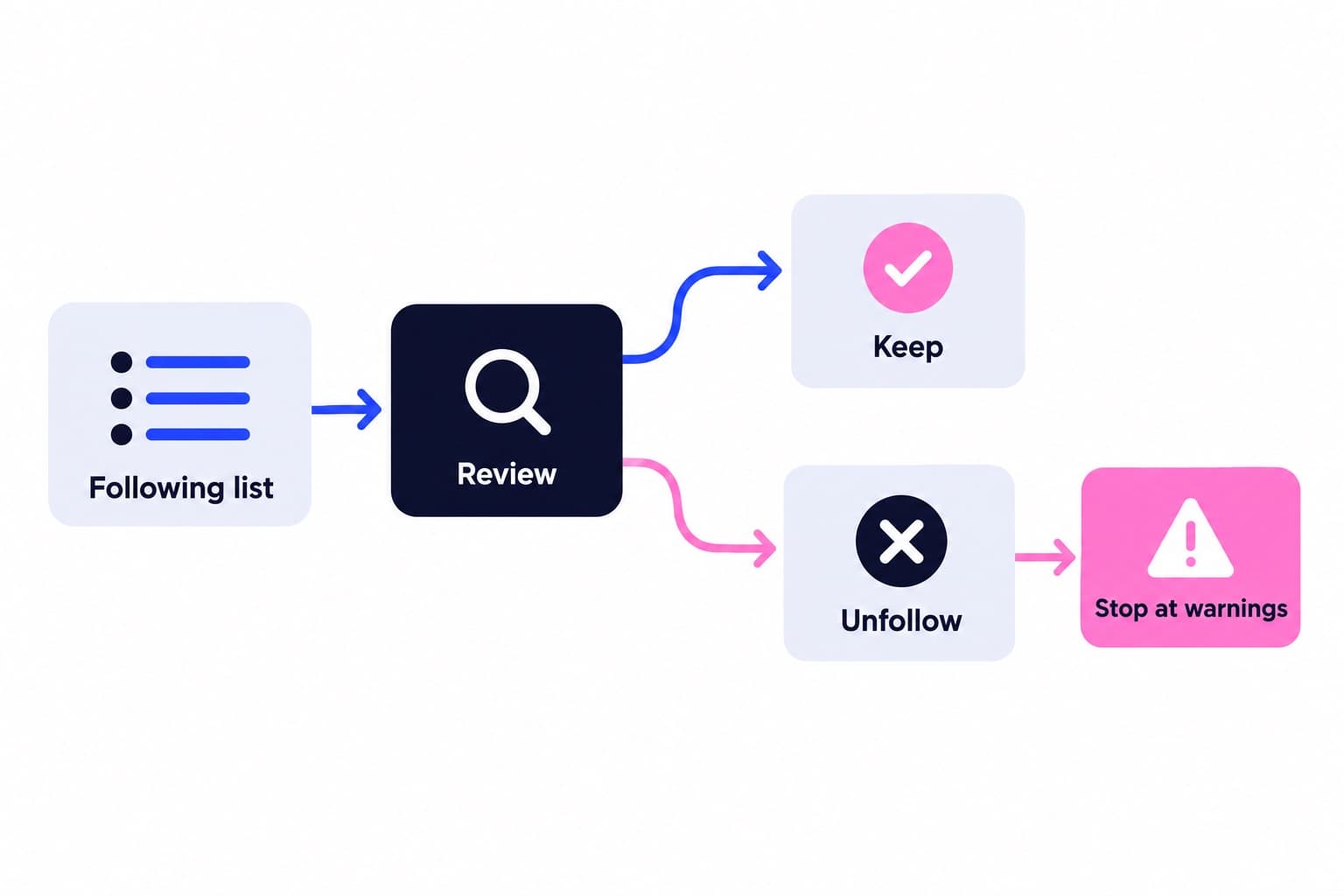
Work deliberately rather than running an indiscriminate bulk cleanup. If Instagram displays a warning, stop instead of trying to work around it. Keep accounts with clear reasons to stay, even when their owners rarely interact.
- In the app, open your profile and tap Followers.
- Find the unwanted account and tap Remove beside it.
- Tap Remove again to confirm when prompted.
Can Instagram delete ghost followers automatically?
Instagram's native review tools target potential spam, bots, or irrelevant accounts, rather than every follower who stays quiet. Its Help Center describes both Flagged for review and Potential spam controls.
The unwanted-followers page describes the feature for public accounts and notes that it may not be available to everyone yet. Use the labels shown in your app.
For existing flagged followers, Remove all clears that flagged group. The potential-spam page gives the path Followers, Potential spam, Remove all spam followers, then Remove. Review the group before choosing either bulk control.
Incoming flagged follows can require approval even on public accounts. Instagram says requests left unapproved for 30 days are automatically declined. That's request filtering, not automatic inactivity detection.
- Open your profile, tap Followers, and look for Flagged for review.
- Review individual accounts and tap Remove beside unwanted ones.
- For an incorrectly flagged account, tap Options and then Not spam or irrelevant.
- If your list uses Potential spam instead, open it and use Confirm or Delete for requests.
Should you trust an Instagram ghost followers remover?
Treat a remover's classification as a review suggestion, not a verdict. Check what it measures before letting its labels guide your cleanup.
Don't give a follower-cleanup app your password. Password-free tools still deserve a check of their permissions, privacy terms, and requested account access. Reading information and being allowed to change an account are different permissions.
Instagram's Help Center explains that connected apps can access public information and nonpublic information you choose to share. Removing a connection stops continued access to nonpublic information through Instagram, but the app may retain information already stored.
Skip tools promising perfect detection or a universal safe removal quota. Keep the final removal decision inside Instagram. If you want broader profile context first, Ganicly offers a free profile scan.
How to prevent unwanted followers
A private account gives you approval control over new follow requests. Instagram's web instructions are More, Settings, Account privacy, Private account, then Switch to private. Business profiles must switch back to a personal account before becoming private.
If you need a public profile, use the available spam-review controls instead. Instagram's potential-spam page gives Menu, Settings and privacy, Followers, then Filter spam followers.
Review old account connections too. On the web, go to More, Settings, Website permissions, Apps and websites, then Active. Click Remove beside services you no longer need, following Instagram's Help Center instructions.
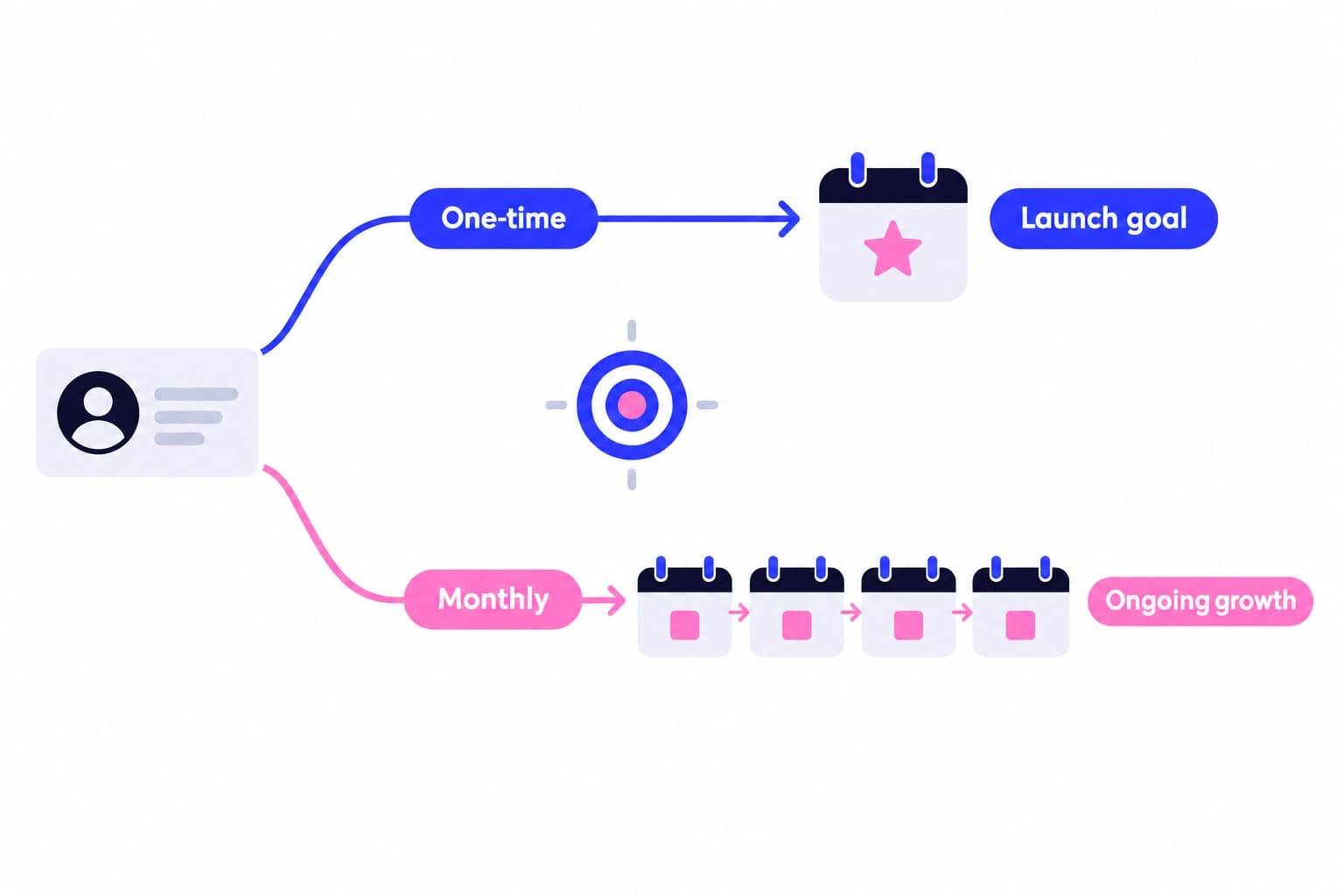
You can't keep every genuine follower active forever. Focus on unwanted accounts and unnecessary access. For attracting a relevant audience, Ganicly's monthly growth plans promote your public profile to a targeted audience at a steady daily pace, with daily numbers in your dashboard.
Pick a pace
Questions
What does “ghost followers” mean on IG?
Ghost followers on Instagram are accounts that follow you but show little or no visible engagement. Some are abandoned accounts or bots; others belong to genuine people who browse quietly. The useful distinction is between accounts you don't want in your audience and people who simply prefer not to like or comment.
How do you detect ghost followers on Instagram?
Review follower profiles alongside your recent likes and comments to find accounts worth checking. Look at their content, posting history, and relevance to your audience together. Use that review to decide which profiles deserve attention, rather than automatically labeling every account missing from your comments section as a ghost.
Is there a way to remove ghost followers on Instagram?
Yes, you can remove unwanted followers through Instagram's built-in follower controls. Open your profile, select Followers, find the account, and choose Remove. Instagram also provides review controls for flagged or potential spam accounts. Choose accounts deliberately instead of treating every quiet follower as someone you need to delete.
How can I remove ghost followers on Instagram for free?
Use Instagram's own follower list to remove unwanted accounts for free. You don't need a paid analyzer to make the removal. Instagram's Help Center describes opening your profile, choosing Followers, selecting Remove beside the account, and confirming. For flagged accounts, open the available review folder and check the profiles before removal.
Can Instagram delete ghost followers automatically?
Instagram filters potential spam accounts and provides removal controls for flagged followers, rather than automatically deleting every non-engaging follower. According to its Help Center, incoming flagged requests are automatically declined after 30 days without approval. That request filtering is different from removing inactive accounts already following you.
Is an Instagram ghost followers remover safe?
A password-free remover isn't automatically safe or accurate. Check its privacy terms, requested permissions, and whether it can make account changes. Instagram's Help Center explains that connected apps can access information you've shared. I'd use native controls for removal and choose an analyzer only when its purpose and permissions are clear.