Instagram Bot Followers: How to Spot and Remove Them
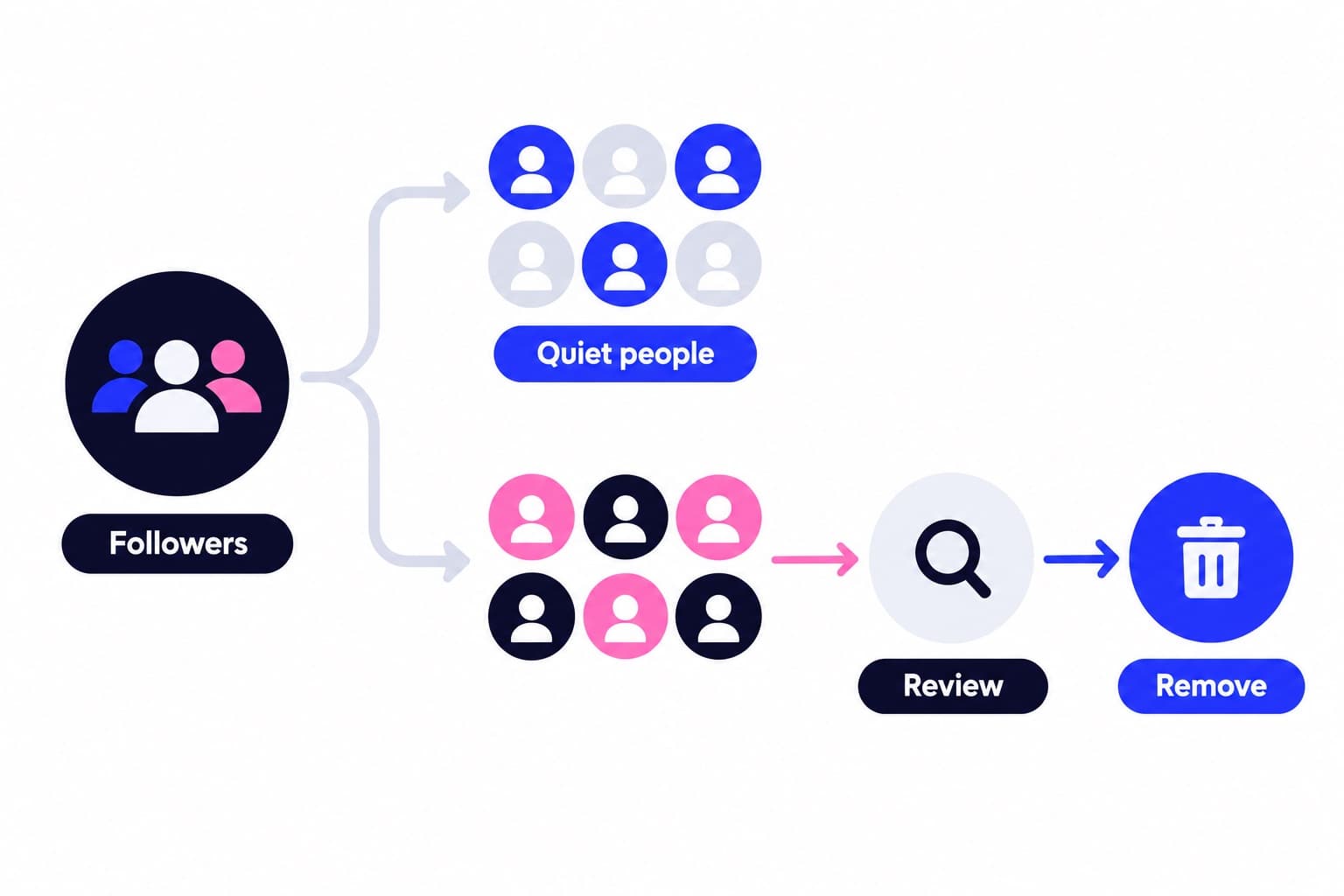
Instagram bot followers are automated or spam accounts that follow you but never watch, like or comment, and the fix is a short audit plus Instagram's own removal tools. I'll walk you through the 50-follower check I use, the exact taps to clear flagged accounts, and the settings that keep new ones out.
IC Iris Calloway, Content and account safety editor · Updated Oct 6, 2026 · 6 min read
Short answer
Instagram bot followers are automated or spam accounts that follow you without engaging. Remove them by opening your follower list, tapping Potential spam or Flagged for review, then Remove all. Keep Filter spam followers on so likely spam accounts can't follow you without your confirmation.
Do Instagram bot followers hurt your reach?
Yes, they can. Instagram says flagged spam and bot accounts can affect your discoverability and your ability to build authentic engagement with real followers, which is why it built a separate folder for them. Bots also drag down any engagement rate that divides interactions by follower count, because they add to the bottom number and never to the top.
Here's the arithmetic for an account with 10,000 followers: 300 interactions per post is a 3% rate. Say you remove 2,000 inactive accounts and those same 300 interactions now sit on 8,000 followers, which reads as 3.75%. Nothing about your content changed. The audience you're measuring did.
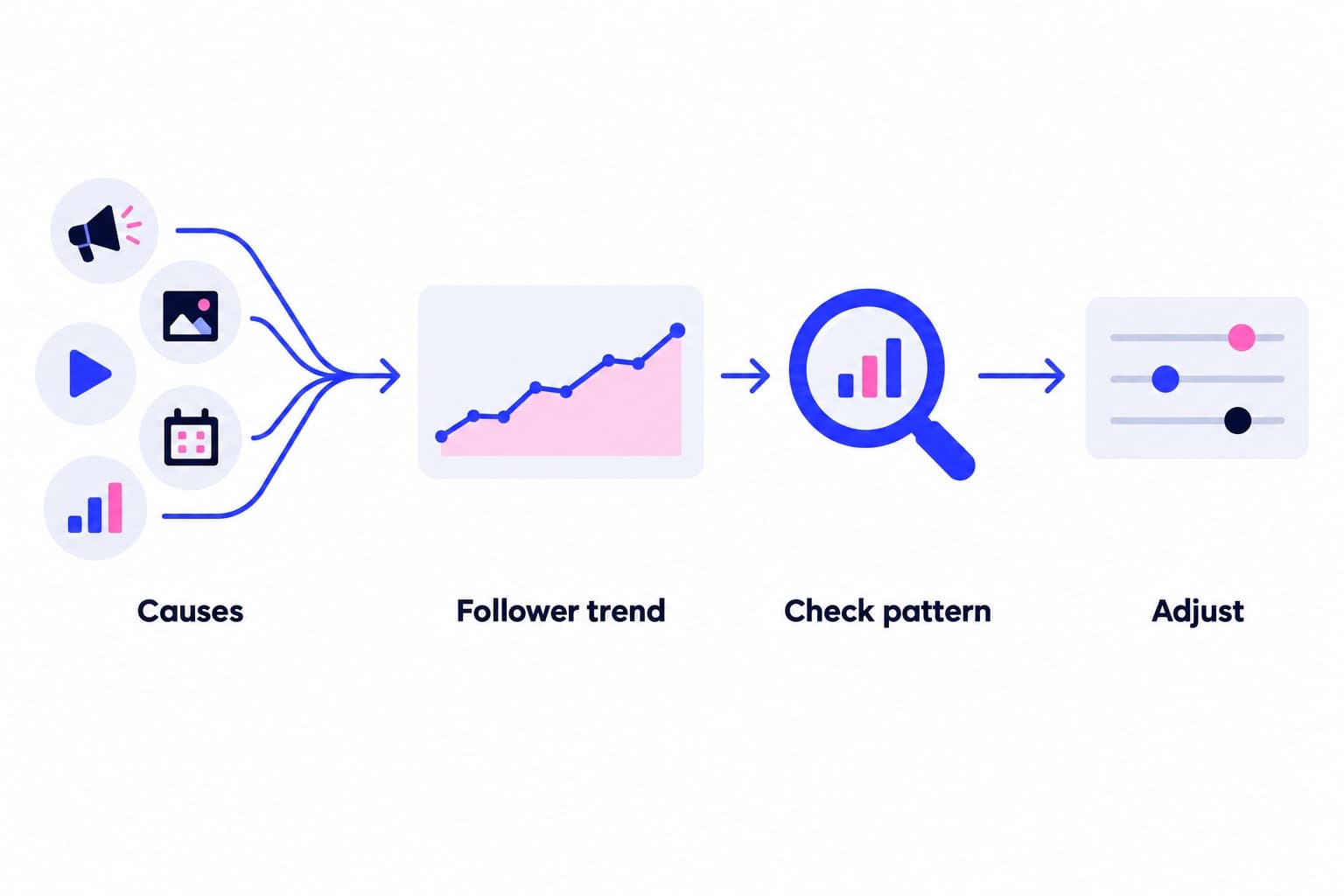
Bot followers usually arrive on their own. Spam accounts follow large numbers of public profiles to look busy, and Instagram caps following at 7,500 accounts. Instagram also removes follows that came from accounts generating inauthentic activity, so a sudden dip in your count can simply mean it cleared some of them for you.
How to spot fake followers: my 50-follower audit
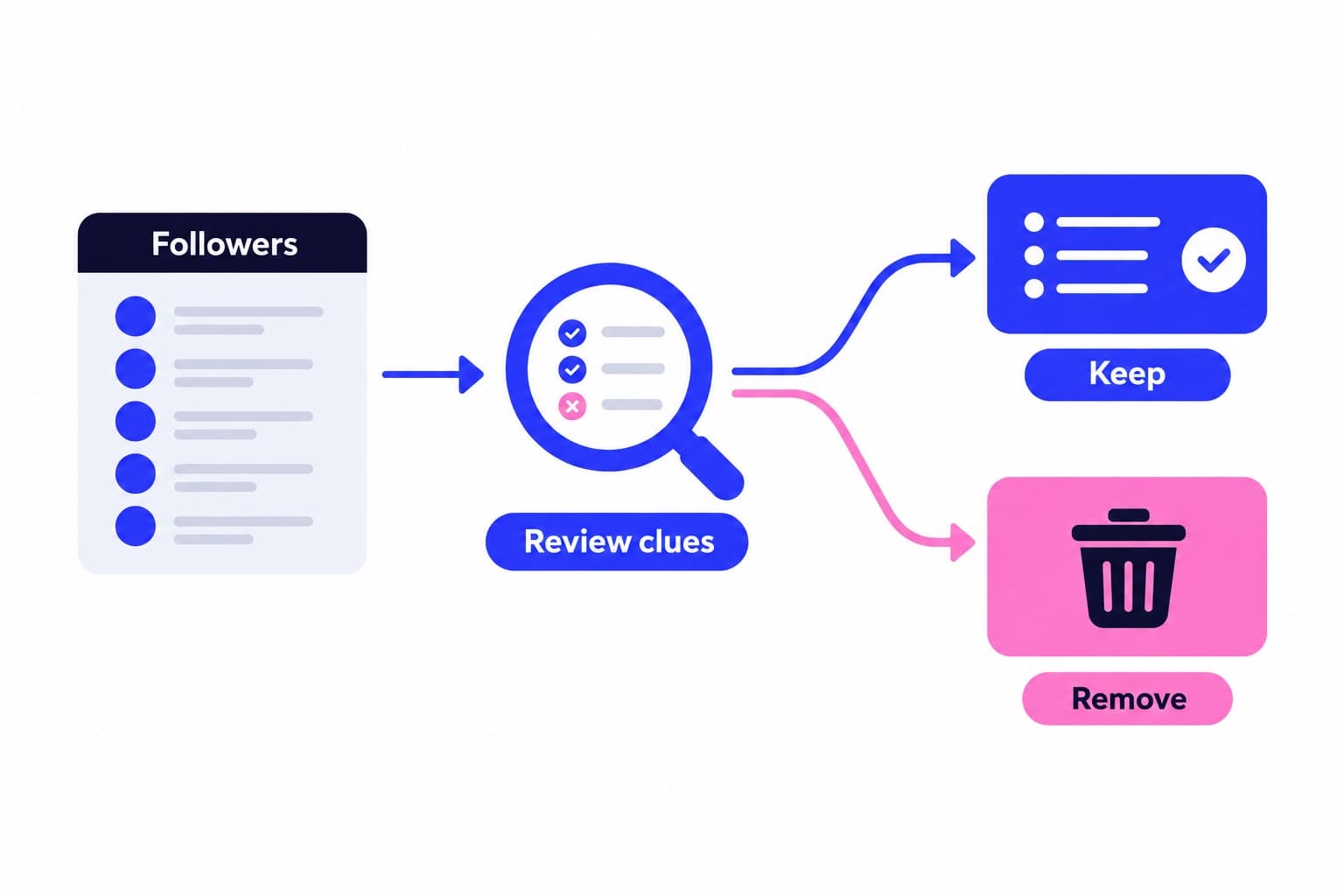
Checker apps give you a percentage, but I'd rather see the profiles myself. Open Followers on your profile and work through 50 accounts: 20 from the top of the list (your newest), 15 from the middle and 15 from the bottom. Mixing ages matters, because your newest and oldest followers can look very different.
Open each profile instead of judging the thumbnail, and score it with the sheet below. Don't tap links in a suspicious bio just to check where they go.
- 0 to 1 points: keep. Plenty of real people lurk with empty profiles.
- 2 points: leave it for now and look again next month.
- 3 points or more: remove it, and block it if it also spams your comments or DMs.
| Signal | Count it when | Points |
|---|---|---|
| Profile photo | Missing, stock or AI-looking | 1 |
| Posts | 0 to 10 posts, none recent | 1 |
| Follow ratio | Follows 1,000+, has under 50 | 2 |
| Username | Random letters and digits | 1 |
| Comments | Generic emoji or link spam | 2 |
| Following count | Close to the 7,500 cap | 1 |
Read your audit result
Count how many of your 50 scored 3 or more and turn it into a share. Eight out of 50 is 16%, and on a 5,000 follower account that points to roughly 800 accounts worth reviewing. There's no official benchmark for a normal share, so the number I watch is the trend: run the same audit a month after cleanup and you want it lower.
If you'd like a second opinion on the whole list, Ganicly's free Instagram audience-quality tool checks your engagement against accounts your size, and the follower ratio checker shows whether your own profile reads as healthy to a brand at a glance. Use the scores to decide where to look first, then confirm by opening the profiles.
Remove bot followers with Instagram's own tools
Start with whatever Instagram has already caught for you. Depending on your app version you'll see a Potential spam list or a Flagged for review notice at the top of your follower list; some accounts don't have either yet.
- Tap Profile or your profile picture in the bottom right, then tap your follower list.
- If you see Potential spam, tap it, then tap Remove all spam followers and confirm with Remove.
- If you see Flagged for review instead, tap it and choose Remove all, or tap Remove next to single accounts.
- Spot a real person in there? Tap Options next to the account, then Not spam or irrelevant.
- For bots Instagram missed, go back to Followers, tap X next to the account, then tap Remove.
- For accounts that keep coming back or spam your comments, open the profile and block it.
What happens after you remove them
Removal is silent. Instagram doesn't tell the account, and flagged followers you remove drop out of both your follower count and your list. If you see a warning that you've been limited, pause for the day and pick it up again later rather than switching to a third-party mass-removal app.
Your count goes down, and with the same interactions on a smaller base, your engagement rate goes up. I'd screenshot your follower total and average likes before you start, so you can compare a week later.
Keep new spam accounts from following you
Cleanup lasts longer when the filters stay on. Go to Profile, tap Menu, then Settings and privacy, then Followers, and make sure the toggle next to Filter spam followers is on. On accounts with the newer flagging system, the switch lives under Menu, then Follow and invite friends, where Flag for review should stay on.
With filtering on, follows from flagged accounts reach you as requests even when your profile is public. Tap Confirm to approve one or Delete to deny it, or simply leave them: anything you don't approve within 30 days is declined automatically. Try not to flip between public and private to fight spam, since Instagram can put a temporary limit on approving follow requests if you switch too often.
Grow again after the cleanup
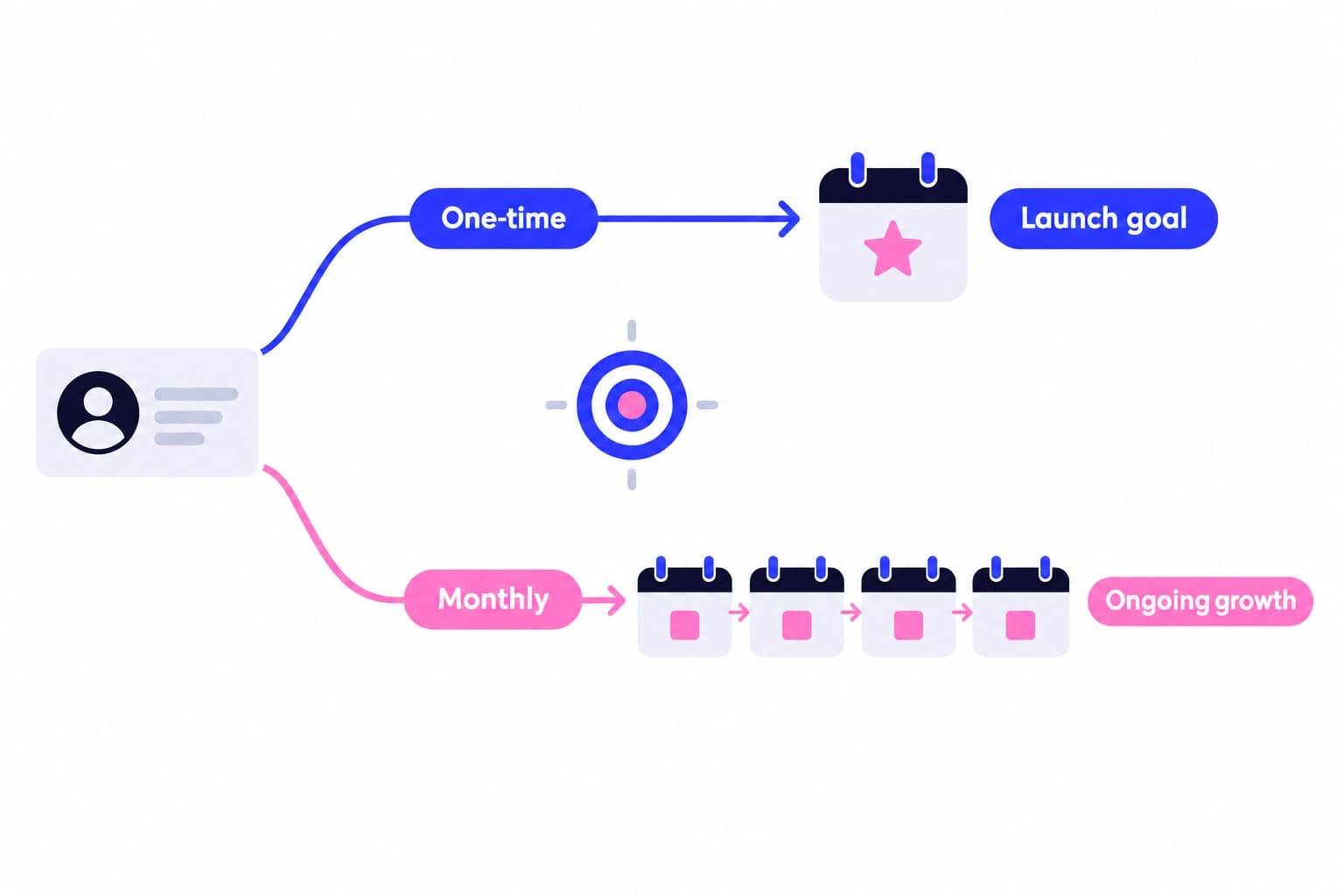
Once the list is clean, your numbers describe the audience you actually have. That's the right moment to add steady, targeted growth. Ganicly's Instagram growth plans promote your public profile to a targeted audience you define, at a steady pace.
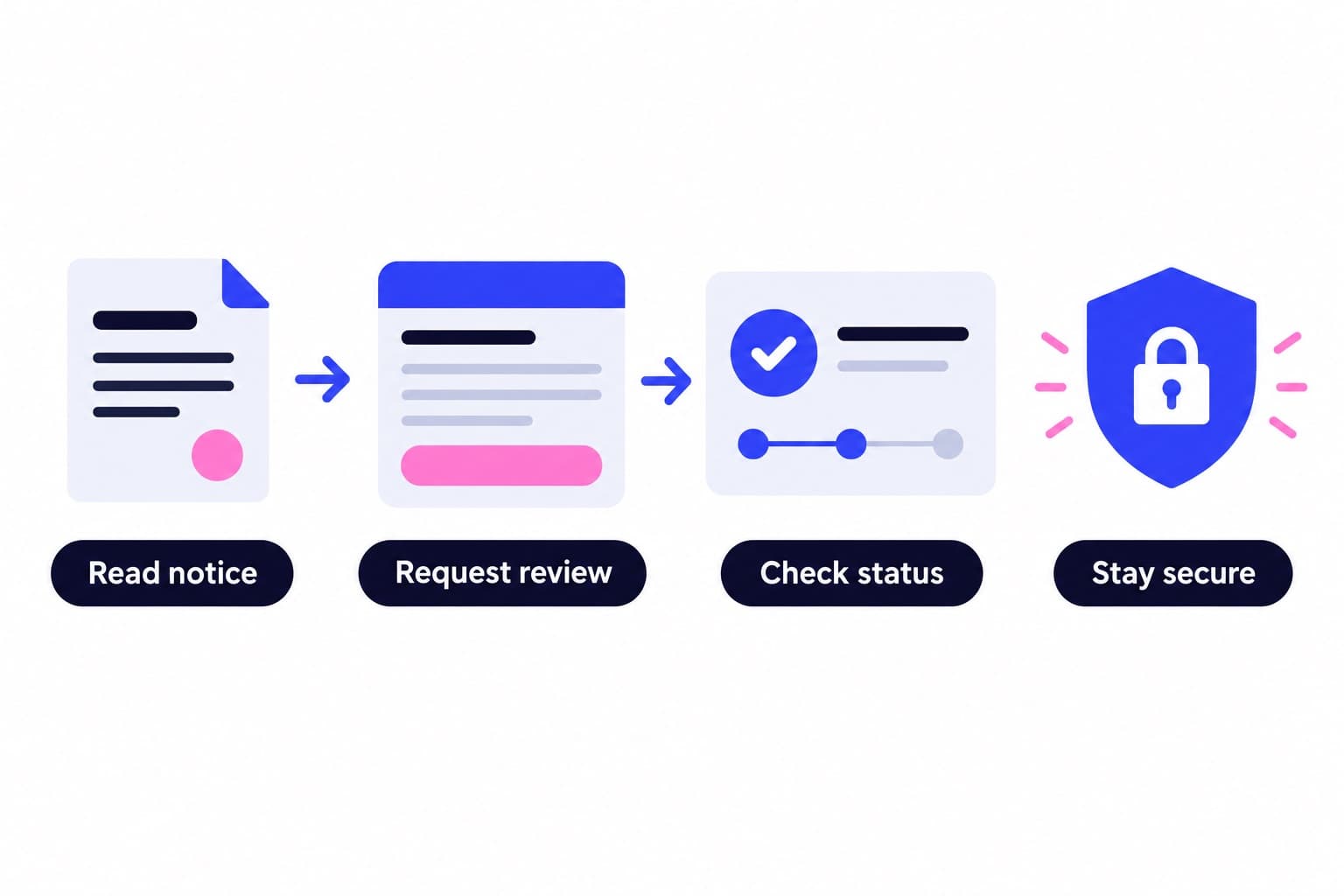
You can see the targeting and delivery pace step by step on how it works. It runs on your public username only and never asks for your password, and our safety page explains exactly what we do and don't touch. Run your 50-follower audit again after the first month and compare the scores.
Questions
Can you get bot followers on Instagram?
Yes, most public accounts pick some up, usually without doing anything. Spam accounts mass-follow public profiles to look active, and they land in your list on their own. Instagram now filters many of them into a Potential spam or Flagged for review folder, where you can remove them in one tap or approve the ones that turn out to be real.
Is it illegal to bot followers on Instagram?
No, having bot followers isn't a crime for an ordinary account owner. Instagram treats them as inauthentic activity and removes them over time, which is why clearing them out with the steps above keeps your follower list clean.
How can I get 1000 followers on Instagram?
Post consistently in one clear niche, lead with Reels, and give people a reason to follow in your bio and captions. You can add targeted promotion on top, such as a monthly growth plan that shows your profile to a targeted audience at a steady pace. Keep the spam filter on along the way so spam accounts don't pad the count.
How can I tell if Instagram followers are fake?
Open the profile and look for several signs together: no photo, almost no posts, following thousands of accounts while having very few followers, a username of random letters and digits, or generic emoji comments. One sign alone means little, since real people lurk too. Three or more points on a simple scoring sheet is a good cue to remove the account.
Do bot followers hurt your engagement rate?
Yes, because they raise your follower count without adding likes, comments or shares, so any rate calculated per follower looks lower than it should. Instagram also says flagged accounts can affect your discoverability. Removing them usually lowers your total and lifts your engagement rate, which is the number brands and your own analytics care about more.
How many bot followers can I remove at once?
For accounts Instagram has flagged, as many as the folder holds, because Remove all clears the whole Potential spam or Flagged for review list in one go. Instagram doesn't publish a cap for manual removals, so I work in sittings of about 50, matching the audit sample, and stop for the day if the app shows a limit warning.